AI Tool
What is it?
Coddy is a Duolingo-style platform for learning to code — a few minutes a day, bite-size lessons, and real code from the very first lesson. No long lectures, no thick books: a code editor opens right in your browser, you write code, and test cases instantly tell you whether it worked.
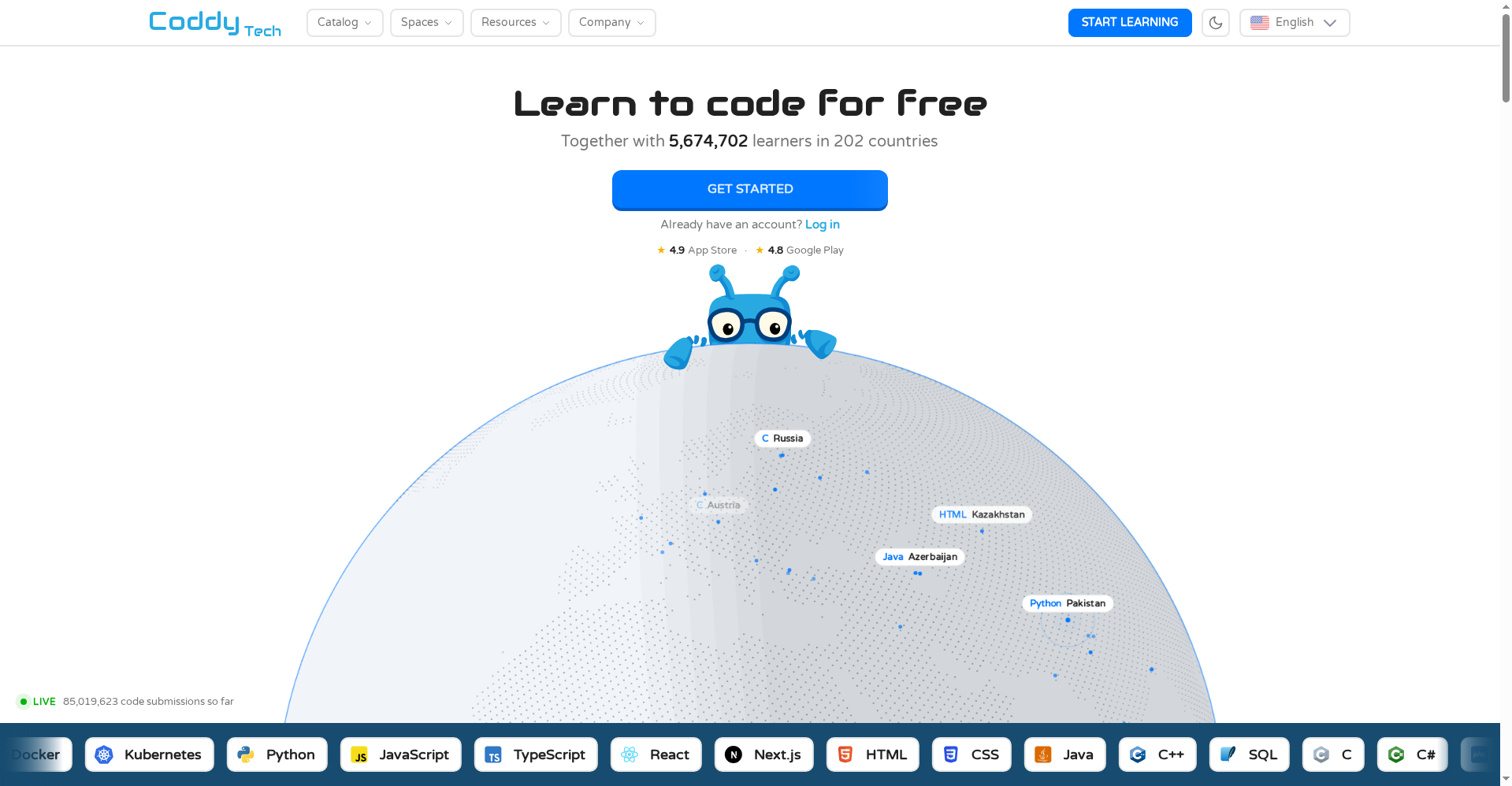
Founder Barak (one of three founders) shared the honest backstory on Product Hunt: none of them enjoyed how they learned to code, but everyone around them stuck with five minutes of Duolingo a day — so in 2023 they applied that formula to coding. It worked: 5M+ learners, 20+ languages, 100+ courses, and 100K+ code submissions a day. The homepage’s live counter showed roughly 5.67M learners across 202 countries at review time.
Coddy launched on Product Hunt on October 6, 2026 — and here’s a fun detail: its largest user base is in India (about 13.8% of traffic), ahead of the US. So this review is directly relevant to aitoolgyaan’s readers.
Standout features
1. Learn by Doing — real code, not fill-in-the-blanks
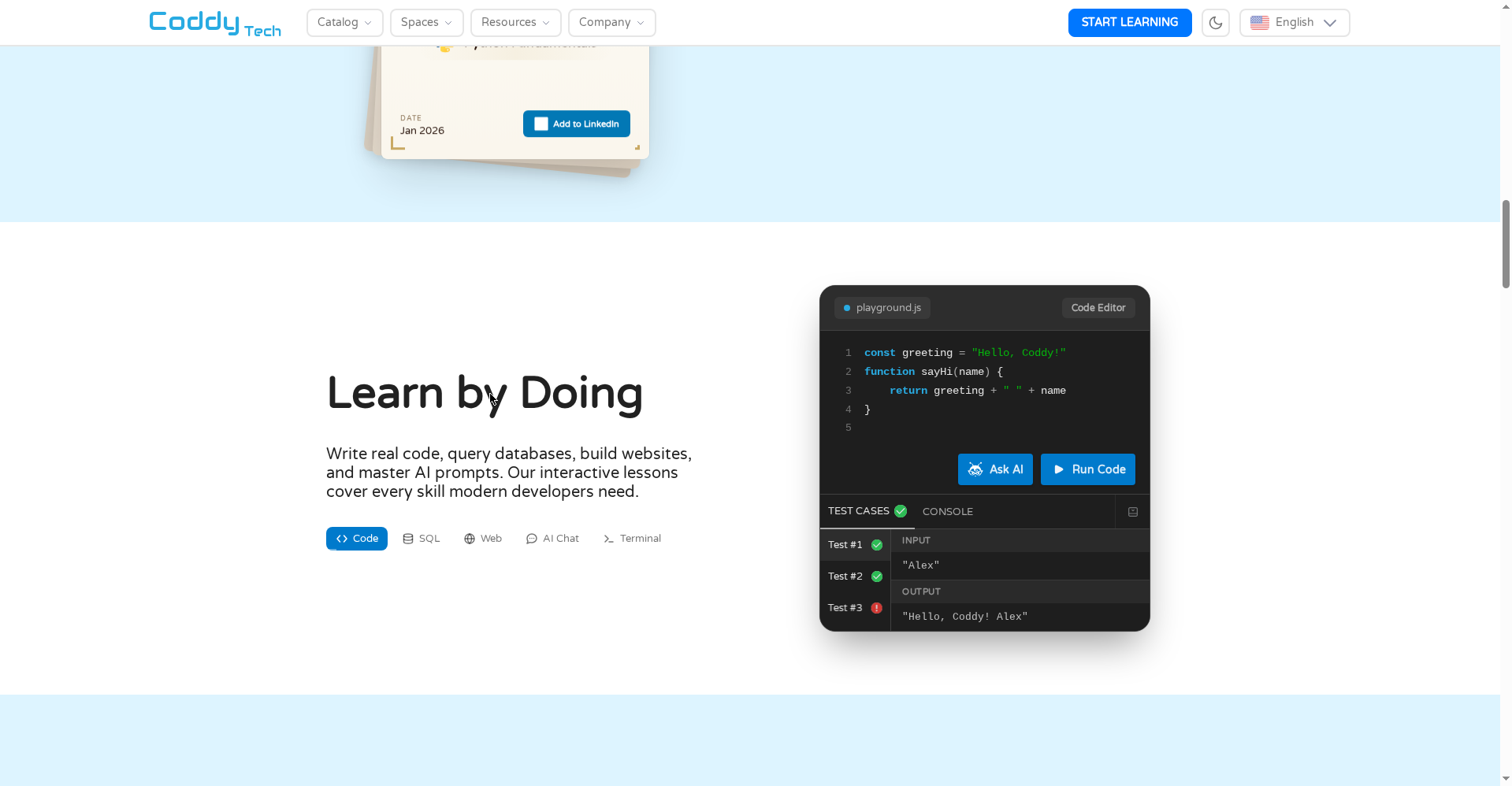
Coddy’s core promise: “Write real code, query databases, build websites, and master AI prompts.” Everything runs in the browser, zero setup. The demo shows a JavaScript snippet where you edit code and tests light up green (two pass, one fails) — genuine execution, not tap-to-complete exercises.
2. Bugsy — an AI tutor that doesn’t spoon-feed
Bugsy is Coddy’s AI tutor. Stuck on an error? Ask why it happened — it explains and nudges, it doesn’t paste the solution. That matters: the biggest enemy of beginners is copying answers from AI. And it ships on the free plan (with a daily limit).
3. Streaks, XP, leaderboards — the full Duolingo formula
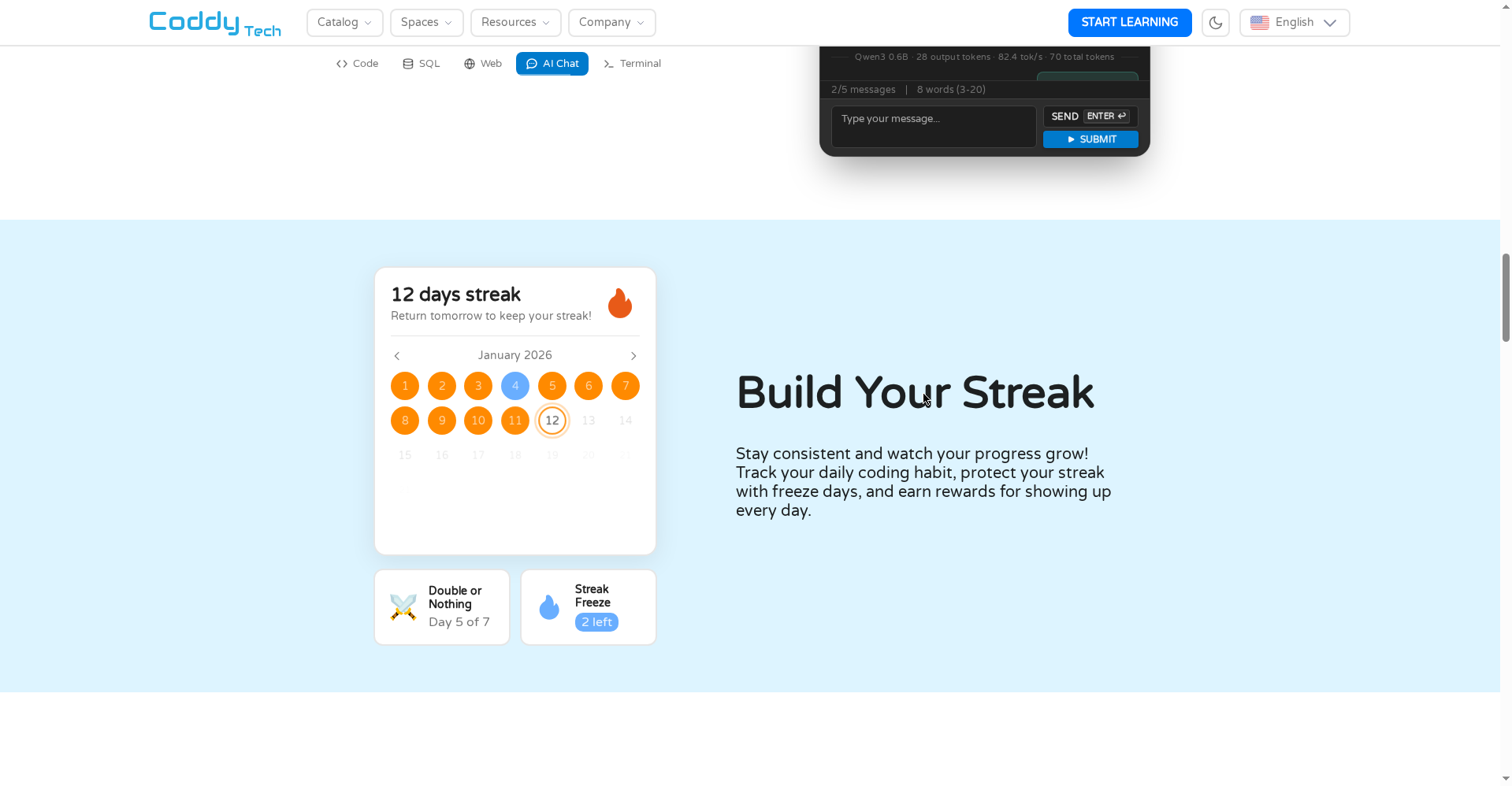
Daily coding streaks, XP points, leaderboards, streak freeze (protect your streak on off days), and “Double or Nothing” challenges. 90% of people who “learn to code” quit on consistency, not content — Coddy attacks exactly that problem. Weekly coding challenges keep it fresh.
4. Roadmaps — “learn for a job, not just a language”
The site’s roadmaps section promises “free roadmaps that put the courses in the order a mentor would teach them”: software engineering, frontend, backend, data analysis. Pick a goal and the courses arrive in a sensible order — first language → Linux/command line → Git → SQL → data structures → algorithms → writing readable code. That kills the classic beginner paralysis of “what do I learn next?”
5. Certificates — free and verifiable
Every completed course earns a verifiable certificate, downloadable as PDF with one-click LinkedIn add. Coddy’s own comparison pages (Codecademy, Mimo, Coursera) claim certificates are free-tier — while competitors charge for them.
Bonus: mobile-first, even offline
iOS and Android apps — 4.9 on the App Store, 4.8 on Google Play. The “Code Anywhere” section sells the vision: no setup, no downloads, Python on the bus. The Play listing confirms offline learning and 9 supported app languages.
Pricing — how much is free, really?
Per the official site:
- Free: Everything is free to use — all courses, 20+ languages, the AI tutor, certificates. No credit card. The catch is a daily energy limit (plus a daily cap on Bugsy). Learn a little every day; marathon sessions are off-limits.
- Premium (Pro): Removes the energy limit — learn as much as you want. The exact monthly price isn’t clearly published on the official site; the launch offer gives 50% off, applied automatically for Product Hunt visitors and valid 72 hours after signup. Confirm the final price at checkout.
- Coddy for Teachers: $649.99/year — for schools; every student gets full Pro, unlimited Bugsy, classes + gradebook + reports. Free to try with up to 35 students.
For context: Coddy’s own blog compares against Codecademy Pro ($18–24/mo billed annually) and Mimo Pro ($10–13/mo) — Coddy’s free tier is notably more generous than both.
Who should use it — and who shouldn’t
- Absolute beginners / students: Want to learn Python or a first language, can spare 15–20 minutes a day — the free tier alone is enough. The streak system builds the habit.
- Career switchers: The roadmaps (frontend/backend/data analysis) give mentor-like structure without a mentor.
- Mobile learners: Commute-friendly apps with 4.9/4.8 ratings and offline support.
- Teachers: The classroom plan’s gradebook and autograded classes look genuinely practical.
- Skip it if: You’re already an advanced developer — the bite-size format will feel shallow. Or if you learn best from long video lectures — this is aggressively hands-on.
Final verdict
Coddy is doing for coding education what Duolingo did for languages: it turned the real obstacle (consistency) into a game. The free tier is genuinely generous — every course, every language, the AI tutor, and certificates without a card. 5M+ learners and 4.9/4.8 app ratings are real traction, not just marketing. And Bugsy’s “explain, don’t paste” philosophy is the right call for beginners.
Half a star off because: (1) the free plan’s daily energy limit will frustrate serious learners, (2) Premium’s exact price isn’t published before signup, (3) bite-size lessons alone can’t claim to make you job-ready — you’ll need to build real projects yourself, and (4) India is its biggest market, yet Hindi support isn’t officially confirmed.
Our rating: 4/5. If you tried coding once and quit — or keep saying “I wish I’d learned” — start free. There’s nothing to lose except the streak you haven’t built yet.
Note: This is a first-look review based on the official site (coddy.tech) and Product Hunt launch-day information. We’ll update it after hands-on testing.