AI Tool
What is this tool?
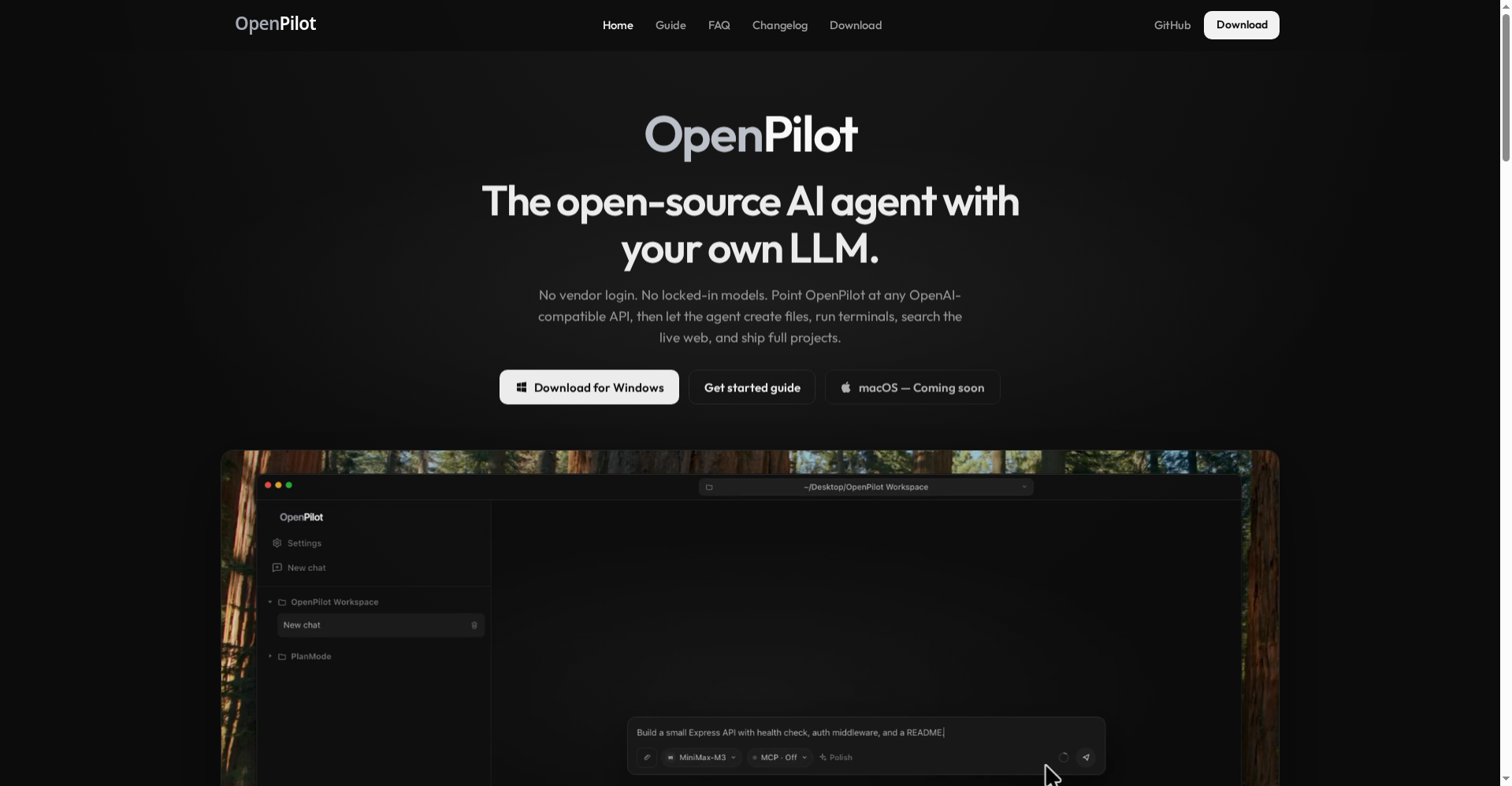
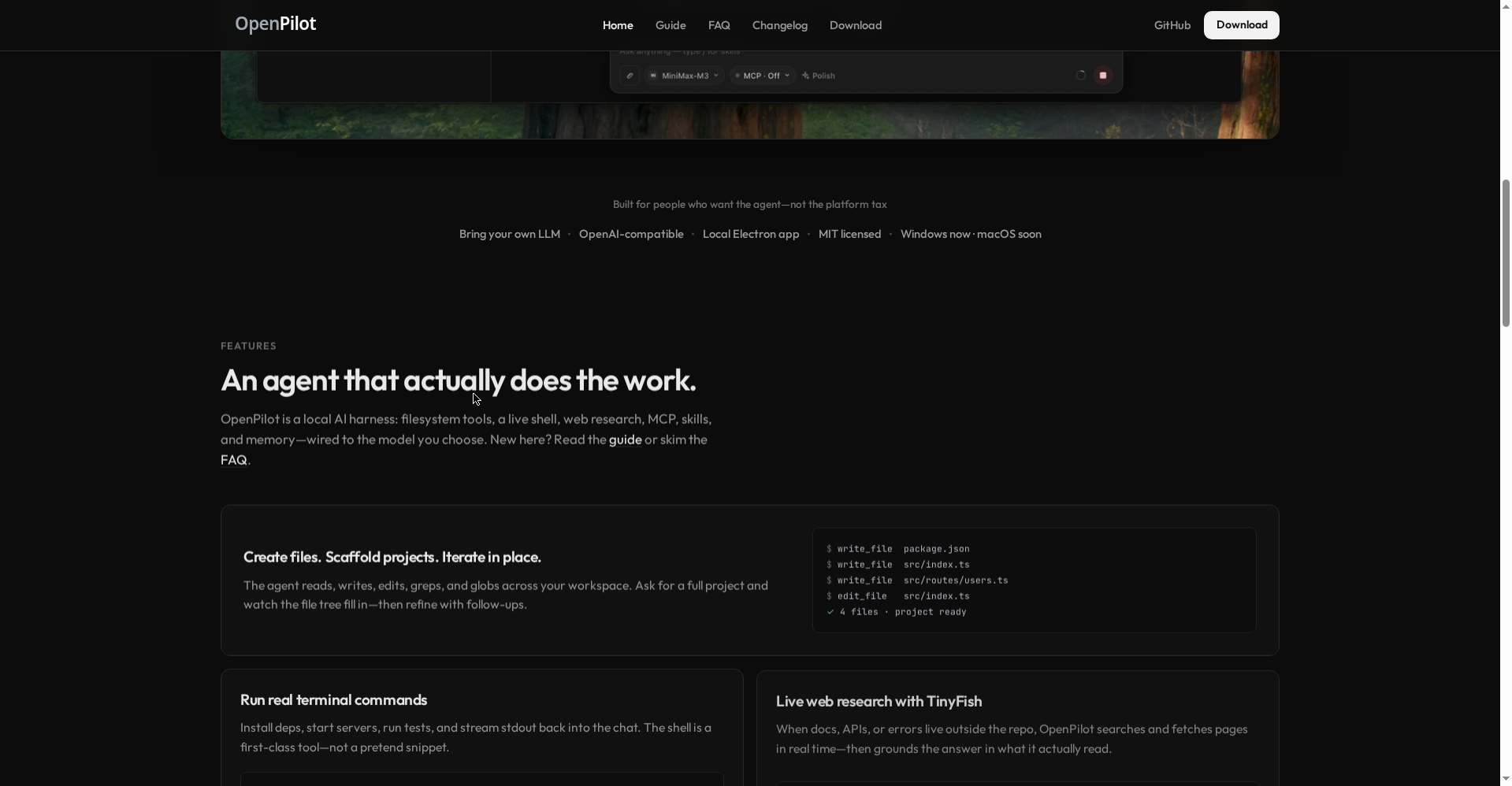
OpenPilot is an open-source desktop AI agent that launched on Product Hunt on 10 October 2026. Its pitch is simple: “Bring your own LLM.” You plug in any OpenAI-compatible model — OpenAI, OpenRouter, local Ollama/LM Studio, or your own gateway — and the agent does work through it: reading and writing files, running terminal commands, searching the live web, and shipping full projects.
The tagline says it all: “Built for people who want the agent — not the platform tax.”
Key features that set it apart
1. An agent that actually does the work
OpenPilot is a “local AI harness”: filesystem tools (read, write, edit, grep, glob), a live shell (run npm test, start servers — stdout streams back into the chat), and live web research (search plus page fetch, with cited answers). Ask for a whole project and watch the file tree fill itself in.
2. Bring your own model — zero lock-in
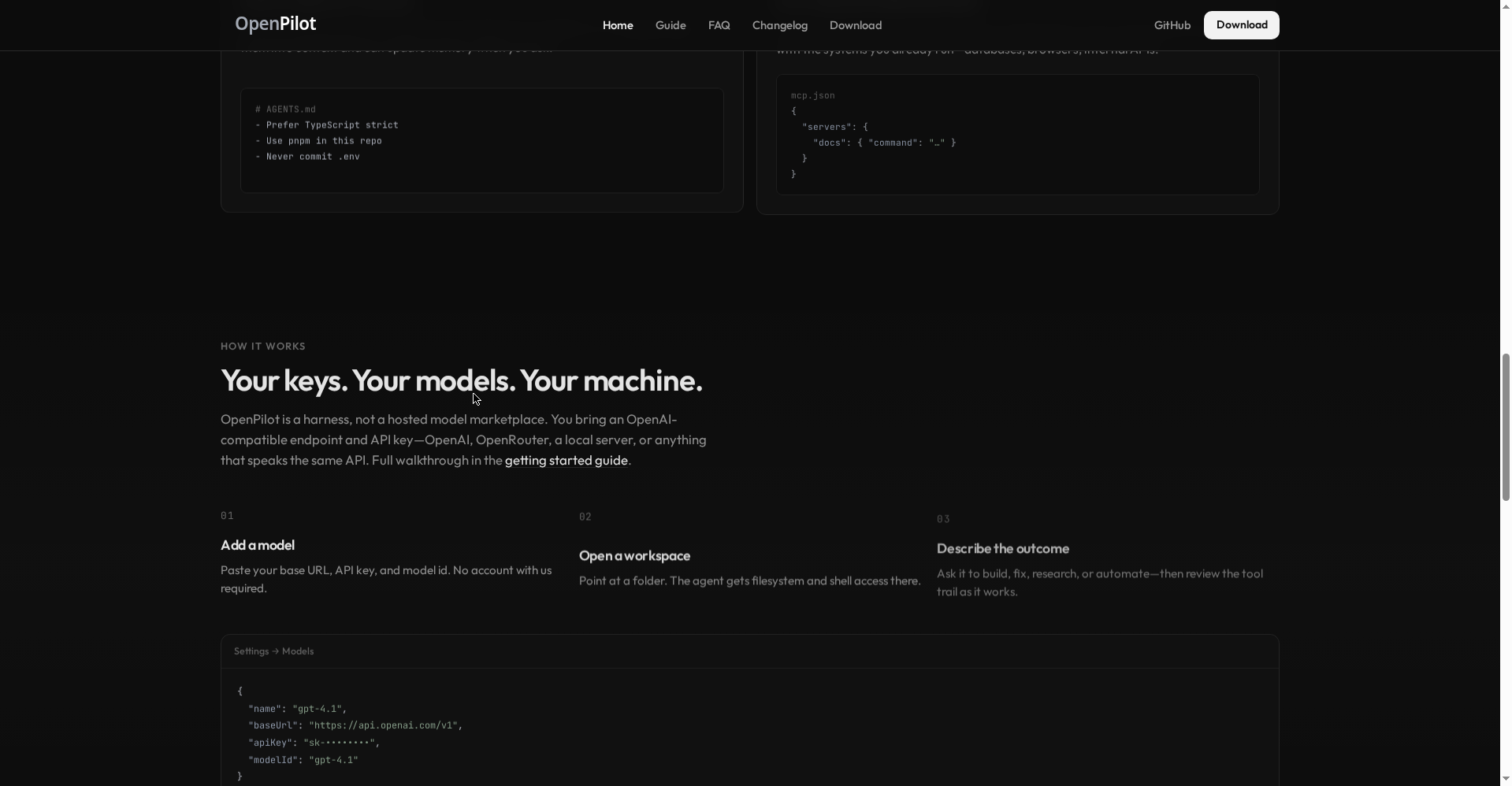
Paste a base URL, API key, and model ID in settings. No OpenPilot account, no locked models. Switch providers without rewriting your workflow. Session and lifetime token usage are tracked in-app, so you always know what you spent.
3. Skills and long-term memory (AGENTS.md)
Drop reusable playbooks in as skills, and persist preferences in AGENTS.md — e.g. “prefer TypeScript strict, use pnpm in this repo” — which the agent loads into context and can update when you ask. This is a power-user feature most new tools skip.
4. MCP support
Connect Model Context Protocol servers via mcp.json and toggle them per chat. Your databases, browsers, and internal APIs become the agent’s tools.
Pricing — what does free get you?
The model here is refreshingly simple:
- App: completely free. Open-source under the MIT license. No account, no subscription, no “Pro tier”.
- Model: your choice. Use a cloud API (OpenAI/OpenRouter) and billing goes to your own key. Point it at local models (Ollama/LM Studio) and it’s entirely free — everything runs on your machine.
Per the official FAQ, smaller local models handle scaffolding well, though longer refactors usually want a larger model. For students, OpenPilot + a local model is a genuinely zero-cost AI agent setup.
What about privacy?
This is a strong point: there are no servers. OpenPilot has none — your API keys live in OS-level secure storage (Keychain on macOS, DPAPI on Windows) and the app runs fully locally. One honest caveat from the launch log: anonymous usage stats are on by default (no chats, files, or keys — and you can switch them off in Settings).
Platforms
- Windows 10+ (x64): installer and portable executable — available now
- macOS (Apple silicon + Intel): coming soon
- Linux: not yet (a CLI/TUI is mentioned on the roadmap)
Who should use it — and who shouldn’t
- Students & freelancers: A free agent setup — pair with a local model for a zero-cost coding/research assistant.
- Privacy-conscious developers: No cloud account, everything local, and the GitHub repo is open to audit.
- Existing API key holders: If you already use OpenRouter or OpenAI, here’s one harness for all your models.
- Mac-only or non-technical users: Wait a bit — macOS isn’t out yet, and setup leans technical.
Final verdict
OpenPilot is a strong example of a philosophy we repeat often: your agent, your model, your machine. No subscription trap, no data lock-in. The feature set is serious — file ops, a real terminal, web research, MCP, memory — this feels bigger than a hobby project. Half a point off: it’s Windows-only, the installer is unsigned, and it launched hours ago, so the track record is zero.
Our rating: 4.0/5. If you’re on Windows and want to bring your own model, the Product Hunt launch is a good excuse to try it.
Note: This is a first-look review based on the official site (openpilot.in), its FAQ, and launch information. We’ll update it after hands-on testing.