AI Tool
What is this tool?
Cuey is a Chrome extension that fixes a simple but expensive problem: AI answers sometimes sound completely convincing — and turn out wrong. Getting a second opinion today means copying your prompt into ChatGPT, Claude and Gemini one by one. Tedious.
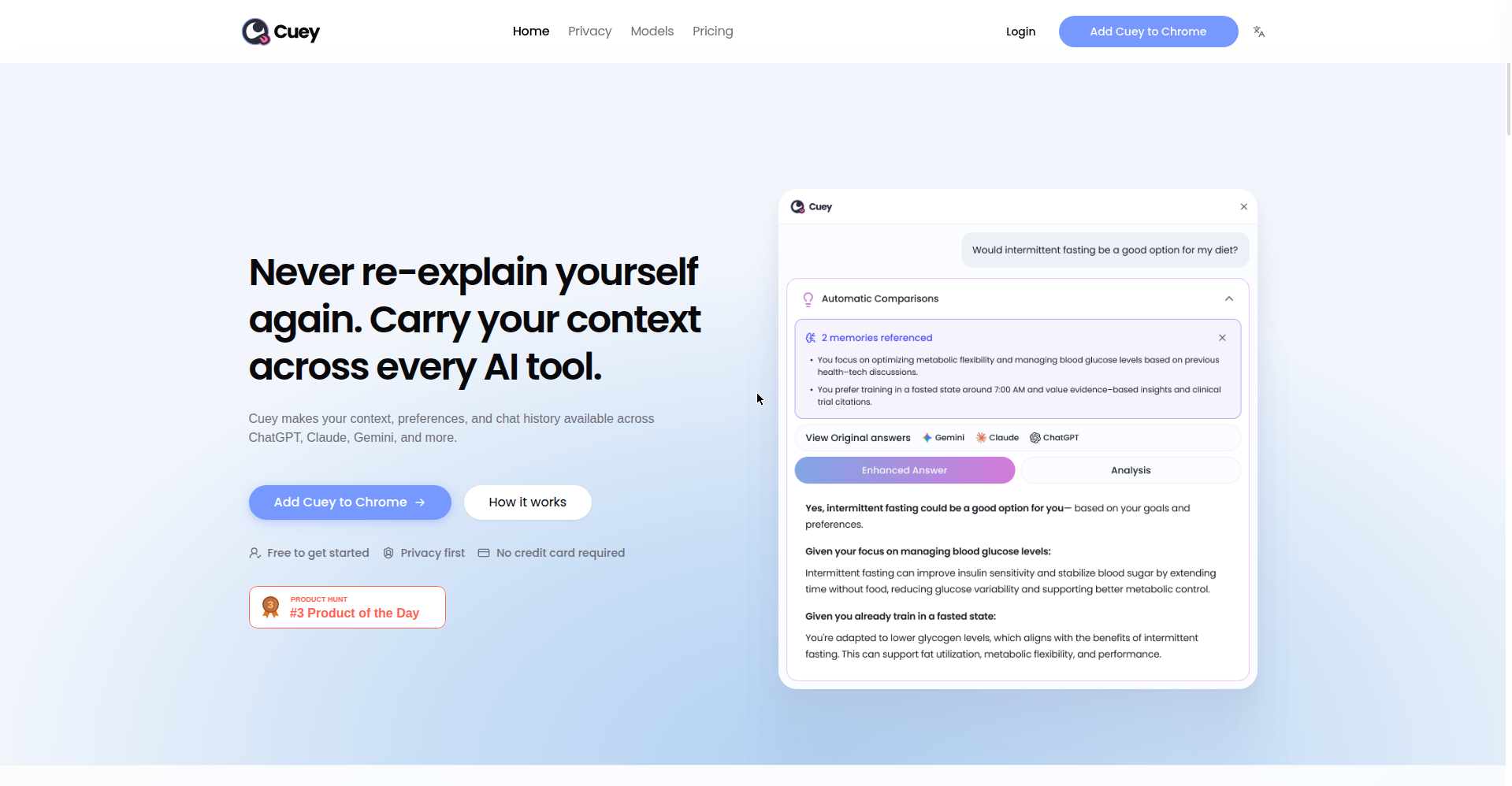
It’s built by Llama Valley Inc (Delaware, USA), and the homepage headline is blunt: “Never re-explain yourself again. Carry your context across every AI tool.” You stay inside the AI tool you already use; Cuey compares answers from other models in the background. It launched on Product Hunt on September 28, 2026 — the homepage even carries a #3 Product of the Day badge.
Standout features
1. Side-by-side comparison in one workflow
You prompt in ChatGPT, Claude or Gemini — Cuey runs the same prompt across other models in the background and shows where answers converge and diverge, right in a sidebar. No more tab ping-pong.
2. Disagreement highlights
Putting two answers next to each other isn’t enough — Cuey flags meaningful disagreements and surfaces when another model may have the better answer. That’s the genuinely useful bit: a second pair of eyes before you act on an AI answer.
3. Portable memory and prompt workflows
Your context travels from one AI tool to another, so every second opinion is grounded in the information that actually matters. There’s also a prompt library, so good prompts are reusable.
4. 50 AI models, no paywall
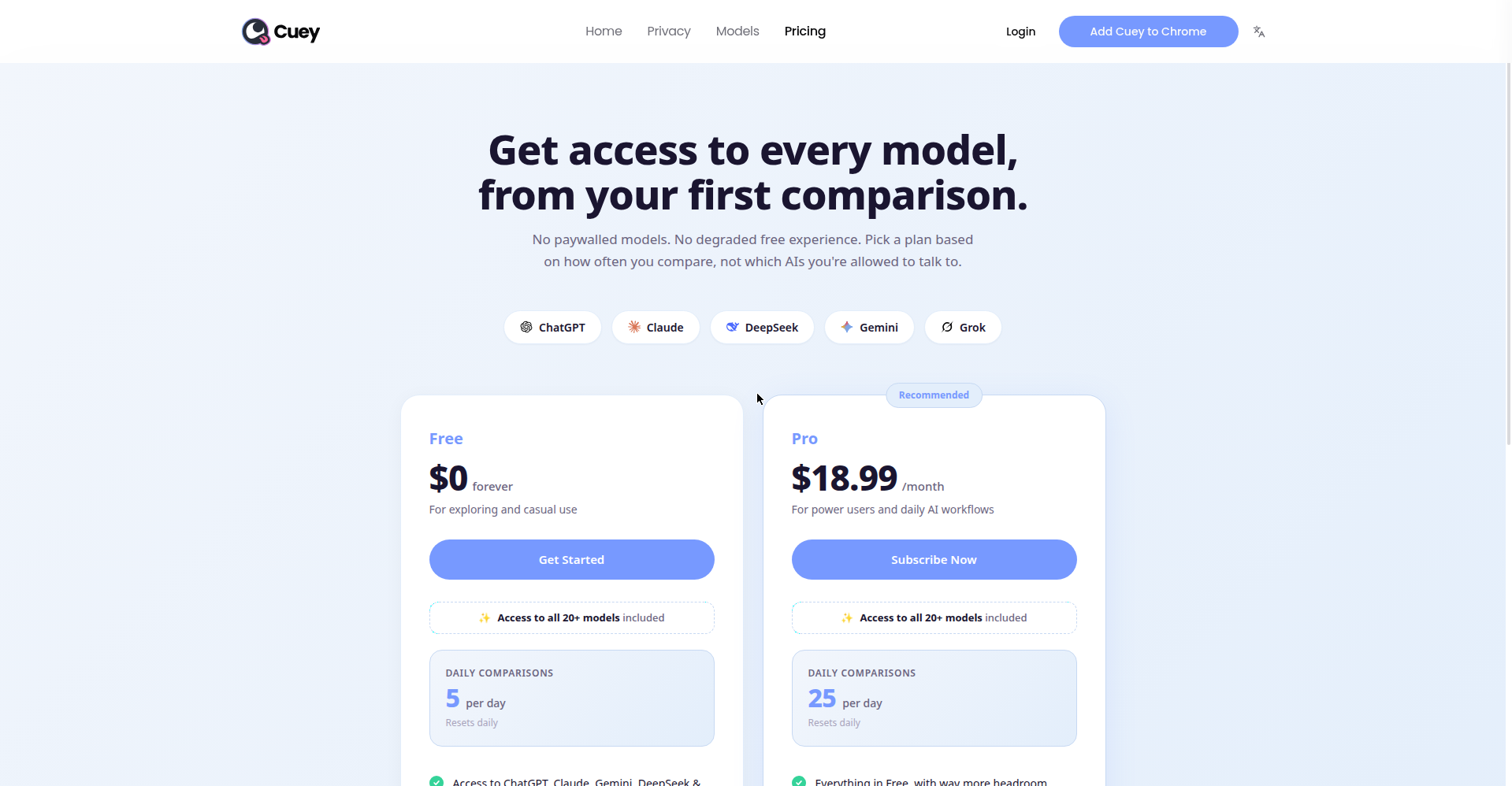
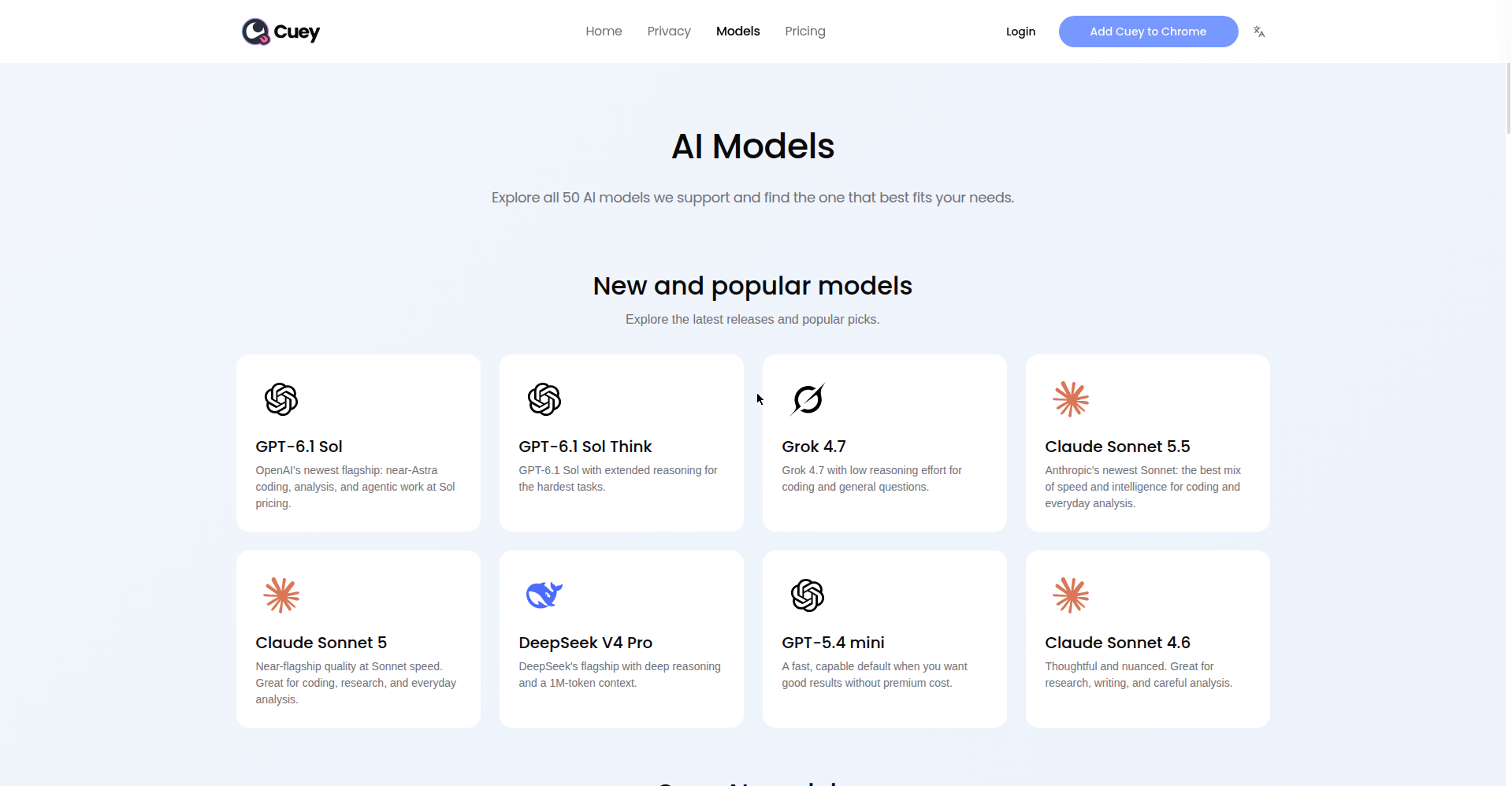
The official site’s claim is unambiguous: “No paywalled models. No degraded free experience.” The models page lists 50 AI models — GPT-6.1 Sol, Claude Sonnet 5.5, Grok 4.7, DeepSeek V4 Pro, Gemini and more. Match model capability to the task; the pricing card mentions “access to all 20+ models included.”
Pricing — what do you get free?
Per the official pricing page:
- Free ($0 forever): 5 comparisons per day (resets daily) — for exploring and casual use. All models included.
- Pro ($18.99/month, Recommended): 25 comparisons per day, priority access, and 500MB of file storage — for power users and daily AI workflows.
What about privacy?
The Chrome Web Store listing has the developer’s declaration: data is not sold, and it’s used only for the extension’s core functionality (model comparison and context features). The extension needs page-content access to do the comparison — expected for what it does.
Platforms
- Chrome extension (on the Chrome Web Store, version 0.1.20.10)
- Nothing mentioned about Firefox/Safari — Chrome-only for now
- 8 languages supported per the Web Store listing
Who should use it — and who shouldn’t
- Students & researchers: Cross-checking an AI answer before trusting it — this is built for that.
- Developers: Run the same code question through several models — what one misses, another catches.
- Writers & creators: See multiple phrasings and angles on one topic at once.
- Casual users: If you only ask AI the occasional question, this is overkill.
Final verdict
Cuey is the most practical attempt at AI comparison we’ve seen — it doesn’t open another app, it works inside your existing workflow. Free install, no credit card, no account: zero friction to try. One star off: the free plan caps at 5 daily comparisons (daily power users need Pro at $18.99/month), it’s Chrome-only, and it’s brand new.
Our rating: 4/5. If you work with AI daily and don’t want to trust a single answer blindly — there’s no downside to trying it free.
Note: This is a first-look review based on the official site (cuey.io), the Chrome Web Store listing and Product Hunt launch information. We’ll add a hands-on update after testing it ourselves.