 AI Tool
⚡ The 30-second verdict
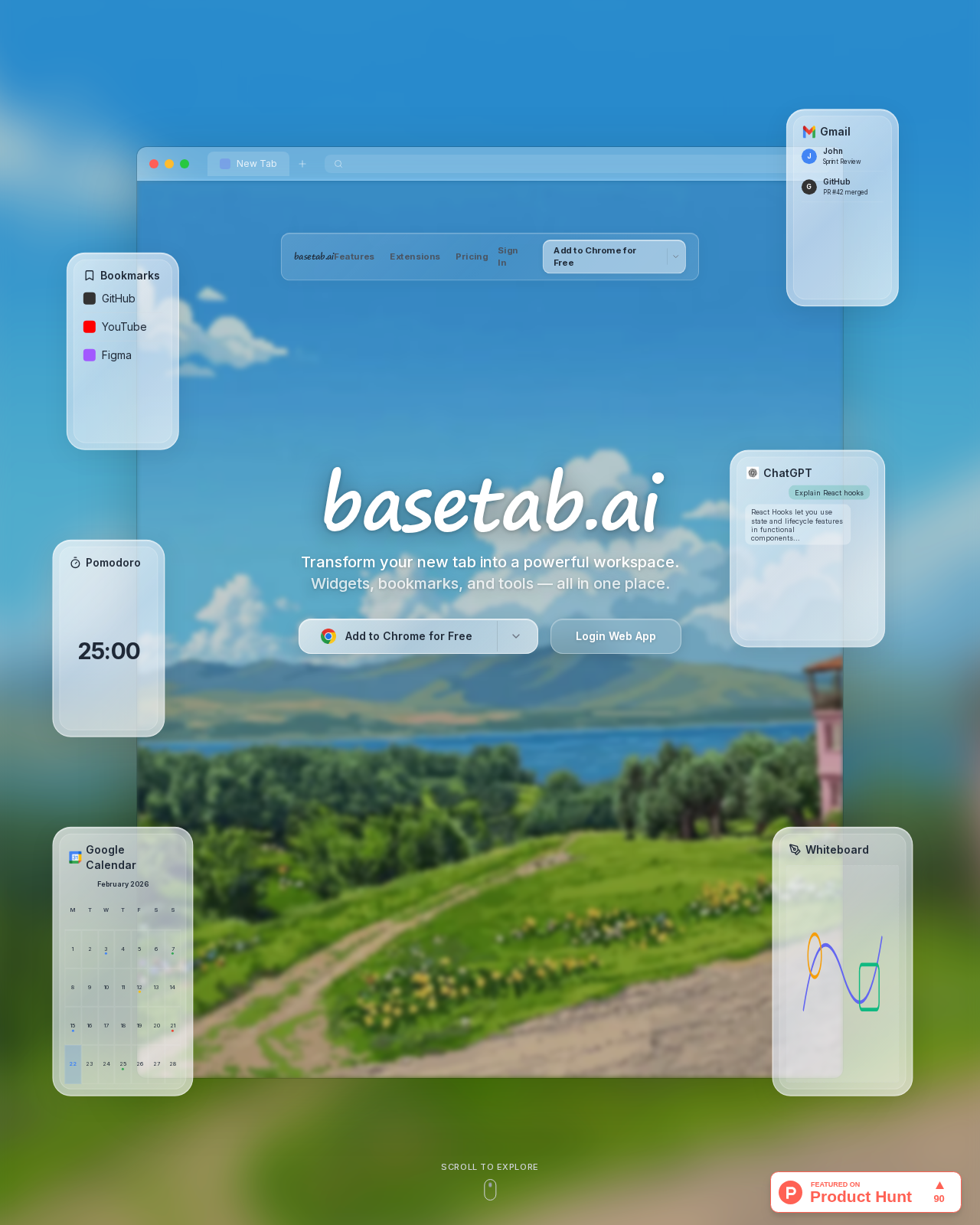
BaseTab AI turns your browser’s empty new tab into a full workspace — 30+ widgets (notes, to-dos, Kanban, Pomodoro, bookmarks, Gmail, Google Calendar), an AI widget builder (describe a widget that does not exist, AI builds it) and Claude, ChatGPT and Gemini in one widget. The free plan is free forever — one workspace, every built-in widget, no account and offline use. Launched on Product Hunt on 29 October 2026. But Pro pricing is not clearly listed, the free plan covers only one workspace, cloud sync is Pro-only and AI chat needs your own API key or credits. If you open dozens of new tabs a day and are tired of tab-switching, try it free today; if you want a perfectly minimal, calm start page, this is not your tool.
What is it?
How many times a day do you open a new tab? One tab for the calendar, another for Gmail, a third for notes, a fourth for AI chat — and every time, the same empty page or a list of frequently visited sites.
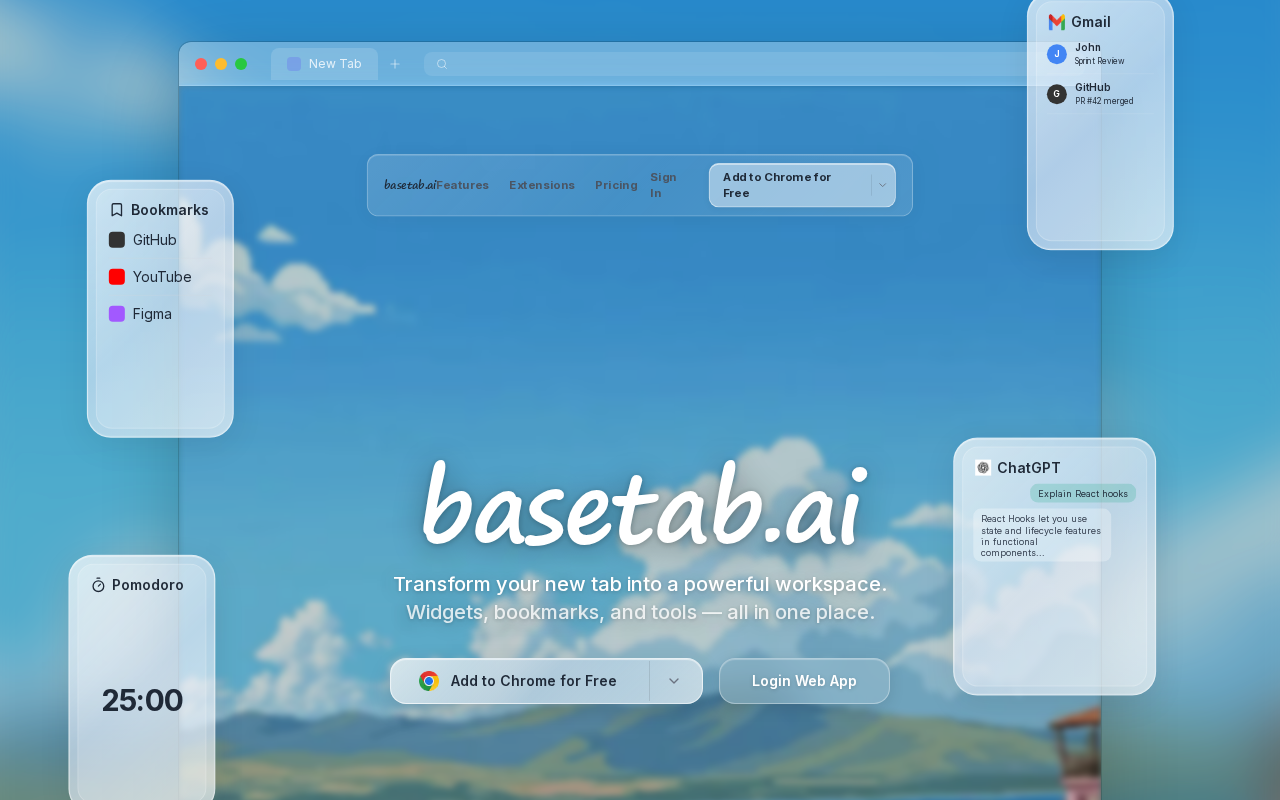
BaseTab turns that wasted space into a working space. It is built by Bugrahan’s team, and the pitch is simple: “Transform your new tab into a powerful workspace.” Open a new tab and your day is in front of you — work, calendar, mail, notes, AI — all on one page, arranged your way.
Key features (what makes it different)
1. 30+ widgets on a free-form grid
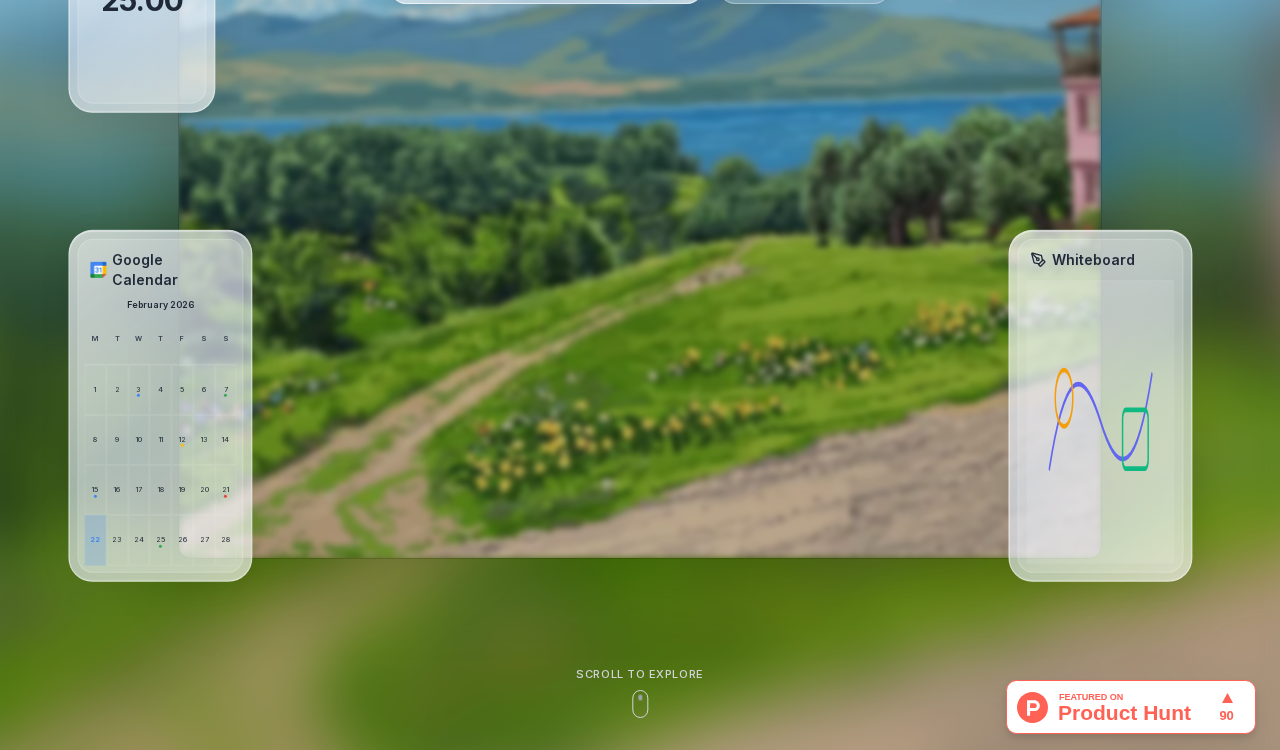
Notes, to-do lists, a Kanban board, a Pomodoro timer (the classic 25:00), bookmarks, weather, news, GitHub, Spotify — all widgets. Drag each widget anywhere, resize it to any size. The layout saves automatically.
2. AI widget builder — build what does not exist yet
This is the most distinctive feature. If the widget you want is not in the built-in list, describe it in plain words — the maker’s example: “a minimal countdown to Friday” — and AI builds it. It runs in a sandbox, and after it is built you can edit or regenerate it. Your dashboard grows with your work instead of waiting for the next update.
3. Claude, ChatGPT and Gemini — in one widget
No need to open separate AI sites. One widget lets you chat with Claude, ChatGPT and Gemini — with your own API key or BaseTab AI credits. Asking AI a question while writing notes on the same page is the real payoff here.
4. Google work on the same page
Gmail and Google Calendar connect as widgets — a glimpse of mail and today’s meetings right on the new tab. The search widget lets you pick Google, Bing, DuckDuckGo or Wikipedia. One widget can also hold multiple tabs — weather for several cities, clocks for different timezones, or parallel AI conversations — without cluttering the page.
5. No account, offline, and privacy-first permissions
It asks for no account at install — start using it immediately. Data is cached locally, so the new tab opens offline too and syncs when you reconnect. Permissions are equally clean: install asks only for basetab.ai access; permission for another site is requested only when a widget needs it. According to the official FAQ, Google service data is never stored on BaseTab’s servers.
Pricing — how much is free?
- Free — $0, forever: 1 workspace (base), every built-in widget type, free backgrounds. Start with no credit card and no account.
- Pro — price not clearly listed on the site: AI credits for the AI builder, unlimited workspaces, team seats, every theme, and cloud sync across devices. The Product Hunt launch offered 25% off the first month of Pro with code BASETAB25 (until 30 November).
- Enterprise — Contact us: Listed as a contact-us tier in the site’s pricing section.
The honest take: the free plan is not a demo — every widget type free is a big plus. But hiding Pro’s price is not great: you should know the upgrade cost before you commit. And remember the AI cost too — without your own API key or credits, the AI widget is not fully free.
Platforms
- Browser extension: Chrome and Firefox (per the official FAQ); Edge and Safari on the roadmap
- Web dashboard: basetab.ai/dashboard — look around right in your browser without installing the extension
- Workspaces (bases): Separate bases for work, personal and study; shared spaces for your team (Pro)
Who should use it, who should skip it?
- Students: Build a study base — Pomodoro timer, notes, to-dos and calendar on one page; every new tab reminds you to revise.
- Freelancers: Client work, Kanban, Gmail and calendar in one place — start the day from a single tab.
- Creators: Content calendar, notes, Spotify and AI chat on one page — research and writing without switching tabs.
- Teams: A shared workspace (Pro) on one base — but remember, this is not a full project-management tool.
- Not for minimal-start-page lovers: If you only want a photo, a quote and one focus task, a calm tool like Momentum fits better.
- Not for Edge/Safari users (yet): Support is currently Chrome and Firefox only.
Comparison: Momentum / Tabbit / blank new tab
- Momentum: A calm daily focus page — daily photo, quote, one focus task; Plus is about $3.33/month (annual). Calm? Momentum. Workspace? BaseTab.
- Tabbit Browser: A full AI-native browser that does work for you — look there if you want to change browsers; if you only want to change the new tab, BaseTab is enough, no browser switch needed.
- Blank new tab: Free, but does nothing — it wastes the page you open dozens of times a day.
🔍 People also search for
- BaseTab AI free or paid
- BaseTab vs Momentum comparison
- BaseTab AI review 2026
- BaseTab Chrome extension install
- BaseTab AI pricing Pro price
- BaseTab AI login and dashboard
- BaseTab AI alternatives
- BaseTab AI tutorial setup guide
- tabbit browser review
Final verdict
BaseTab turns the most useless page you open every day into the most useful one — and that is its win. 30+ widgets free, AI-built widgets, three major AI models in one place, no-account and offline use — no other new-tab tool gives you that combination for free. So a little more than half a point comes off: Pro pricing not clearly listed, only one free workspace, cloud sync behind Pro, AI needs an API key or credits, no Edge/Safari, and the product is only 3 days old.
Our rating: 4.3/5. If you open dozens of new tabs a day and keep drifting between calendar, mail, notes and AI — go to basetab.ai, open the dashboard, and arrange one base your way. It is free, and it does not even ask for an account — there is nothing to lose by trying it.
Note: This first-look review is based on the official site (basetab.ai), its Product Hunt launch post (29 October 2026) and the official FAQ. We will add a hands-on update after installing and testing it ourselves.


