 AI Tool
⚡ The 30-second verdict
Fleeep is a completely free notes app that keeps your scattered ideas — screenshots, links, voice notes, colour palettes — in one calm place. Save in one tap, search the words inside your photos and voice-note transcripts, and use it on your phone and computer, offline too. It ranked #1 on Product Hunt on 7 November 2026. But it is a capture app, not a full workspace — no long documents and no team collaboration — and the app is only days old, so free forever is not guaranteed. For students, designers, writers and creators whose ideas disappear every day, it is worth trying today; if you need a Notion-style workspace, keep Fleeep alongside it, not instead of it.
What is it?
When does your best idea arrive? Not at your desk — while scrolling on your phone, walking to the shops, or halfway through a video. And then it vanishes: a screenshot in the camera roll, a bookmark in the browser, a voice memo you never listen to again, a tab open for three weeks.
Fleeep is built for exactly that problem. The maker, Lydia, is a product designer — she started building it in August 2026 because she kept losing ideas herself: a colour she liked in a photo, an article she meant to read, a thought she said out loud on a walk. Everything ended up scattered across screenshots, notes apps and saved posts, and she could never find any of it when she needed it.
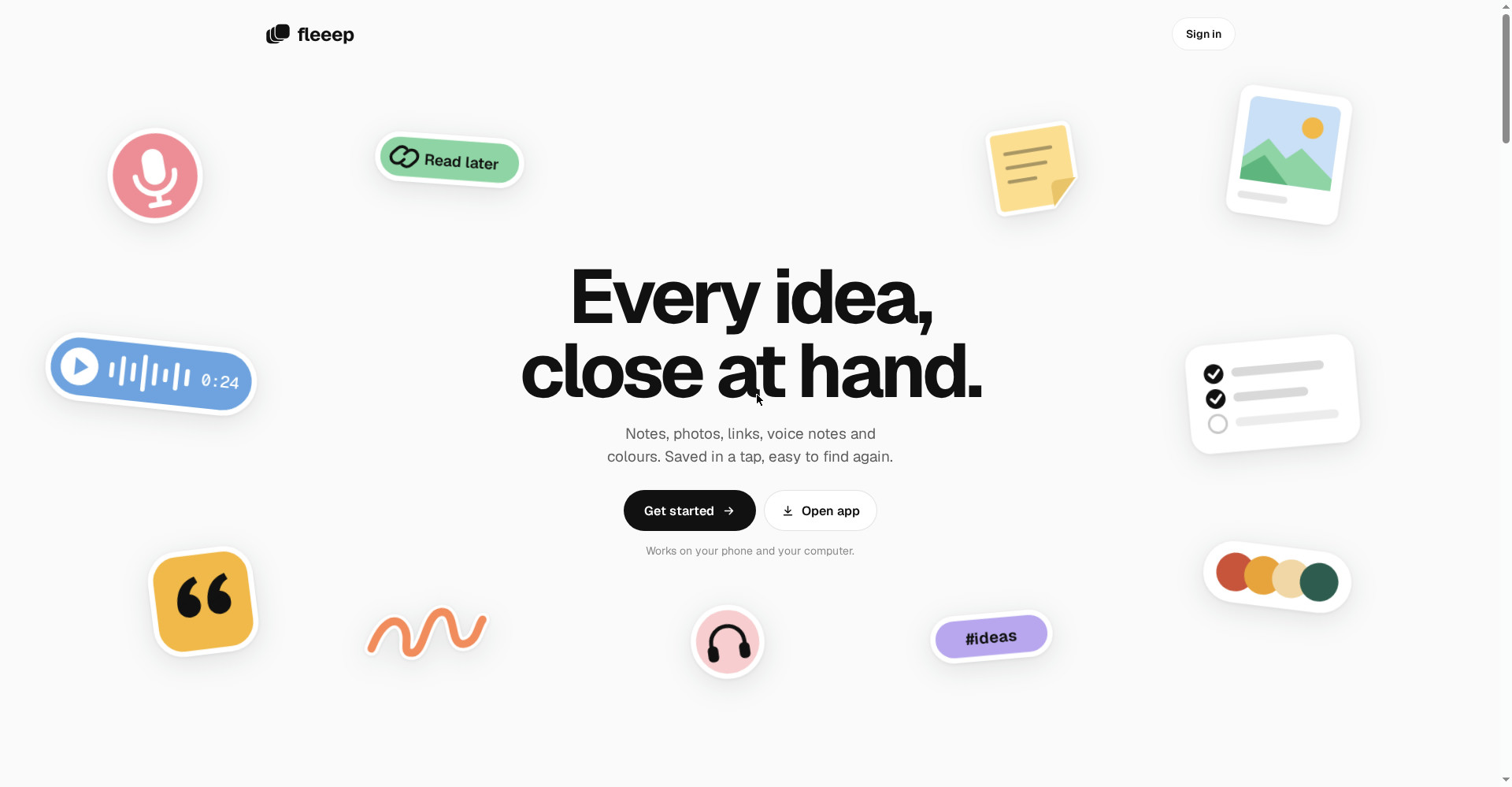
In plain terms: Fleeep is an inbox for your inspiration. Whatever sparks you goes in here, and when it becomes a project, it comes out of here. No folder maze, no hunting across five apps.
Key features
1. Capture in one tap — no folder to pick first
Tap the plus and pick what it is: a note, a list, a photo, a link, a palette, a quote, a voice note or a sketch. No folder to choose first — save now, organise later. That is the habit that makes Fleeep work: the idea goes in before it has a chance to disappear.
2. Search that looks inside photos and your voice
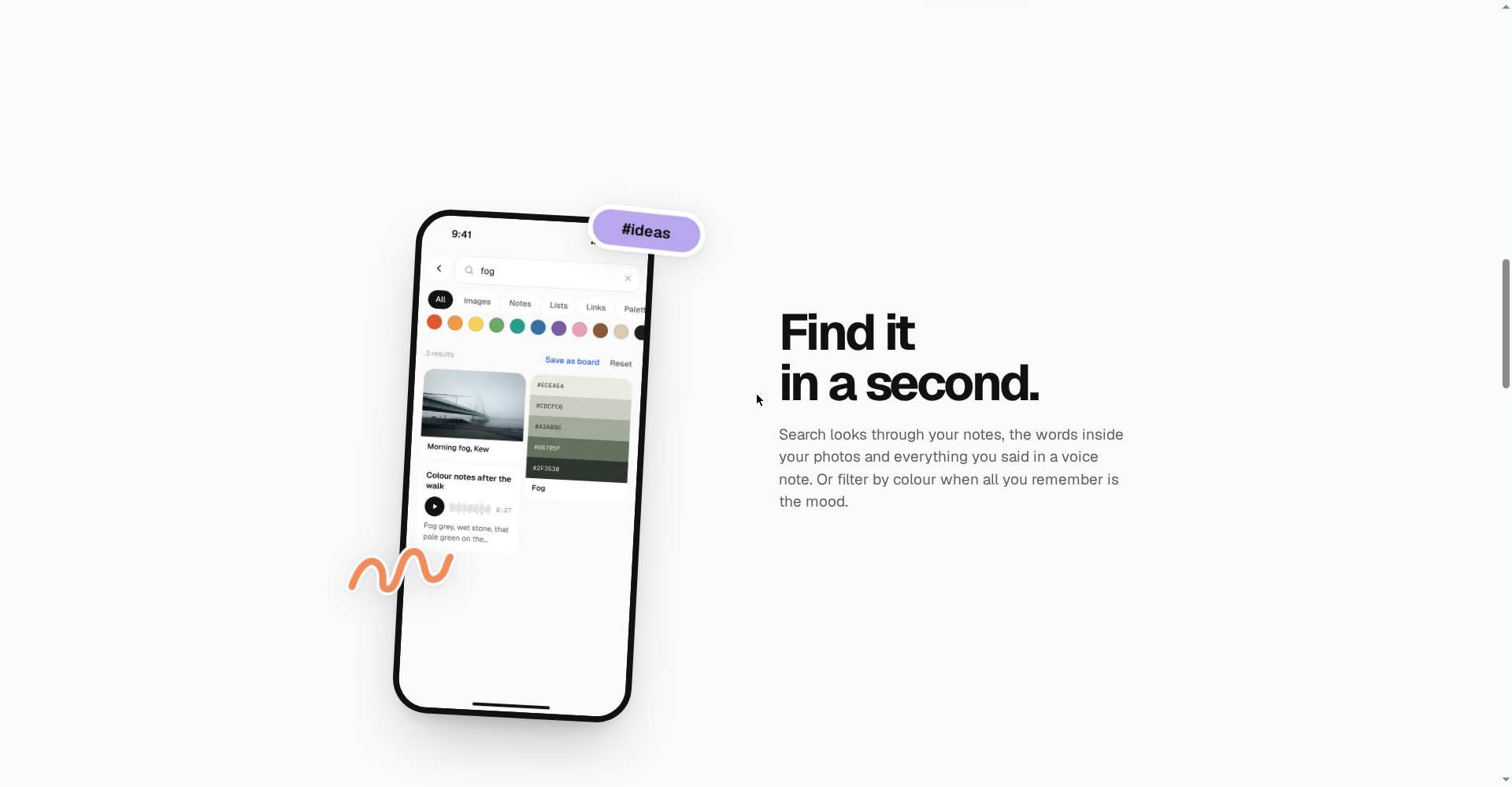
This is Fleeep’s most useful strength. Search does not only run through note titles — it runs through the words inside your photos and what you said in a voice note. If all you remember is the mood, filter by colour. The site’s example: searching “fog” finds a photo, a palette and a voice note, all at once.
3. Boards — a tidy grid or a free canvas, your call
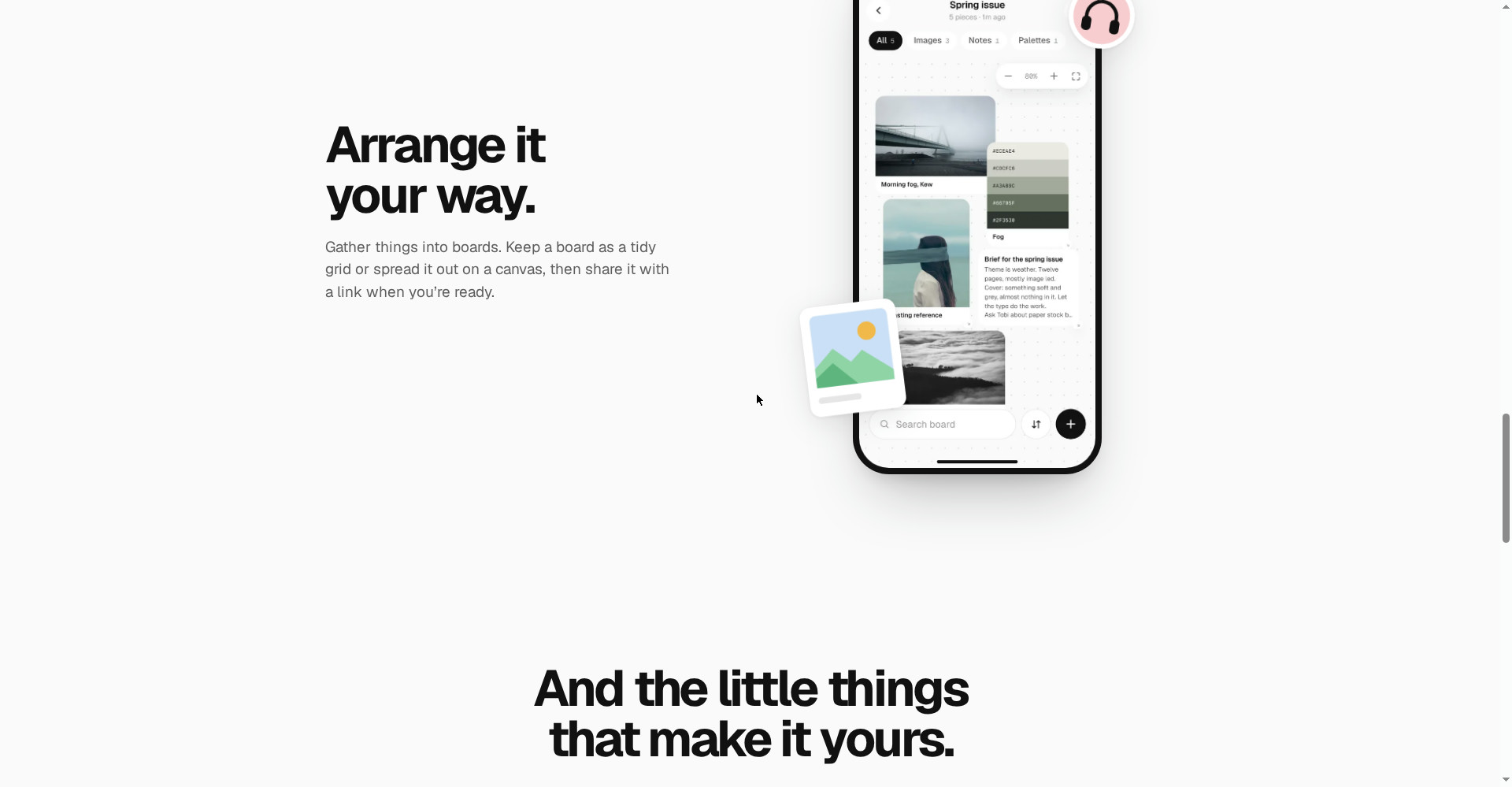
Gather things into boards. Keep a board as a tidy grid or spread it out on a free canvas, like a mood board. When you are ready, share it with a link. One board per client for a designer, one per article idea for a writer, one per series for a video maker — the structure is yours, Fleeep just provides the container.
4. Palettes from photos — colours, codes and contrast
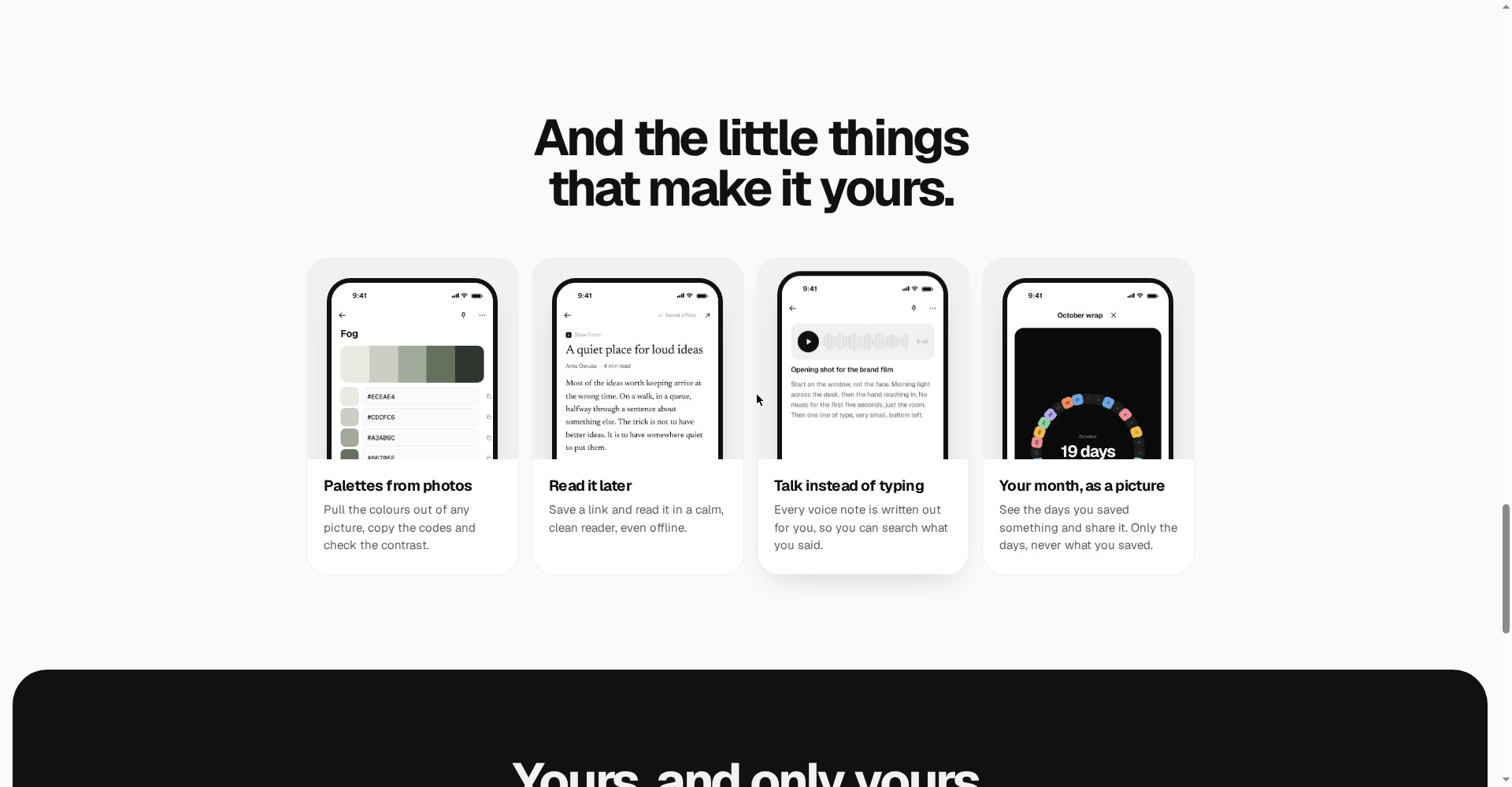
The loveliest feature for designers: pull the colours out of any picture, copy the codes and check the contrast. The site shows a palette called Fog — a whole colour scheme from one photo. This feature arrived because the first testers asked for it.
5. Voice notes that write themselves out
Talk, and Fleeep turns your words into text — a searchable note. Most voice memos die unheard because nobody wants to replay three minutes of their own rambling to find one sentence. Written out, you can skim it in seconds, search it later, and copy the good line straight into your work. One honest note: transcription is never perfect — read the text before you trust it for anything important.
6. A read-later reader and a month wrap
Save a link and read it in a calm, clean reader — no ads, pop-ups or sidebars begging for clicks, even offline. And every month gets a wrap: a ring showing the 19 days you saved something — shareable, and it shows only the days, never what you saved.
Pricing — what do you get free?
This is Fleeep’s biggest point: at launch, everything is free.
- Free ($0): The whole app — capture, search, boards, palettes, the read-later reader, voice notes, offline mode and backup export. Product Hunt lists the price at $0, and no credit card is needed to create an account.
- Paid plan: No paid plan has been announced on the official site — only free exists for now.
The honest note: “Free today” does not mean “free forever”. The app is days old — features will appear in the coming weeks and pricing may change. Check the current plan on fleeep.app before building a business workflow on it. And one reassuring detail: backup export exists, so your data is never locked in.
Platforms
- Phone: Capture starts here — screenshots, voice notes and links, on the move
- Computer: Sign in with the same account — your phone captures become a desktop workspace
- Offline: No signal, no problem — keep saving, and everything syncs when you are back online
Who should use it — and who should skip it
- Students: Screenshots after lectures, article links and voice notes in one place — easy to find before exams.
- Designers / creators: Colour palettes, reference photos, one board per client — a library of taste builds up.
- Writers / freelancers: Article ideas, quotes and research links — one palette per project.
- Skip it if: You need long documents, databases or team collaboration — Fleeep is a capture app, not a Notion-style workspace. For that, run Fleeep alongside Notion, not instead of it.
Comparison: Notion / Google Keep / Apple Notes
- Notion: Better for structured docs, wikis and team workspaces — it has a free personal plan too. But it is heavy for quick capture, and offline is limited.
- Google Keep: Fast sticky-note capture, free with a Google account. But voice notes need extra steps, and there is nothing like palettes or boards.
- Apple Notes: Fine for quick notes inside the Apple ecosystem, free. But voice memos live in a separate app, and it is not cross-platform.
- Fleeep: Built only for catching ideas and finding them again — screenshot, voice, link and palette together, on phone and computer, offline. Not for long docs.
🔍 People also search for
- fleeep app pricing
- is fleeep free or paid
- fleeep vs notion
- fleeep app review 2026
- fleeep app download
- fleeep login and signup
- fleeep app alternatives
- notion free alternative
- how do fleeep voice notes work
- who should use fleeep
- noteworthy smart notes review
- magpie visual library review
Final verdict
Fleeep is a small, honest and genuinely useful tool — a calm inbox for catching ideas, completely free. One-tap capture, search inside photos and voice, palettes from photos, offline mode and a privacy-first promise — those five together build a habit that pays off daily, and ranking #1 on Product Hunt in launch week shows people feel this problem. So a point off for this: the app is only days old, there are no long-document or team features, and free forever is not guaranteed.
Our rating: 4.0/5. If you are a student, designer, writer or creator whose ideas scatter across five places every day — try it today from fleeep.app, it costs you nothing. Save three things this week — one screenshot, one link, one voice note — and see how much you used to lose. If you need a full workspace, keep Fleeep next to Notion.
Note: This first-look review is based on the official site (fleeep.app) and its Product Hunt launch post (7 November 2026, #1 Product of the Day). We will add a hands-on update after testing it ourselves.


