 AI Tool
What is it?
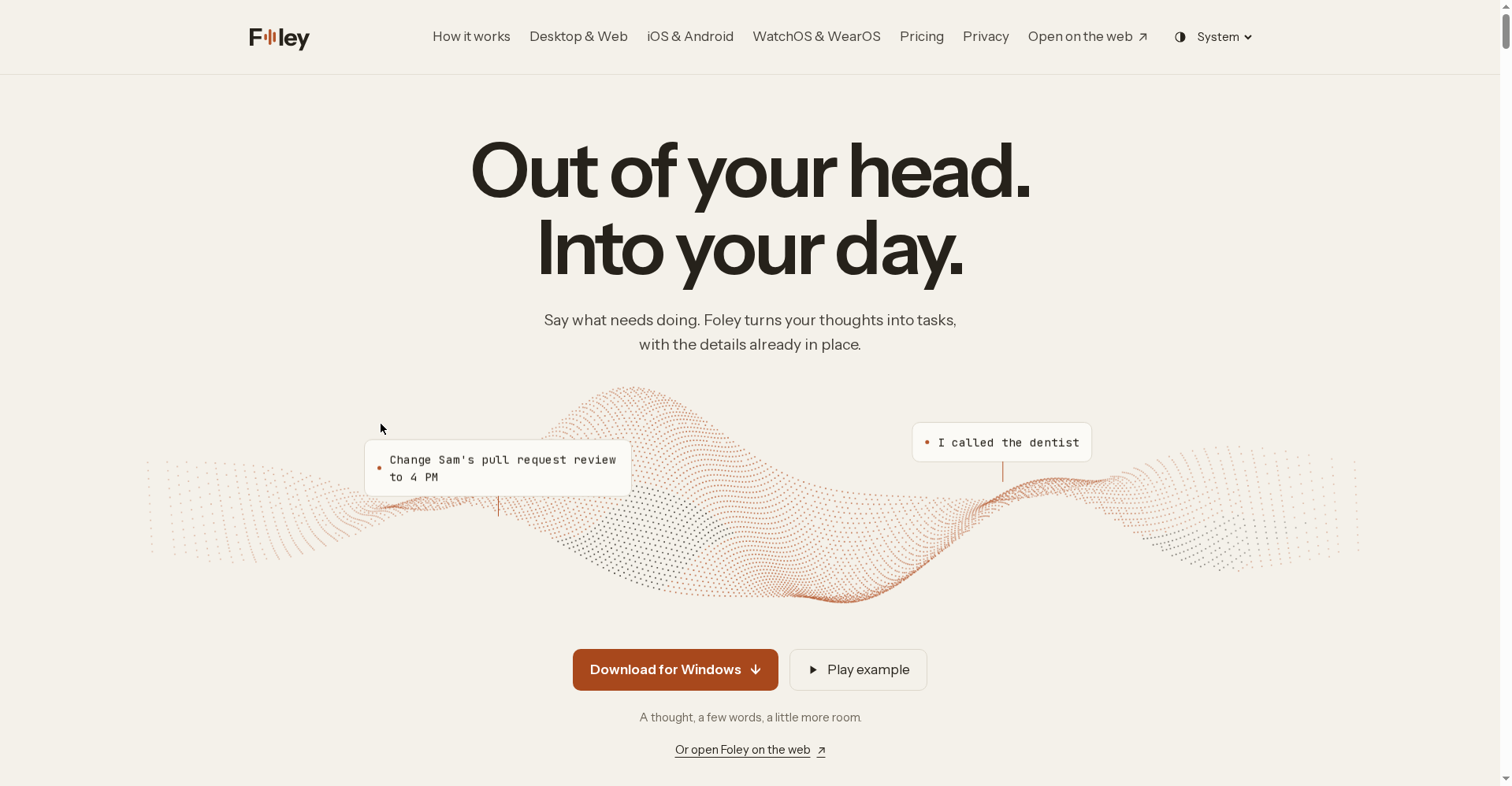
Foley is an AI voice to-do list — the official site’s tagline is “Out of your head. Into your day.” You say what needs doing, and Foley turns it into a task — project, date and reminder set automatically. Its standout trait: when something is unclear, it asks you instead of guessing.
It’s made by Hanamori Labs, LLC (official site: foleyapp.com) and launched on Product Hunt in October 2026 — a genuinely fresh product.
Standout features
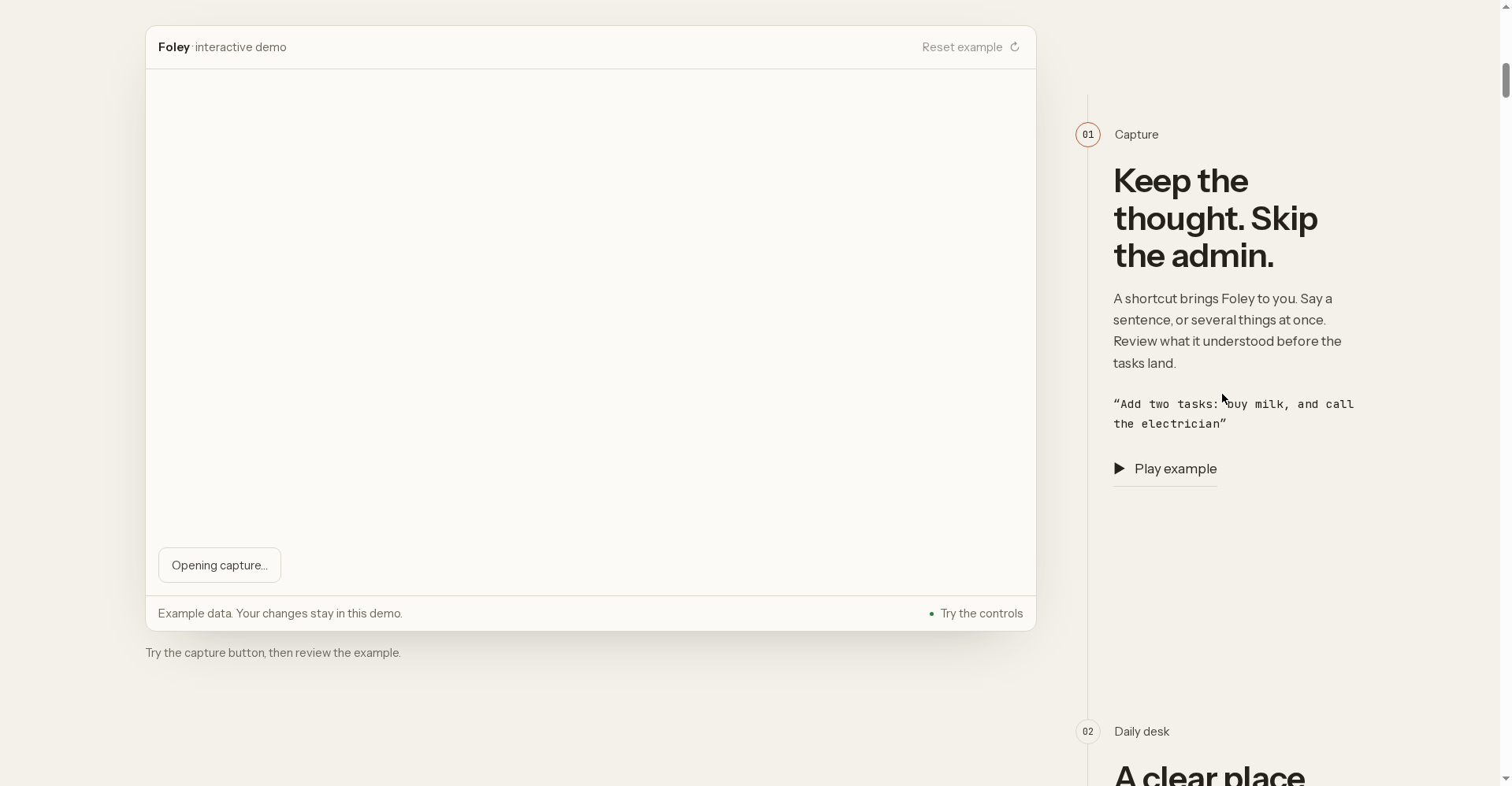
1. Say it — the task is filed
“Call the dentist tomorrow” — that’s all you say. Foley creates the task, resolves “tomorrow” itself, and sets the project and reminder where it can. No forms to fill.
2. “Asks first” — it clarifies instead of guessing
This is Foley’s smartest idea. Ordinary voice tools dump what they heard into a list. Foley reads the whole sentence before filing anything — and follows a “last value wins” rule. The maker’s example: say “Thursday, no wait, Friday” and you get one task on Friday, not two.
When there’s genuine ambiguity — two people called Sam, a project it’s never seen, a reminder that just says “morning” with no time — Foley asks you rather than guessing wrong. The maker’s philosophy: a good question beats a bad guess.
3. Dates resolved in code, not left to the model
A technical detail that builds trust: relative dates like “next Tuesday” are never left to the AI model. The app checks the date in code against your device’s clock before saving. Fewer calendar mistakes.
4. Plans changed? Say so — the task moves
No retyping needed when plans shift — tell Foley and it moves the task. You can also ask it to “plan my day” or “what should I work on first” — and it answers from your own list.
5. Capture from your Apple Watch
Hands busy? Capture tasks by speaking to your Apple Watch — no need to pull out your phone.
Pricing — how much is free?
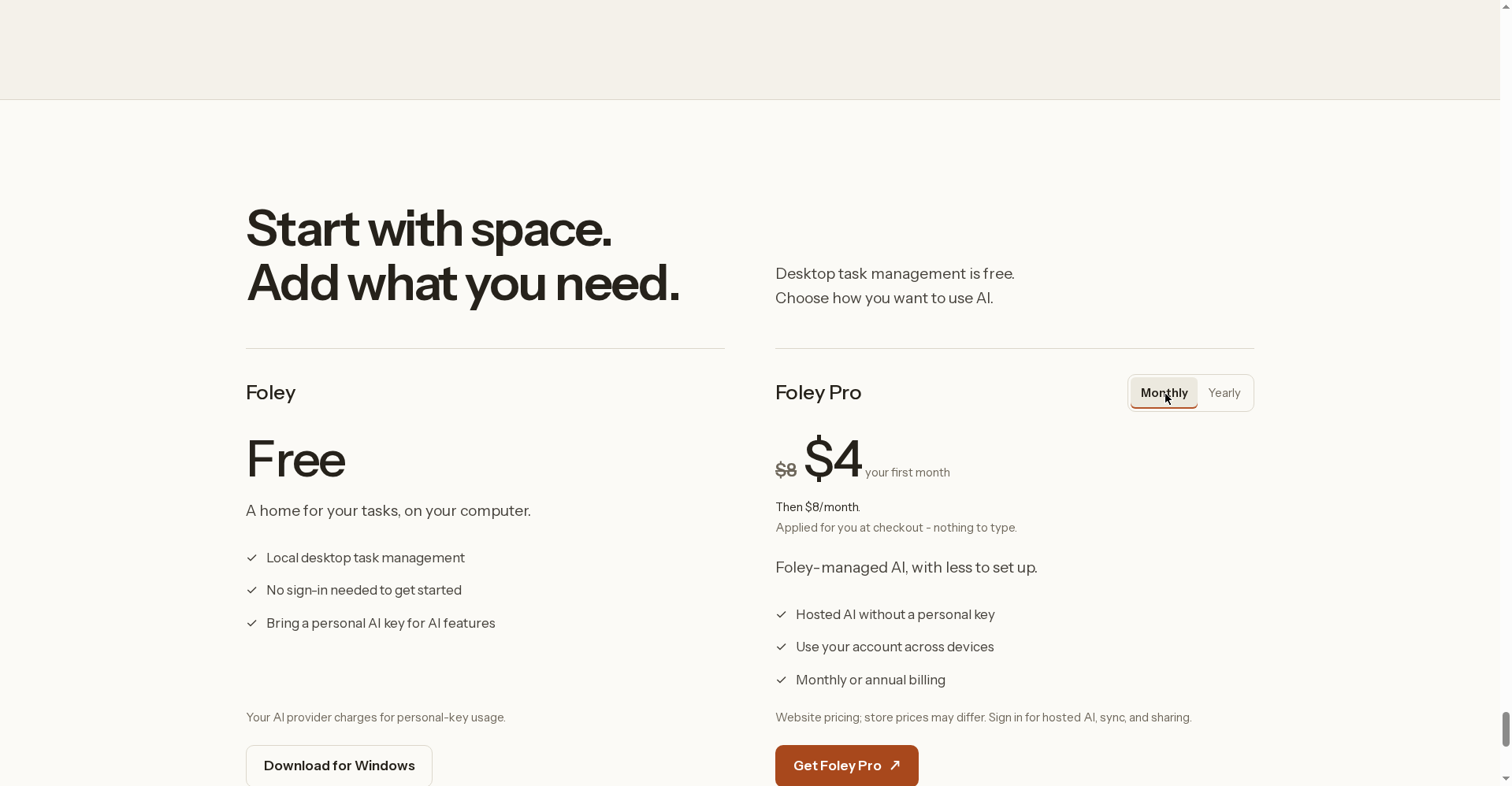
From the official site’s pricing section (“Start with space. Add what you need.”):
- Foley — Free: “A home for your tasks, on your computer.” Local desktop task management, no sign-in needed to start. The catch: you must bring your own AI key for AI features — and the site is upfront that “your AI provider charges for personal-key usage.”
- Foley Pro (Monthly): $4 for the first month (then $8/month). You get Foley-managed AI — no personal key needed — and one account that works across all your devices.
- Foley Pro (Yearly): $72/year (works out to $6/month). Monthly or annual billing available.
Platforms
- Mac and Windows (desktop app — download buttons on the site)
- The web (“Open on the web”)
- iPhone and Android (full app — voice capture, day view, plan, sync)
- Apple Watch (watchOS 10+) and Wear OS (Wear OS 3+) — capture tasks from both
Who should use it — and who shouldn’t
- Students: Assignment deadlines, “grab the book from the library tomorrow” — speak as you go, the list builds itself.
- Freelancers: Client calls, follow-ups, invoices — add tasks by voice even with your hands on the keyboard.
- Busy professionals: A thought strikes mid-meeting — speak it to your Watch and it’s captured.
- Privacy-minded users: The desktop app runs with no account — your key, your control.
- Who should skip: If you want truly zero setup (no API key at all), wait for Pro pricing to become clear. Non-English voice support is also unconfirmed for now.
Final verdict
Foley tackles a real problem in the voice to-do category: normal voice capture just dumps audio into a list, while Foley understands before it files — and asks when confused. The “asks first” philosophy is genuinely different, and resolving dates in code shows engineering maturity.
Half a point off: the free plan needs your own AI key (which makes “free” conditional), and the product is launch-day fresh. Our rating: 4.0/5. If you’re a productivity nerd curious about a voice-first workflow — worth a look.
Note: This is a first-look review based on the official site (foleyapp.com) and launch information. We’ll add hands-on testing notes soon.


