 AI Tool
⚡ The 30-second verdict
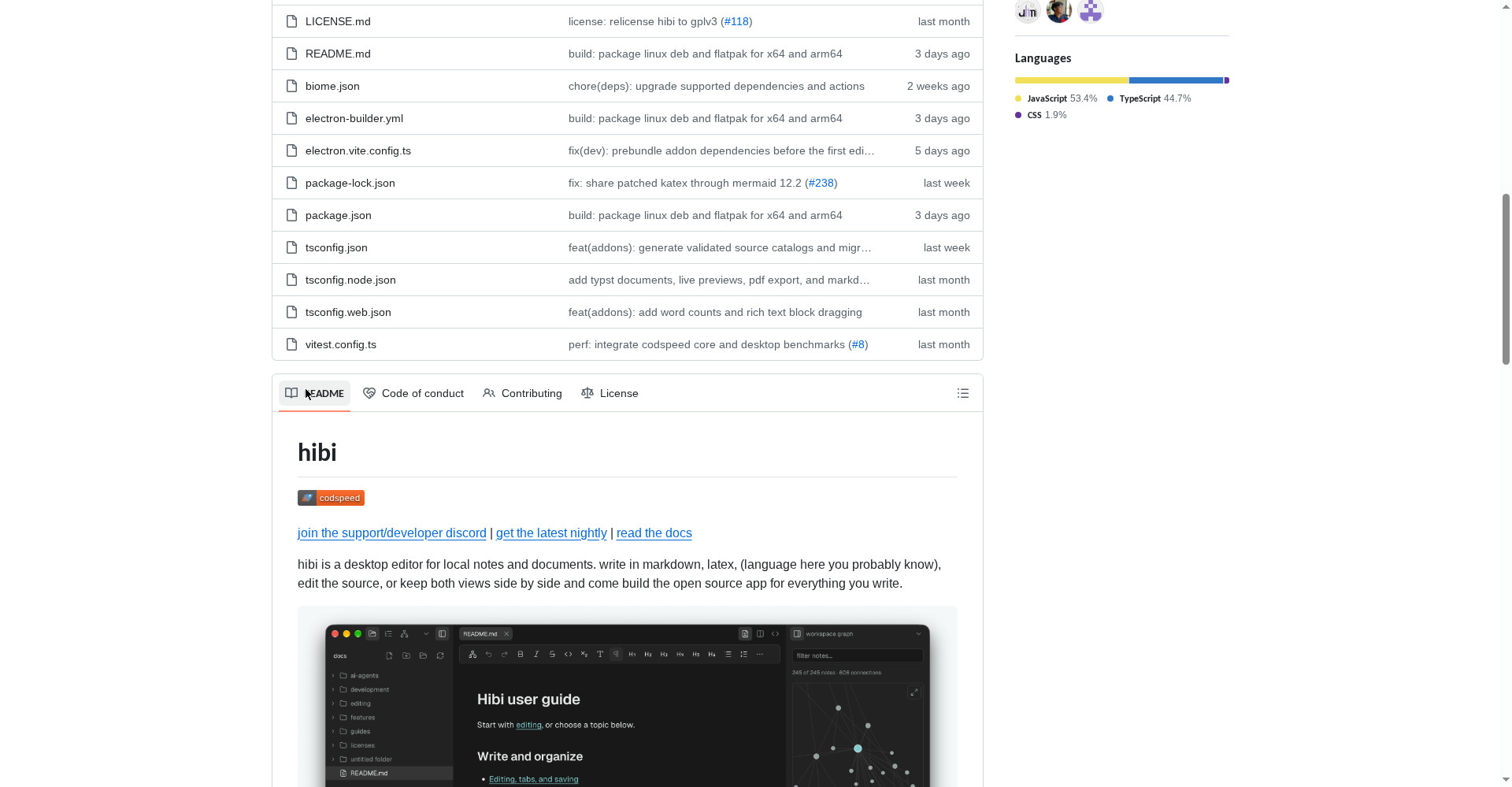
hibi is a free, open-source desktop notes app that lets you write in Markdown, LaTeX, Typst and 6 more formats — and your notes live in your own folders, not in someone’s cloud. It opens Obsidian vaults too (best-effort), ships graph view, version history and Vim mode, and even has an MCP server for AI tools. Price: $0, forever — no paid plan exists. One honest warning: it’s still “stable alpha” — the creator himself says back up your notes first. If you’re a student writing LaTeX/Typst, or you care about open source — worth a try.
What is this tool?
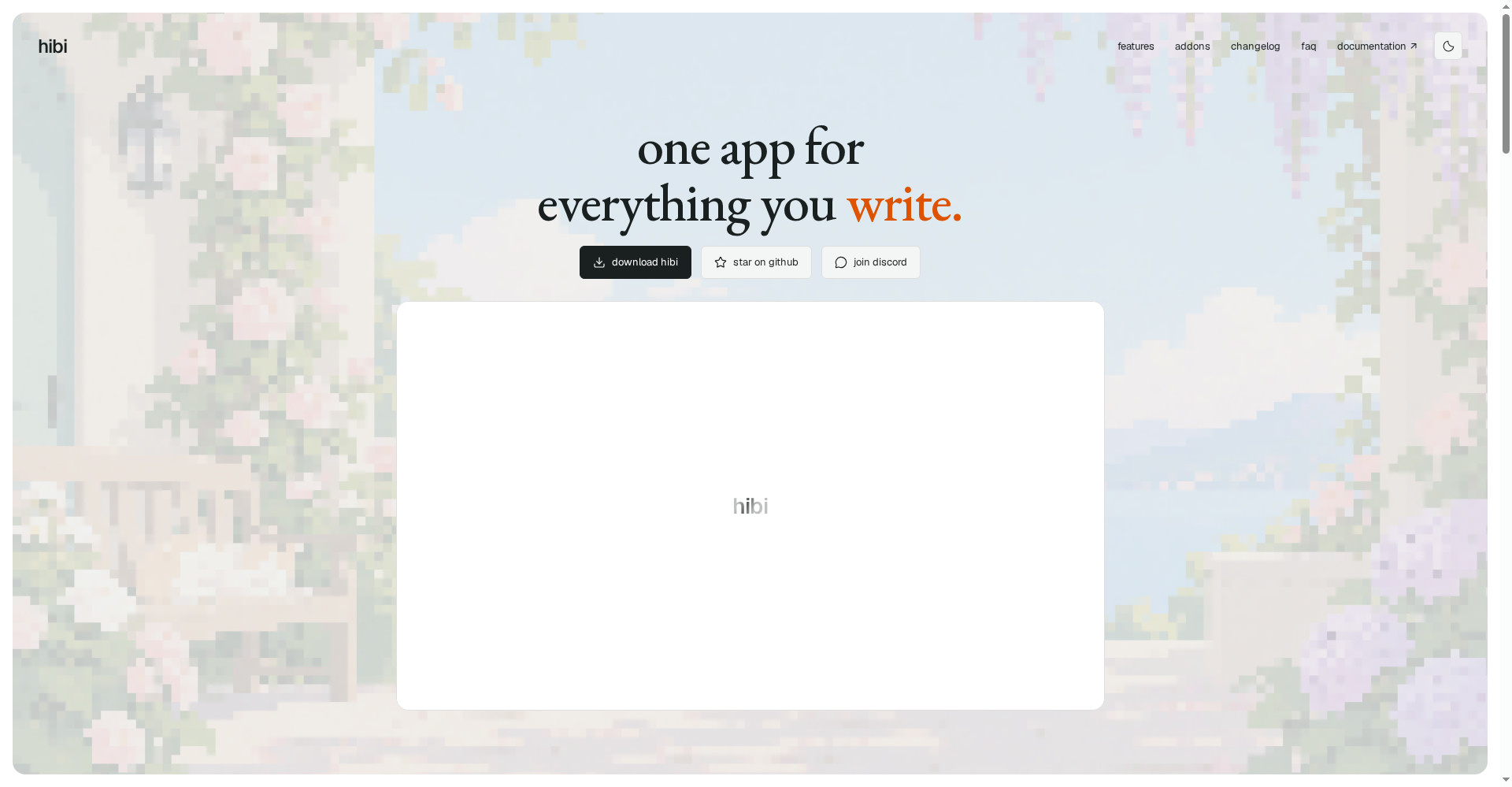
hibi’s tagline is “the one app for everything you write.” It’s built by schmayterling — a solo developer’s hobby project that he uses himself every day. It launched on Product Hunt on 20 October 2026, and its official “home” is the GitHub repo (no marketing website — the classic open-source way).
The concept is simple: a desktop editor that isn’t limited to Markdown. You can write in Markdown, LaTeX, Typst, AsciiDoc, Djot, HTML, BBCode, Creole and RDoc — 9 formats. Files live in your own folders; open any folder as a workspace and start writing. It’s an alternative to Obsidian and Joplin — standard knowledge-management features, but with editing that goes beyond Markdown.
Key features (what sets it apart)
1. Nine formats, not just Markdown
This is hibi’s biggest differentiator. Obsidian and most notes apps are Markdown-only. With hibi you get LaTeX (research papers, math equations), Typst (modern typesetting, with PDF export) and more — all in one free app. For students and technical writers, that’s a lot in a single download.
2. Local-first — your notes stay in your folders
No account, no mandatory cloud sync. Open any folder as a workspace, and notes live there as plain files. Which means: zero vendor lock-in — if the app ever disappears, your notes are untouched.
3. Obsidian vaults open (best-effort)
Already on Obsidian? Open your vault directly in hibi — no migration dance. But honesty matters here: compatibility is best-effort, not guaranteed. The creator says it himself: back up your vault first, then try.
4. The full knowledge-management set
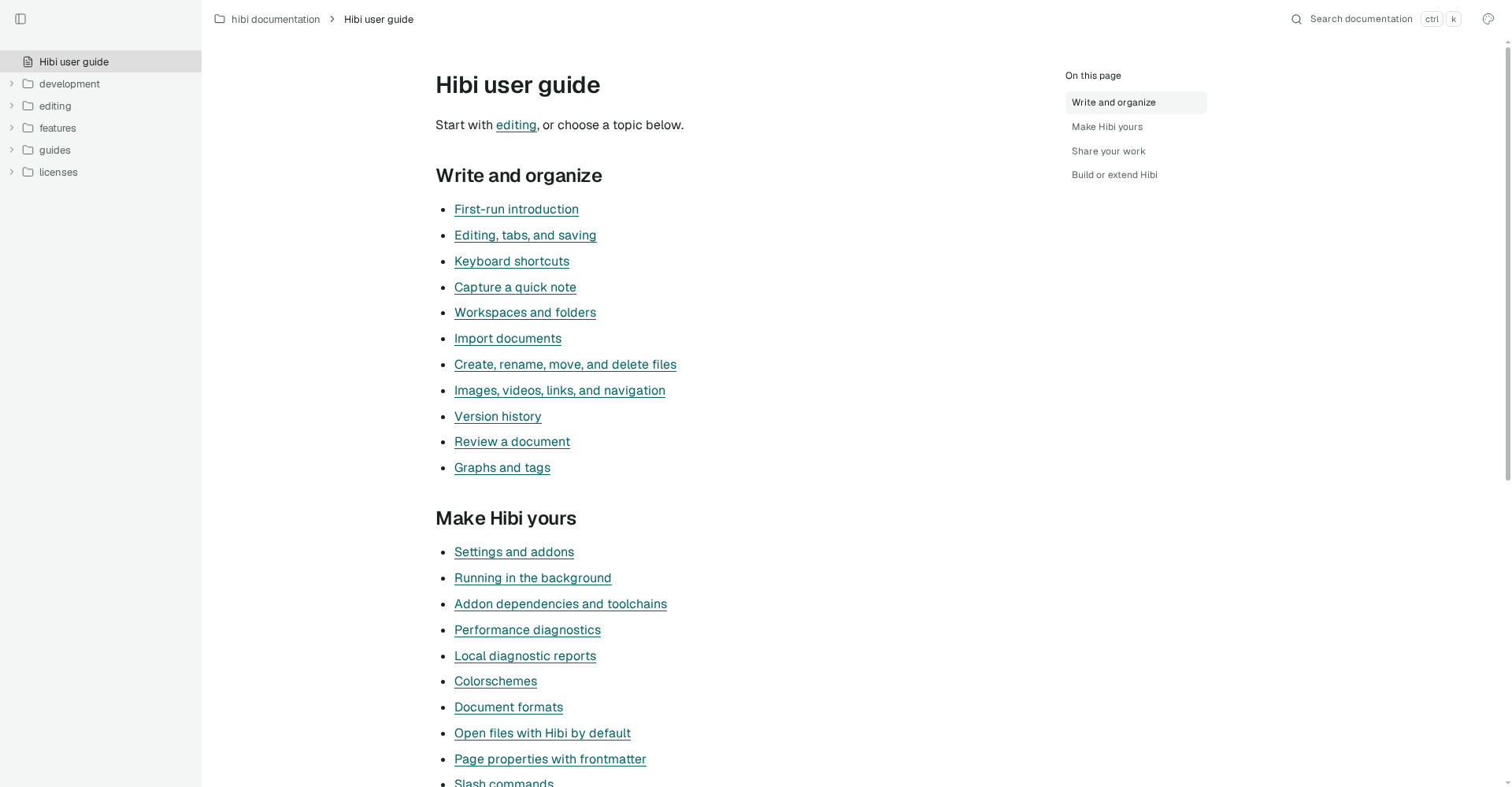
Graphs and tags (see connections between notes), version history (roll back anytime), quick capture (grab a note fast), slash commands, Vim editing mode, colorschemes, frontmatter page properties, and export your workspace to HTML — all listed in the docs.
5. An MCP server — run AI tools on your notes
This is what makes hibi a 2026 tool: a built-in MCP server connects your notes to AI coding tools like Claude Code. The AI can read and organize your notes without your data ever touching a company’s servers. Open-source + local + AI: a rare combination.
6. Addons — built by the community, run by you
hibi has an addon system with a public API. The fun proof: someone already built Doom for hibi. That tells you this is an extensible platform, not a closed editor.
Pricing — how much is free?
There’s no “free plan vs paid plan” game here at all. hibi is 100% free — forever.
- Free & Open Source — $0: Every feature. GPL v3.0 license (the code is open too). Windows, macOS and Linux builds. Obsidian vault compatibility. Addons. Discord community.
No premium tier, no “Pro” unlock, no trial period — nothing. The honest trade-off: with no revenue, development runs on one person’s free time.
What about privacy and security?
hibi shines here: your data never leaves your computer. Notes are plain files in your folders — no account, no mandatory cloud, no telemetry mentioned in the official docs. The server-side data-leak risk is near zero, because there is no server.
But the other side: it’s alpha software. Private doesn’t mean indestructible — a bug could corrupt a file. Backups are your job. That’s the local-first deal: the control is yours, and so is the responsibility.
Who should use it — and who shouldn’t
- Students (research/maths): LaTeX and Typst in one free app — thesis notes, equations, PDF export. A strong candidate for you.
- Open-source believers: GPL v3.0, open code, community addons — if the philosophy fits, try it.
- Curious Obsidian users: Back up your vault, open it in hibi — nothing to lose, a new experience to gain.
- Privacy-conscious writers: Local files, no account, no cloud — it doesn’t get much more private.
- Mobile-first note-takers: Not for you yet — there’s no official mobile app.
- “It should just work” people: It’s alpha — if you need stability today, Obsidian or Joplin remain safer.
Comparison: Obsidian / Logseq / AFFiNE / Joplin
- Obsidian: The most mature. Huge plugin ecosystem, mobile apps, years of polish. But the core is closed-source and LaTeX/Typst aren’t native. Keep it if you need stability.
- Logseq: Open-source, focused on outliners + backlinks, privacy-first. But the outliner style isn’t for everyone; hibi gives you traditional document editing.
- AFFiNE: Pages + whiteboards + databases in one — an all-in-one workspace. hibi is more of a “writing” tool and makes no database/whiteboard claims.
- Joplin: Open-source and stable, but the UI feels dated and there’s nothing modern like LaTeX/Typst/MCP.
hibi’s unique combo: open-source + multi-format (LaTeX/Typst) + local-first + MCP server — nobody else ships all four together.
🔍 People also search for
- hibi vs obsidian comparison
- free open source note taking app 2026
- obsidian alternative free and open source
- hibi app download windows mac linux
- open source markdown editor with latex support
- how to use hibi notes app
Final verdict
hibi fills a gap the big players left open: an open-source notes app that goes beyond Markdown. LaTeX/Typst support, local-first files, Obsidian vault compatibility and an MCP server — together that’s a package you rarely see in 2026. And the price is zero, forever.
One star off: it’s alpha software, a solo developer’s project, and Obsidian compatibility is best-effort — think twice before making it the only home for your production notes. This is a first-look review; we’ll add a hands-on update after using it ourselves.
Our rating: 4.0/5. If you’re a student, or you believe in open source — back up and try it free. There’s no downside.
Note: This first-look review is based on the official GitHub repo (github.com/schmayterling/hibi), the official docs (docs.hibi.garden) and Product Hunt launch information. We’ll test it on our own systems and add a hands-on update soon.


