 AI Tool
What is this tool?
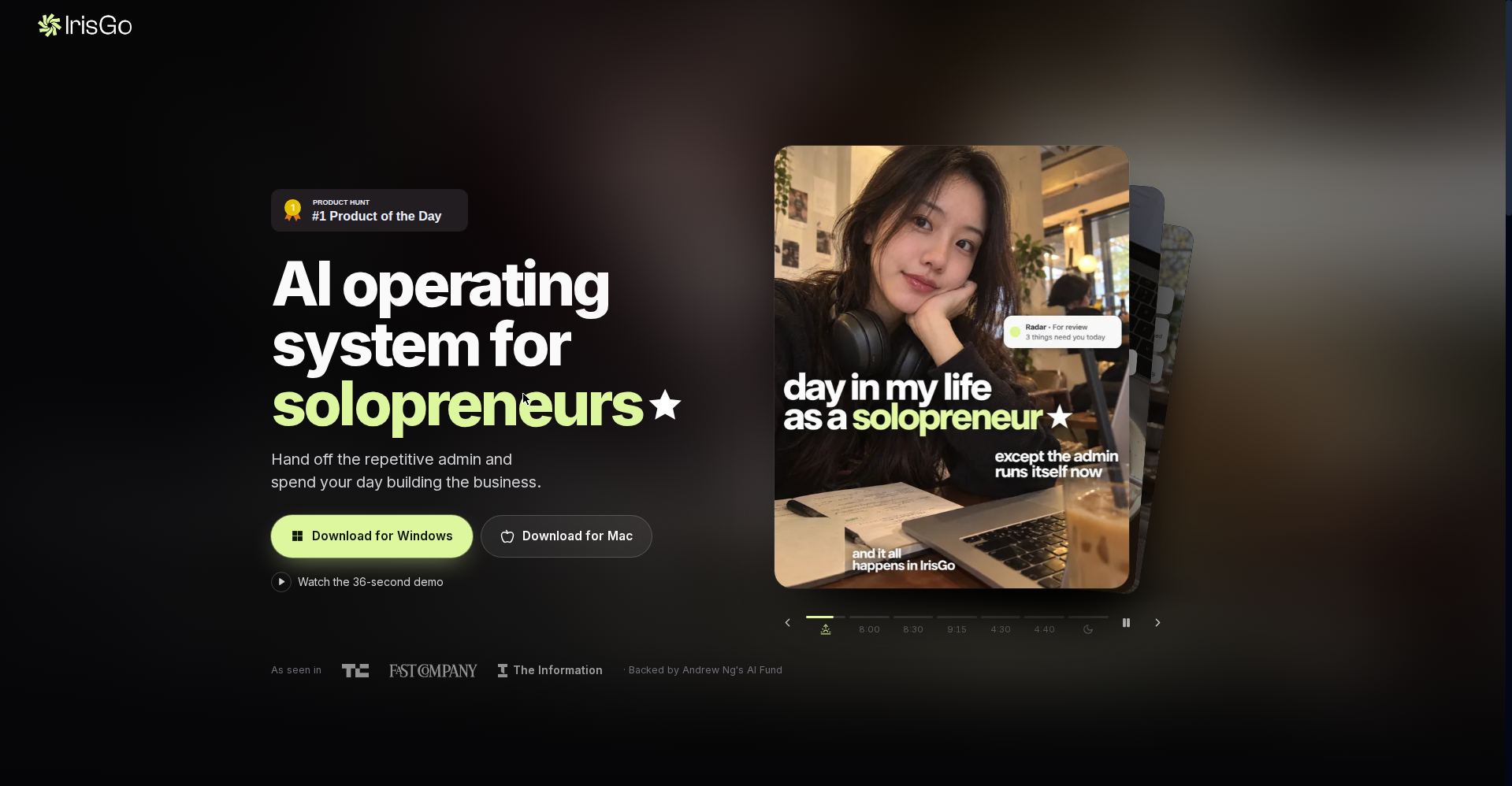
IrisGo (irisgo.ai) is an AI Operating System — or in their words, “your AI Executive Assistant.” It launched on Product Hunt on October 7, 2026 and took #1 Product of the Day the same day.
It was built by Jeffrey Lai, a former Apple engineer who worked on the Chinese version of Siri (fun fact: “Iris” is Siri spelled backward). The company is based in Palo Alto, California (founded 2025) and raised a $2.8M seed round from Andrew Ng’s AI Fund, with backers including Nvidia, Google, Intel, and Pegatron Ventures. It’s been featured in TechCrunch, Fast Company, and The Information.
The idea is simple: solopreneurs and small business owners spend hours every week managing inboxes, tracking priorities, summarizing meetings, preparing briefs, and filing expenses. IrisGo learns these workflows by watching how you work, then runs them in the background — so you spend your day on customers and growth.
Key features (what sets it apart)
1. Daily Brief — start the day on one screen
Every morning, IrisGo gives you a Daily Brief: your top priorities pulled from email, calendar, and to-dos in a single list. An 8 AM brief that has your day planned — no tab-juggling.
2. Email Triage — what needs an urgent reply, what can wait
It sorts your inbox: what needs an urgent reply versus what can wait. For freelancers whose inboxes are full of client mail, this is gold.
3. My Radar — a to-do list that never goes stale
My Radar is a to-do list that continuously updates as you finish work. Sources: Gmail and Google Calendar. The roadmap includes pulling Linear, Jira, and ClickUp tickets in too (connecting them in chat already works).
4. Meeting Summary — call ends, notes ready
After meetings, IrisGo turns the transcript into notes and action items — no manual note-taking. (In the launch thread, a maker confirmed generating action items and key highlights from meeting notes is a standard flow.)
5. Watch & Learn — show it once, it works forever
The most interesting feature: demonstrate a recurring task to IrisGo once — it records the steps and runs it on its own the next time, with your approval. No prompt engineering, no scripts.
6. Skills Library + coding assistant
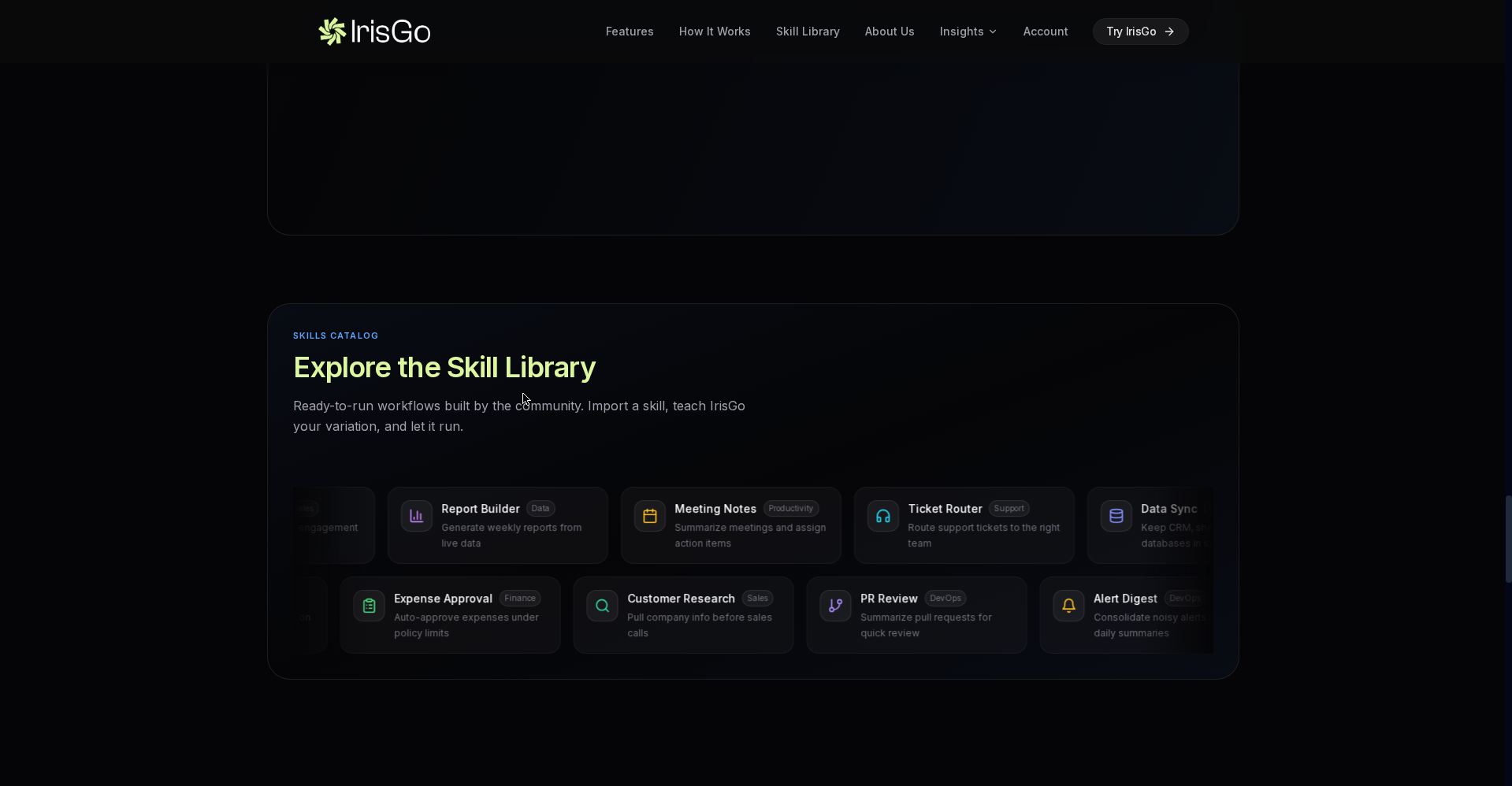
A Skills Catalog of ready-to-run workflows built by the community — import a skill, teach it your variation, let it run. Built-in skills: email drafting, invoice processing, report creation, document summarization. There’s also a coding assistant (similar in concept to OpenAI Codex or Claude Code).
Pricing — how much is free?
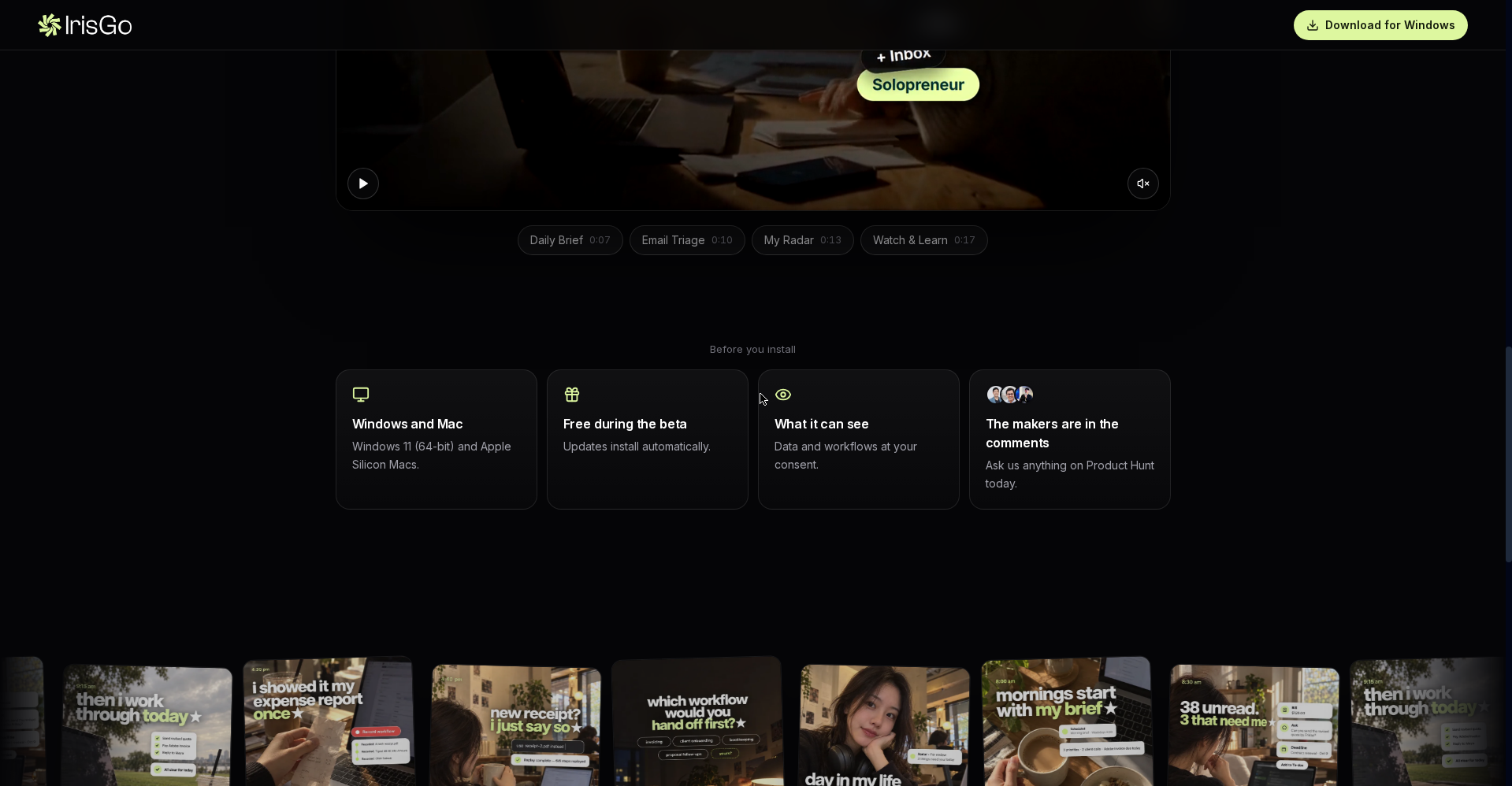
- Beta — Free: The official site states it plainly: “Free during the beta,” with updates installing automatically. No card or subscription needed right now.
- After beta: Pricing hasn’t been announced. Try it free in beta and decide when it goes paid.
Privacy — where does your data live?
IrisGo’s big promise: sensitive data stays on your device. The timeline database is stored locally, and cloud processing only happens with your authorization — encrypted end-to-end. Most of the work runs on-device.
One caveat: this tool observes your desktop activity to learn — understand that before you hand it the keys.
Platforms
Desktop app: Windows 11 (64-bit) and Apple Silicon Macs. Older Intel Macs aren’t supported — the official site is clear about this limit. IrisGo has also signed a preinstall deal with Acer, so it may ship built-in on future laptops.
Who should use it, who shouldn’t?
- Solopreneurs & freelancers: Kill the admin overhead, spend time on client work — this is the exact audience it was built for.
- Small business owners: Invoice processing, reports, email drafting — ready-made skills speed things up.
- Privacy-conscious power users: On-device processing and local storage — better than cloud-first tools.
- Students on a budget: The beta is free — meeting notes and to-do automation help here too.
- Mobile-only users: It’s desktop-only — your phone won’t cut it.
- Windows 10 / Intel Mac users: Not on the supported platforms — check before downloading.
Final verdict
IrisGo thinks one step beyond “prompt in, output out” AI — show it the work, and it learns to run it itself. The Daily Brief + Email Triage + Radar combo nails a real solopreneur problem (the admin burden). A strong founder track record (Siri), Andrew Ng’s backing, and a Product Hunt #1 — the signals are strong. Half a point off because it’s still a beta (pricing unknown) and it asks for desktop-activity access, which won’t be comfortable for everyone.
Our rating: 4.5/5. The beta is free, so there’s nothing to lose by trying — start with Daily Brief and Email Triage.
Note: This is a first-look review based on the official site and launch information. We’ll update it after hands-on testing.


