 AI Tool
 What is this tool?
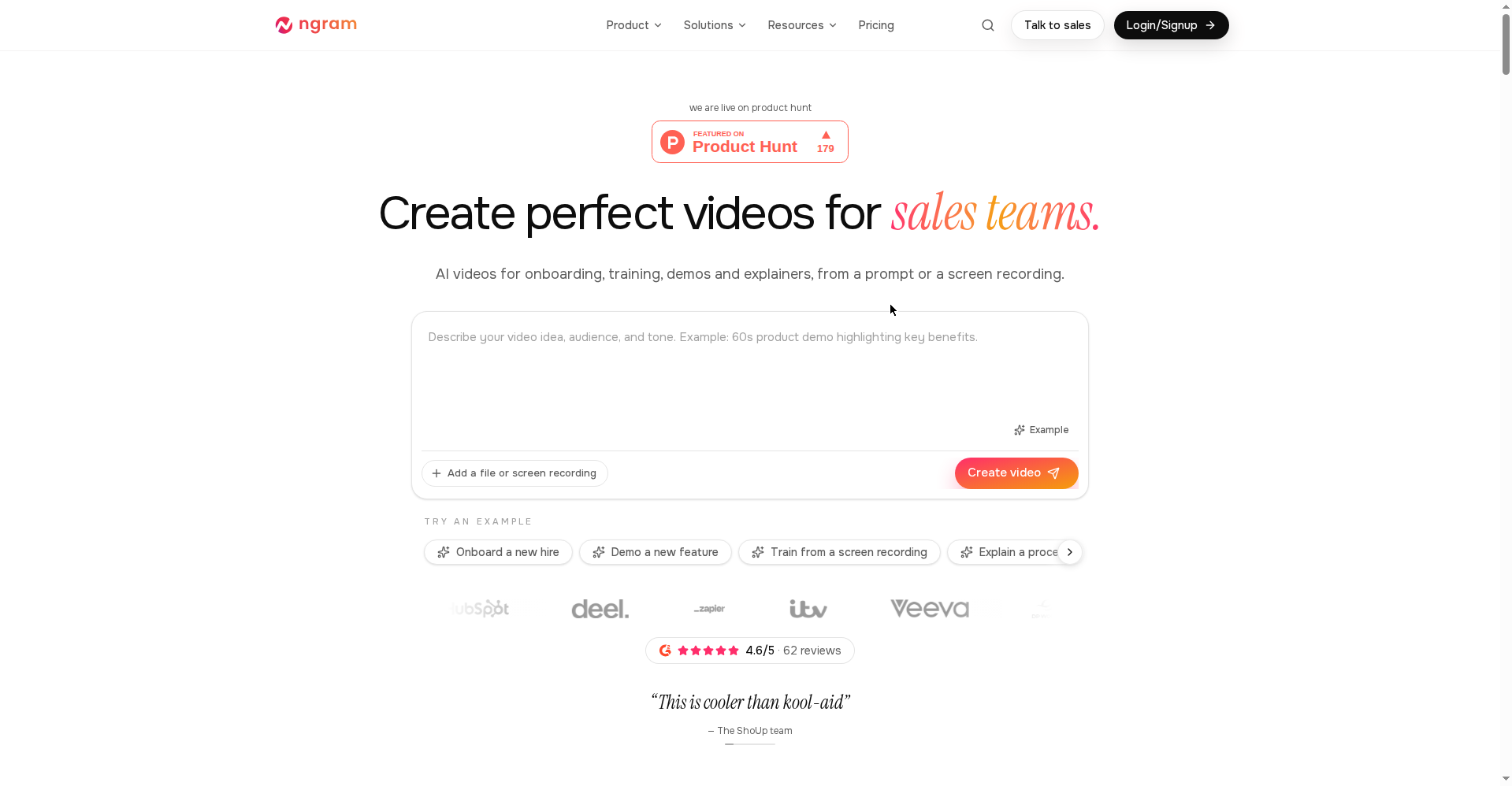
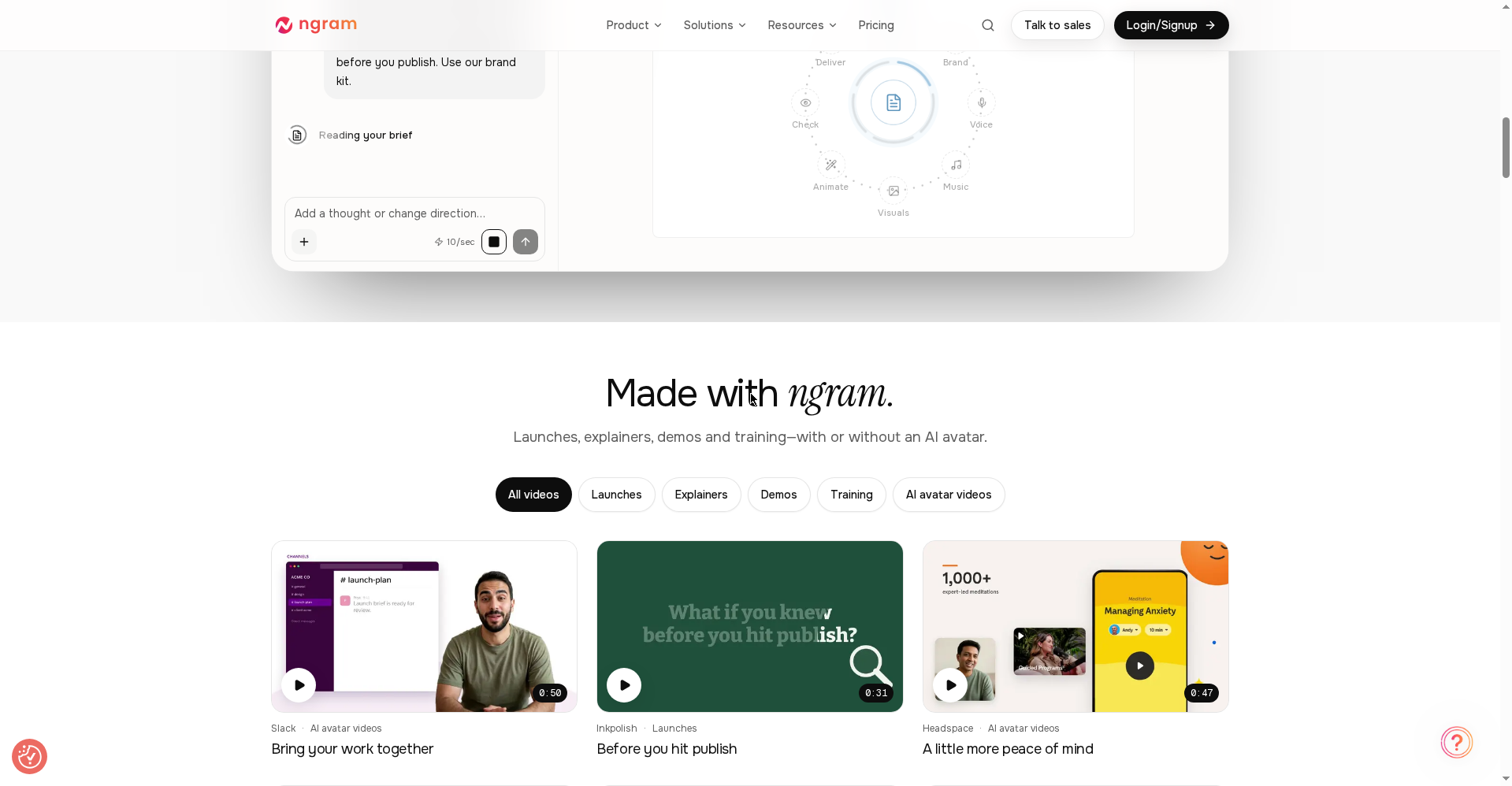
ngram is an AI video generator for explainer videos, screencasts, product demos, onboarding/training videos, and AI-avatar videos. Its tagline: “Create it. Then make it perfect.”
In plain terms: you need a product launch video, a tutorial, or a training module — you write a prompt or hand it a screen recording, and ngram writes the script, plans the storyboard, and generates the full video. You approve the script and storyboard before rendering, and afterward you can request changes in plain language (“make the intro shorter”, “swap the second scene for a screen recording”) or take over in the timeline editor yourself.
Version 2.0 launched on Product Hunt today, introducing direction-based video creation.
Standout features
1. Prompt or screen recording → complete video
Every ngram video starts from intent: who it’s for, what it should achieve, and what material belongs in the story. No assets? Fine — ngram writes the script, plans the storyboard, and generates visuals to match. A screen recording also works as a starting point.
2. Review before it renders
You see and approve the script and storyboard before anything generates. After generation, refine every scene — edit text, swap scenes, change styles, regenerate sections — or dive into the timeline editor for frame-level precision.
3. Brand kit
Set your brand colors, fonts, logo, and intro/outro sequences once, and every video automatically uses your identity. Your whole team’s output stays consistent.
4. AI avatars + flexible formats
Videos can be made with or without an AI avatar. Export as MP4 (16:9, 9:16, 1:1) or GIF for short ones. Captions are added automatically and can match your brand colors.
Pricing — how much is free?
It’s credit-based pricing (premium generation runs at about 10 credits/second). Per the official pricing page:
- Free ($0): One-time 600 credits — up to 60 seconds of premium AI-generated footage. No credit card required. Enough to properly try it.
- Basic ($29/mo): 3,000 credits/month, up to 300 seconds of AI footage, 720p exports, standard models.
- Premium ($59/mo): 10,000 credits/month, up to 1,000 seconds, 1080p, all advanced models, 1 brand kit, 1 custom voice, 1 custom avatar. The most popular tier.
- Ultimate ($299/mo): 50,000 credits/month, up to 5,000 seconds, 4K, unlimited brand kits/voices/avatars, unlimited teammates, video hosting.
- Enterprise: Custom capacity and controls.
Note: the Free plan’s allocation is one-time — once spent, you’ll need top-up credits or an upgrade.
Can you trust it?
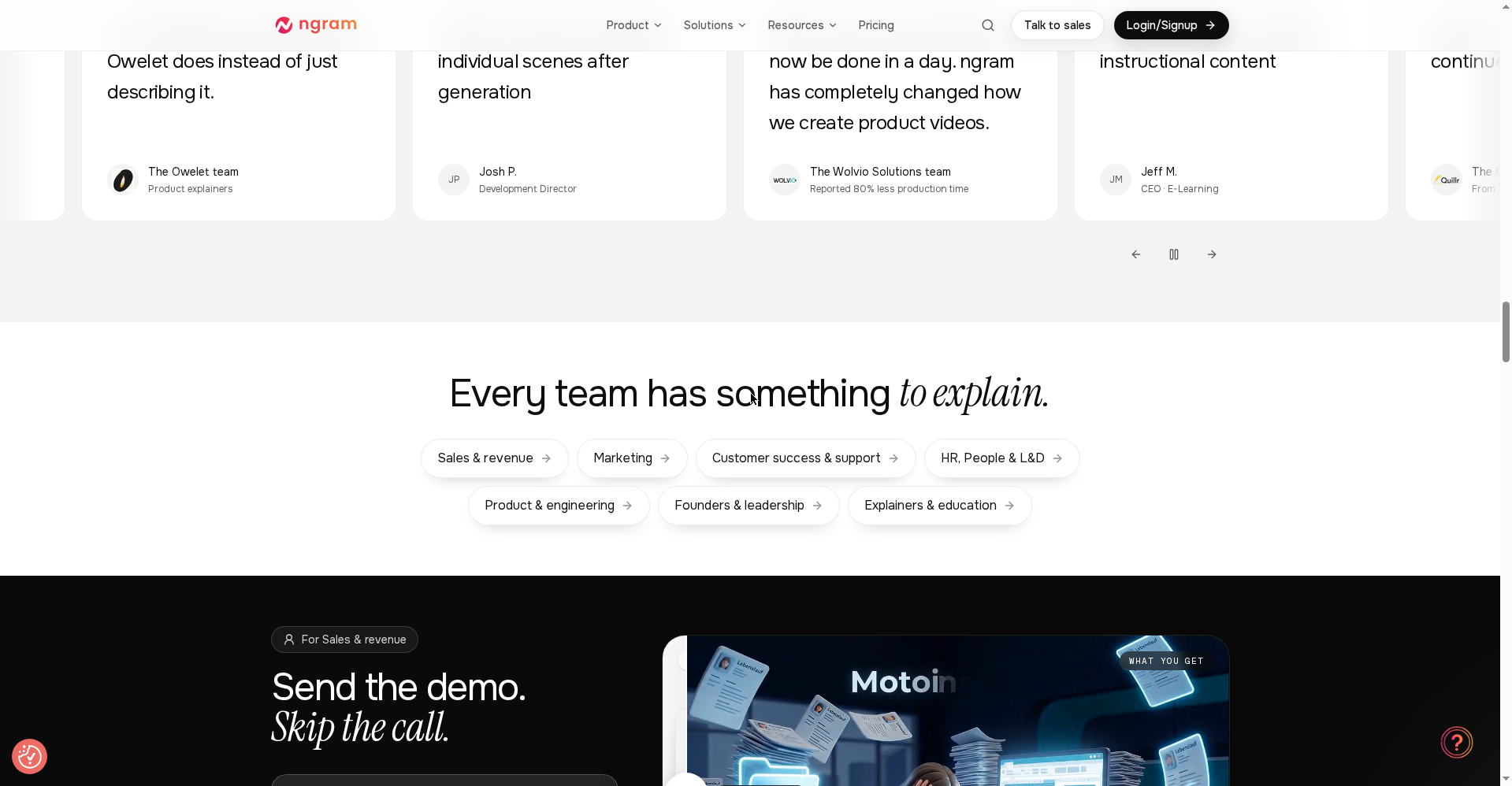
The official site shows a G2 rating of 4.6/5 (62 reviews), and customer stories claim 80% less production time. Those are their chosen numbers, obviously — but the third-party G2 presence is a good sign.
Who should use it, who shouldn’t?
- Content creators & educators: Explainers, tutorials, training videos — days of editing compressed into minutes.
- SaaS founders & marketers: Launch videos, feature announcements, product demos “the day you ship.”
- HR/L&D teams: Training people actually finish.
- Support teams: Answer it once, link it forever.
- Pro video editors: If you want frame-level craft in Premiere or After Effects, this tool isn’t for you — it’s built for speed and scale.
Final verdict
ngram 2.0 feels like the most structured attempt at “video from a prompt” so far — plan the story first, render second, iterate in plain language. More polished than Loom, easier than Descript. The free plan is genuinely tryable (no credit card), so reviewing it is risk-free. Half a point off: the free allocation is one-time and you need Premium for 1080p — students and heavy users will have to watch their credits.
Our rating: 4.5/5. If you’re a creator, founder, or educator — try it free, make one explainer, then decide.
Note: This is a first-look review based on the official site (ngram.com) and Product Hunt launch information. We’ll test it hands-on and add an update soon.