 AI Tool
⚡ The 30-second verdict
Knocket AI is a 100% free live-chat tool — a one-line website widget, a shareable contact page for your bio link, and one inbox for web, Telegram and email messages. There is no paid plan at all, no message cap, no credit card. Launched on Product Hunt on 26 October 2026, it is built for founders, creators and small teams chasing their first 100 users. But it is not a ticketing/CRM system, it does not offer custom domains, and replies rely on Telegram instead of a native mobile app. If visitors reach your site or bio and you have a zero budget, try it today; if you need a full support operation, this is not your tool.
What is it?
Every founder knows the same frustration: someone visits your site, likes your work, has one question — and there is no easy way to ask it. Fill in a contact form, send an email, wait for a reply — by then the visitor is gone.
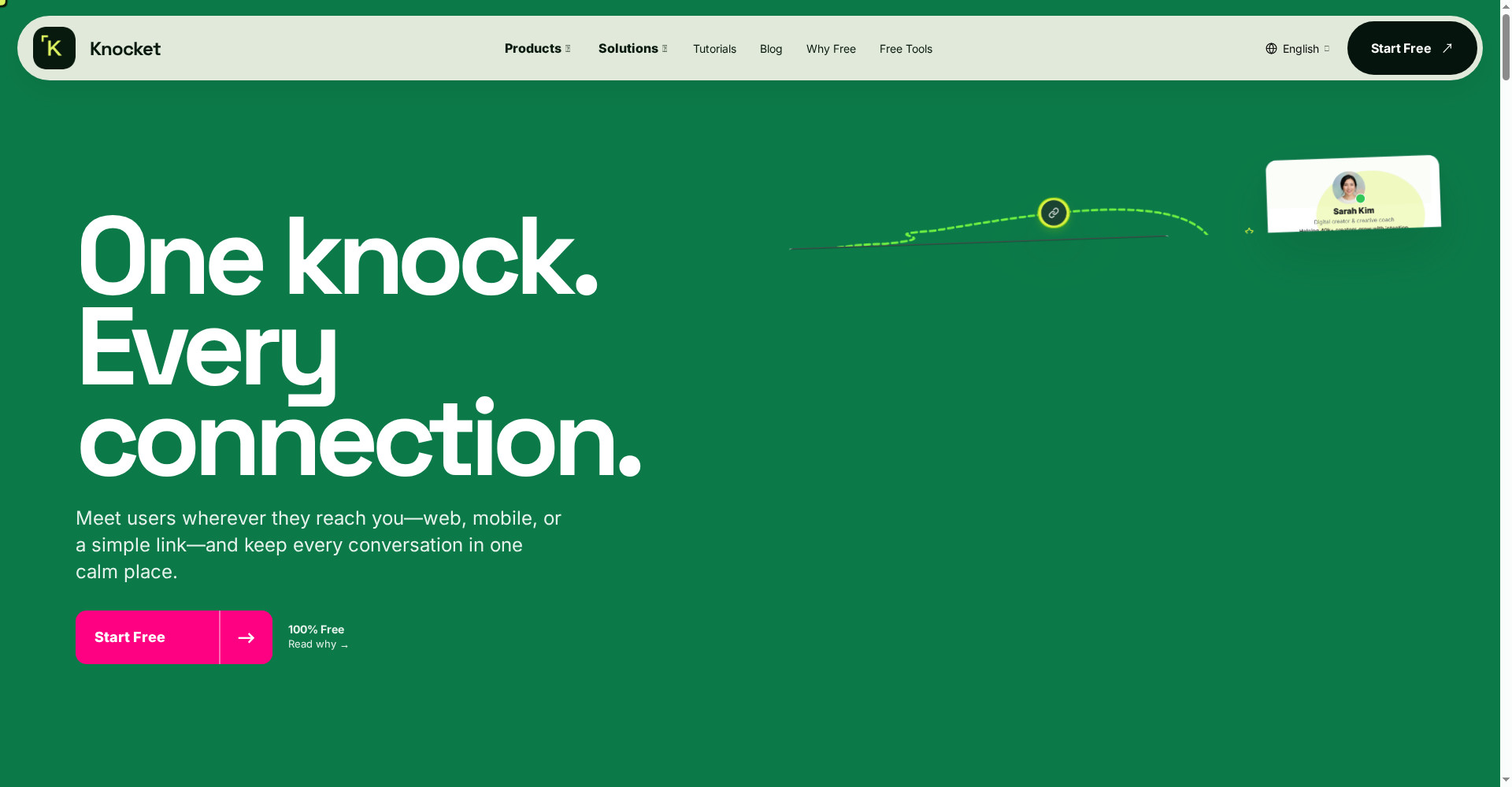
Knocket closes that gap. Its tagline is “One knock. Every connection.” Wherever a visitor knocks — website, mobile app, or a simple link — you answer from one place.
Key features (what makes it different)
1. Web Widget — one script tag, live in 5 minutes
Paste a single script tag into any site — WordPress, Shopify, React, anything. Visitors see a chat bubble, message you, and you reply. Theme color, welcome message, online/offline mode, file attachments and read receipts are all customizable. When you are offline, visitors leave a form instead.
2. Contact Page — works even without a website
No website yet? No problem. Create a knocket.ai/yourname page and drop it in your Instagram bio, GitHub README or waitlist page. Visitors open it and chat instantly — no signup, no app install. The page has 18 configurable blocks — social links, portfolio, services, FAQ, booking — so it is more than a chat page; it is a Linktree-plus.
3. Unified inbox — web, Telegram and email in one place
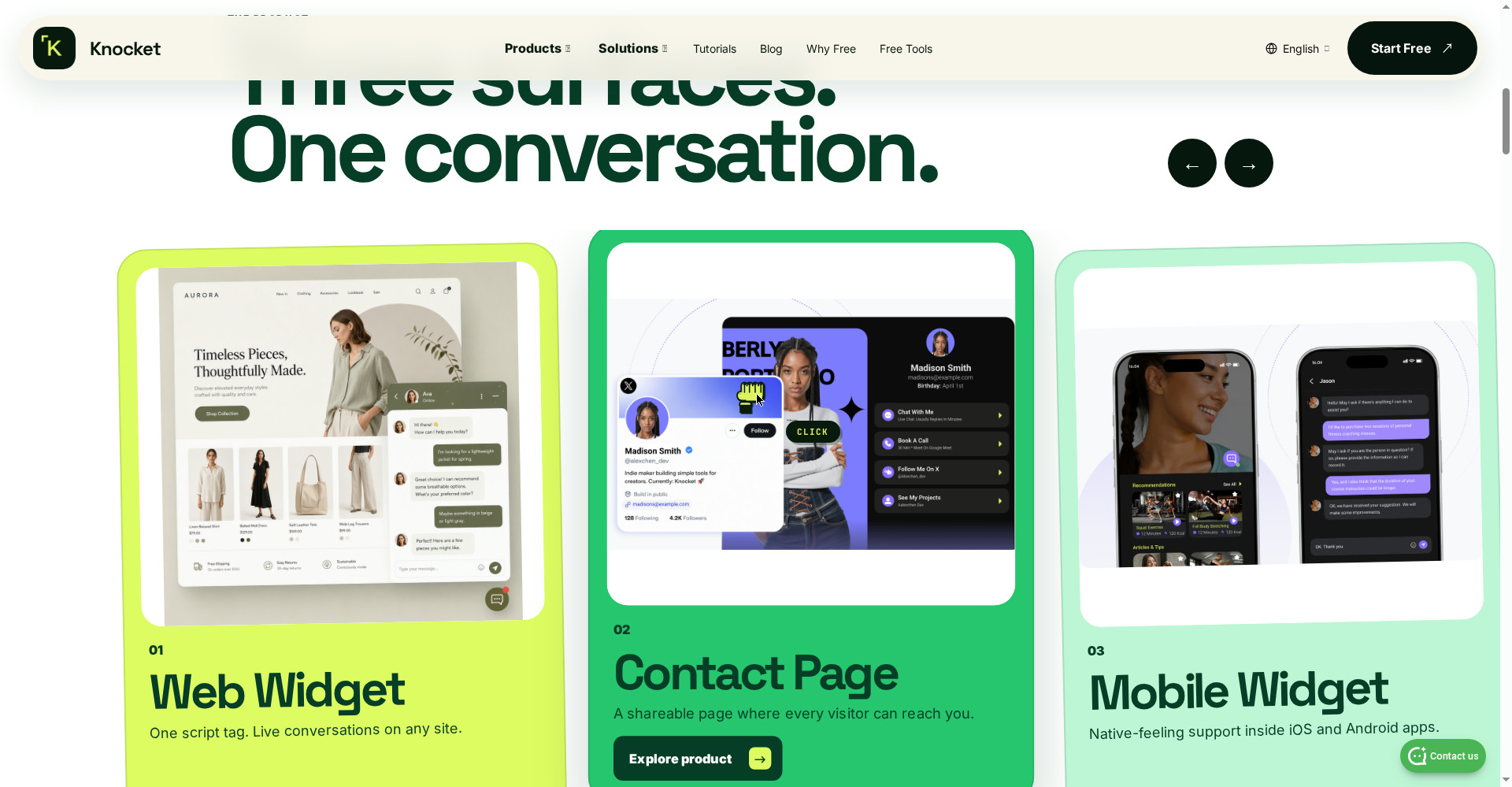
Three surfaces, one conversation. Whether a message comes from the web widget, the contact page or email, it lands in a single inbox. And the most useful part: you reply straight from Telegram. A visitor’s message arrives as a Telegram notification; quote-reply to it and your answer reaches the visitor in real time. No dashboard to open, no tab switching — your phone handles it all.
4. AI agent — answers from your docs, then hands off to a human
An optional AI agent reads your uploaded docs and FAQs, answers routine questions, and hands tricky ones to a human. Conversation summaries and usage stats show which questions keep coming up, so you can improve your docs. According to the makers, language translation is coming in the next update.
5. Five-step setup, no code
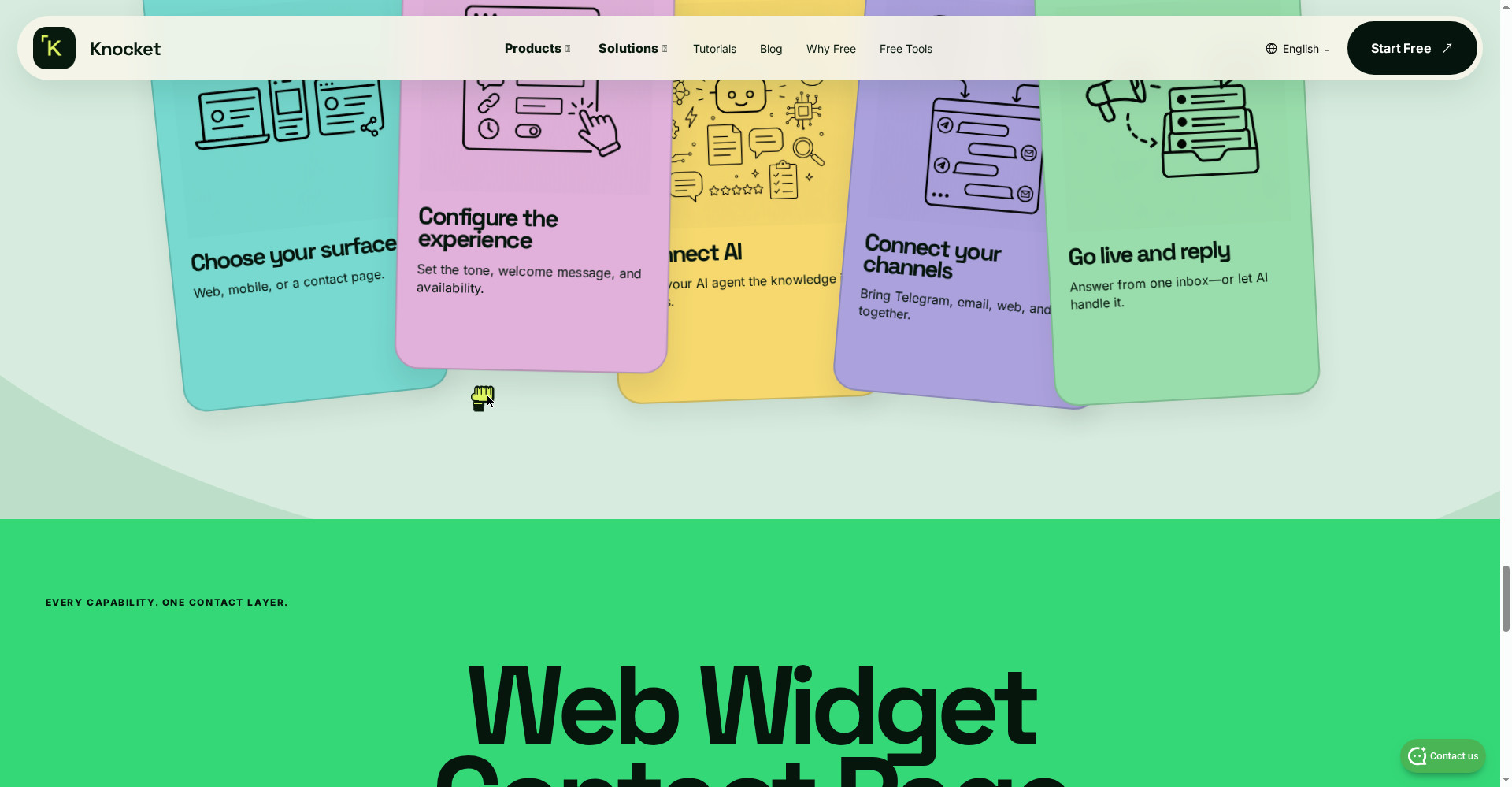
Choose your surface → Configure the experience → Connect AI → Connect your channels → Go live and reply. No long onboarding, no sales call.
Pricing — what do you actually get free?
This is where Knocket stands apart: there is only one plan on the pricing page — Free.
- Free — $0, forever: Web widget, contact page, mobile widget, unified inbox, Telegram + email notifications, full customization, offline forms, social links, meeting scheduling, AI agent — everything. No message caps, no seat limits, no ads, no credit card.
The honest take: a “free forever” claim is only believable when there is no paid tier to upsell you into — and here that is literally true. Against Intercom (from ~$29/seat/month), Zendesk or LiveChat, the $0/year difference is huge for a solo founder. But remember: the company is new, and a free model’s future depends on its business — so keep backups of conversations that matter.
Platforms
- Web: Script tag on any website (WordPress, Shopify, React)
- Mobile: Native-feeling widget inside iOS and Android apps
- Contact page: Shareable link — Instagram bio, README, anywhere
- Replying: Web inbox or Telegram (no native mobile app)
Who should use it — and who should not
- Indie founders and solo makers: Built exactly for this stage — catching your first 100 users directly.
- Creators (Instagram/YouTube): A bio link that does more than links — brand deals and collab questions arrive instantly.
- Freelancers and coaches: Answer the “quick question” first, book later — chat + booking on one contact page.
- Small teams and early startups: Live chat for $0, with no seat limits.
- Not for large support teams: If you need ticketing, SLAs, routing and a knowledge base, look at Intercom or Zendesk.
- Not for WhatsApp-first businesses: There is no WhatsApp channel yet.
- Not if you need your own domain on the contact page: Only knocket.ai subpaths are available.
Comparison: Intercom / Tidio / Linktree
- Intercom: A full customer platform — automation, AI workflows, ticketing — but starting around $29/seat/month and heavy for a small team. Knocket is not its replacement; it is the tool for the stage before it.
- Tidio: Has a free plan, but AI conversations are capped (around 50 chatbot conversations/month) and it pushes you toward paid plans. Knocket’s free tier is uncapped.
- Linktree: Bio links only — visitors click, they cannot message, and removing ads needs Pro. A Knocket contact page gives messaging + links + booking together, free.
- Kai: An AI executive assistant for inbox, meetings and calendar — if you need full schedule and inbox management rather than visitor chat, look there.
- MePersona: Every fan message in one inbox, answered in your own voice — a creators’ inbox tool; Knocket is the contact layer for website visitors and new leads.
🔍 People also search for
- Is Knocket AI really free
- Knocket vs Intercom comparison
- Knocket vs Linktree bio link
- How to create a Knocket contact page
- Knocket website widget setup
- Knocket AI review 2026
- How Knocket Telegram reply works
- Free live chat widget for website
- Kai AI executive assistant review
- MePersona AI inbox review
Final verdict
Knocket does one small thing extremely well — getting a visitor to you, with no signup, no form, no waiting. 100% free forever with no paid tier, a 5-minute setup, replies from Telegram, and a contact page that does more than Linktree — no other tool offers that combination for $0. The deductions are hard to argue with, though: no ticketing/CRM, no custom domain, no WhatsApp channel, no native mobile app, and a product only 5 days old.
Our rating: 4.2/5. If you are a founder, creator or freelancer whose site or bio gets visitors but not conversations — go to knocket.ai, create your contact page, and put it in your bio. The risk is $0, and the first visitor message will tell you its worth.
Note: This first-look review is based on the official site (knocket.ai), its Product Hunt launch post (26 October 2026) and independent tool comparisons. We will add a hands-on update after setting it up ourselves.


