 AI Tool
 ⚡ The 30-second verdict
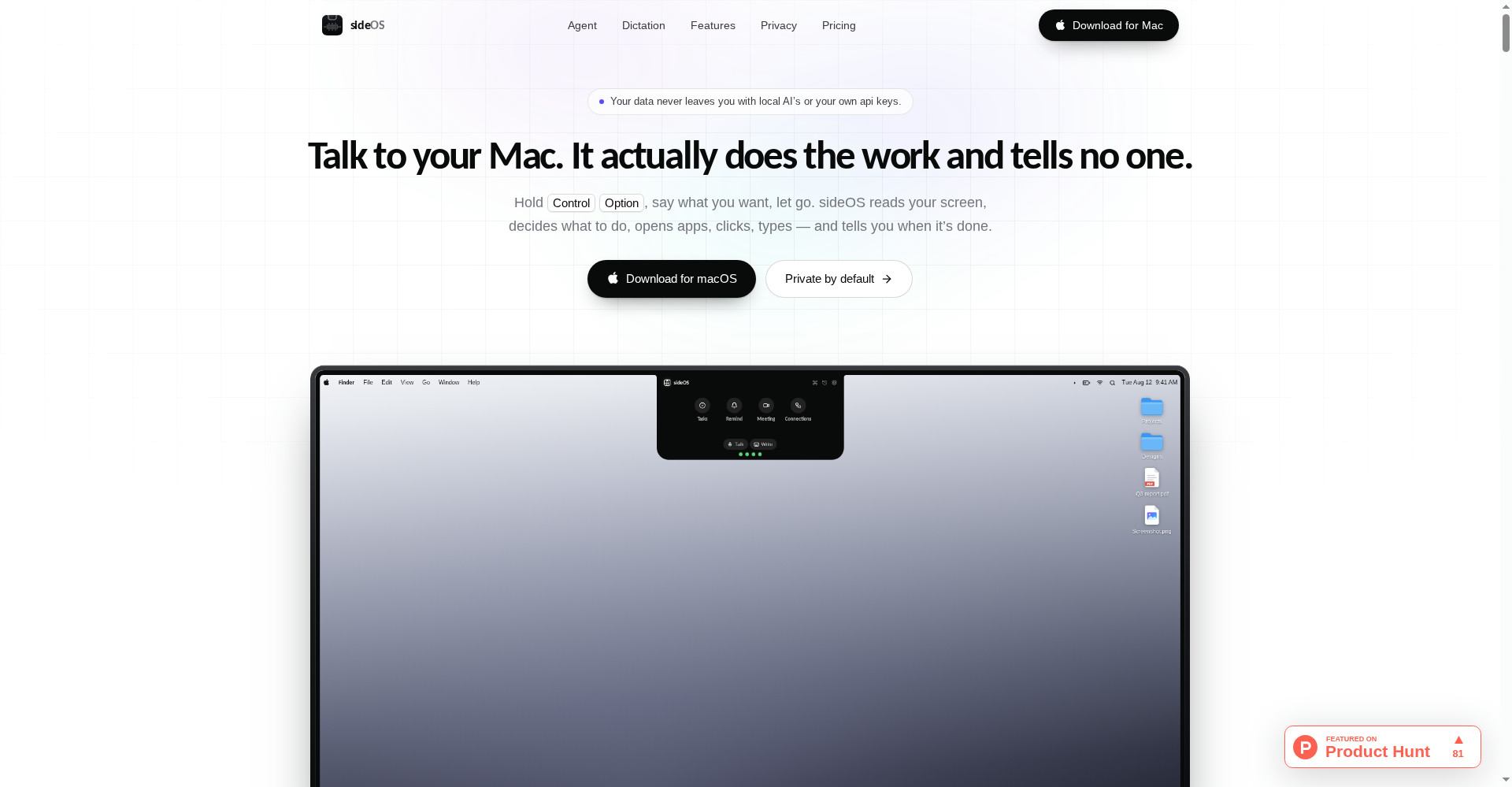
sideOS is a Mac-only AI assistant that lives in your MacBook’s notch: hold Control + Option, speak, let go — and it reads your screen, opens apps, clicks and types to finish the job, then tells you out loud when it’s done. Dictation is free (62 languages, in any app), meetings are recorded without a bot and transcribed on-device, and background tasks build research reports without touching your screen. Price: $89.90 once, for life — no subscription; model costs are separate (~2–5¢ per command, or zero on a local model). The honest warnings: it launched 23 October 2026 (brand new), it is Mac-only, and there is no clearly stated free plan or trial — the $89.90 is upfront. For Mac power users, freelancers and creators who won’t compromise on privacy, it’s well worth a serious look — just budget for the model bill separately.
What is it?
Every MacBook has a notch that just sits there. sideOS turns that notch into an assistant. Its maker (Buğrahan, in the Product Hunt launch post) was frustrated that normal AI chat windows hand you an answer and leave the copy-paste to you. In sideOS, you don’t get an answer — you get the job done.
Say “Reply to Alex — politely say no” and that is the whole task: sideOS reads the screen, opens the right app, and writes the reply. You approve it or change it by voice.
Key features
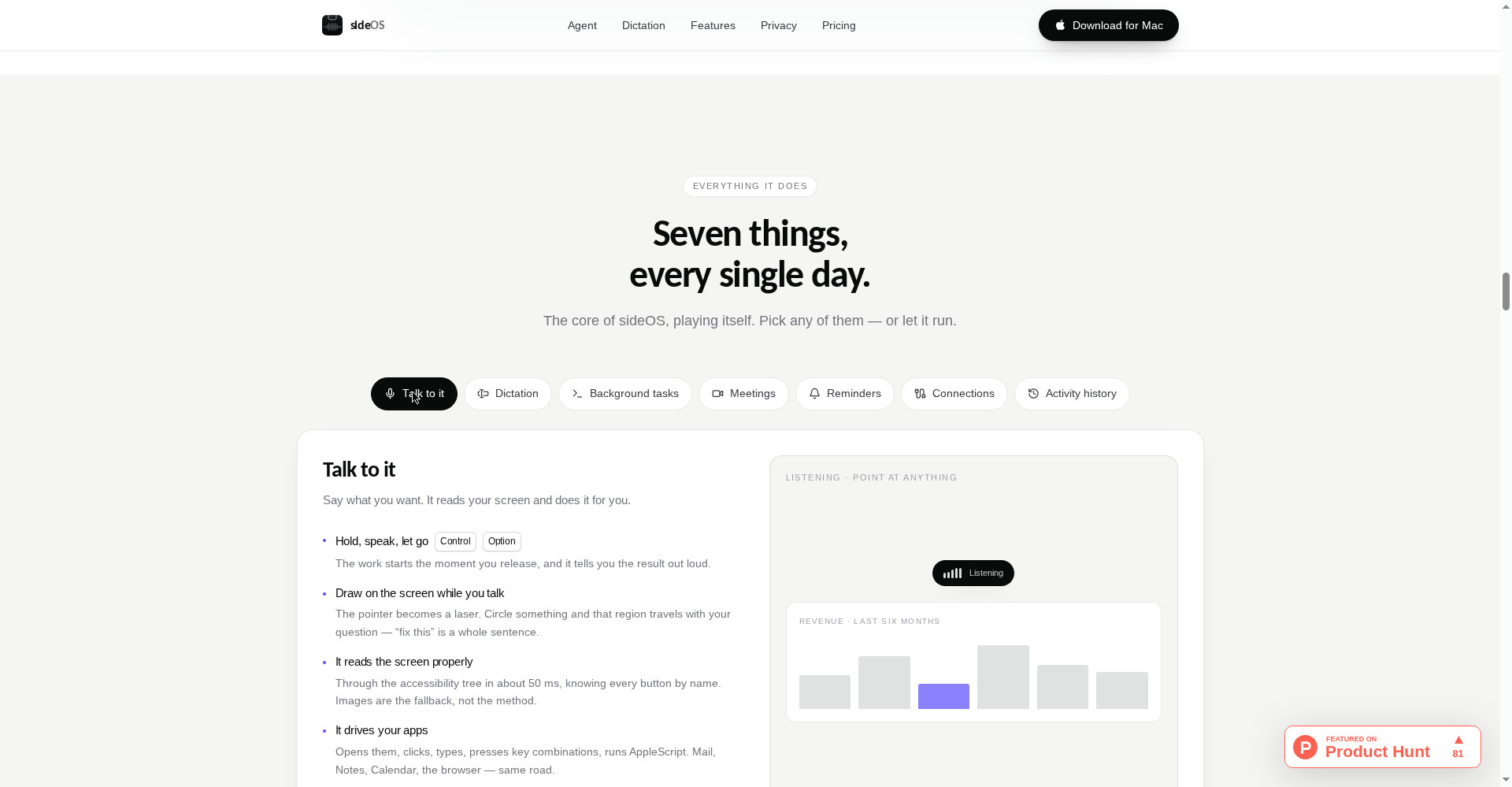
1. Talk, and it acts — reading the screen properly, not via screenshots
sideOS reads the screen through the macOS accessibility tree — every button by name, in about 50 ms. That is why a typical command costs only ~2–5¢ on your own provider bill: far cheaper than sending screenshots. Screenshots are the fallback, only when the accessibility tree can’t see something (charts, video).
Another neat trick: draw on the screen while you talk. The pointer becomes a laser — circle a chart or an error and that region travels with your question. “Fix this” becomes a complete sentence.
2. Dictation that asks for nothing — no key, no bill, no internet
Hold Control + fn and talk — the text lands wherever your cursor is, in any app. Recognition runs on macOS’s own speech engines, so there is no API call, no bill, no internet. A hands-free mode keeps dictation on with a tap, until you tap again, hit the island button, or press Esc.
The classic engine covers 62 languages; the newer engine (macOS 26) covers 30 languages with no time limit. If no editable field is in focus, the text waits on your clipboard — nothing gets lost.
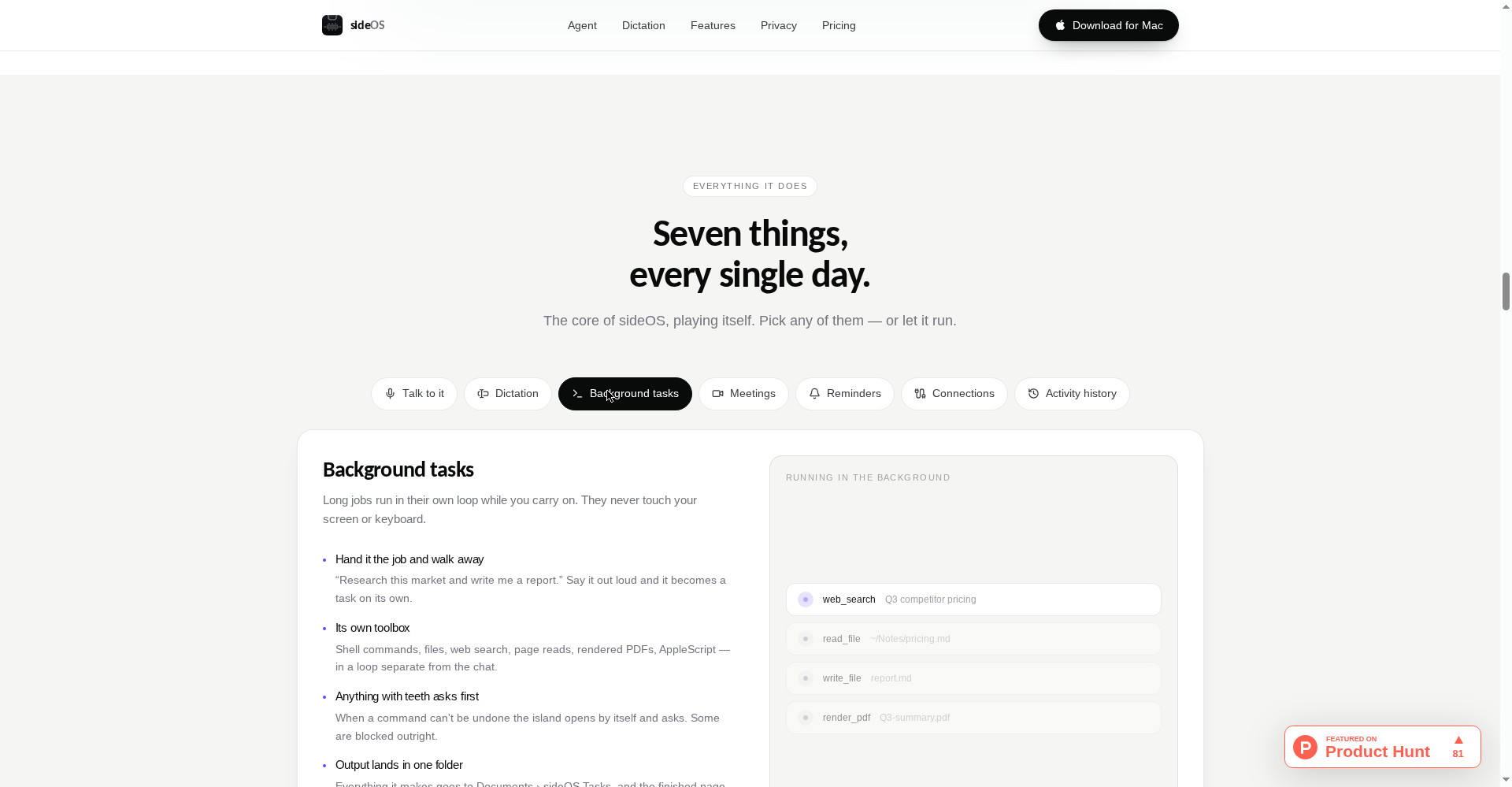
3. Background tasks — long jobs that never touch your screen
Say “Research this market and write me a report” and it becomes a task running in its own loop while you carry on. It can search the web, read and write files, run shell commands and render a finished PDF — without ever touching your screen or keyboard. Anything that can’t be undone (like a shell command) asks you first; some commands are blocked outright.
Everything it makes lands in one folder: Documents › sideOS Tasks, and you get a notification when it’s done.
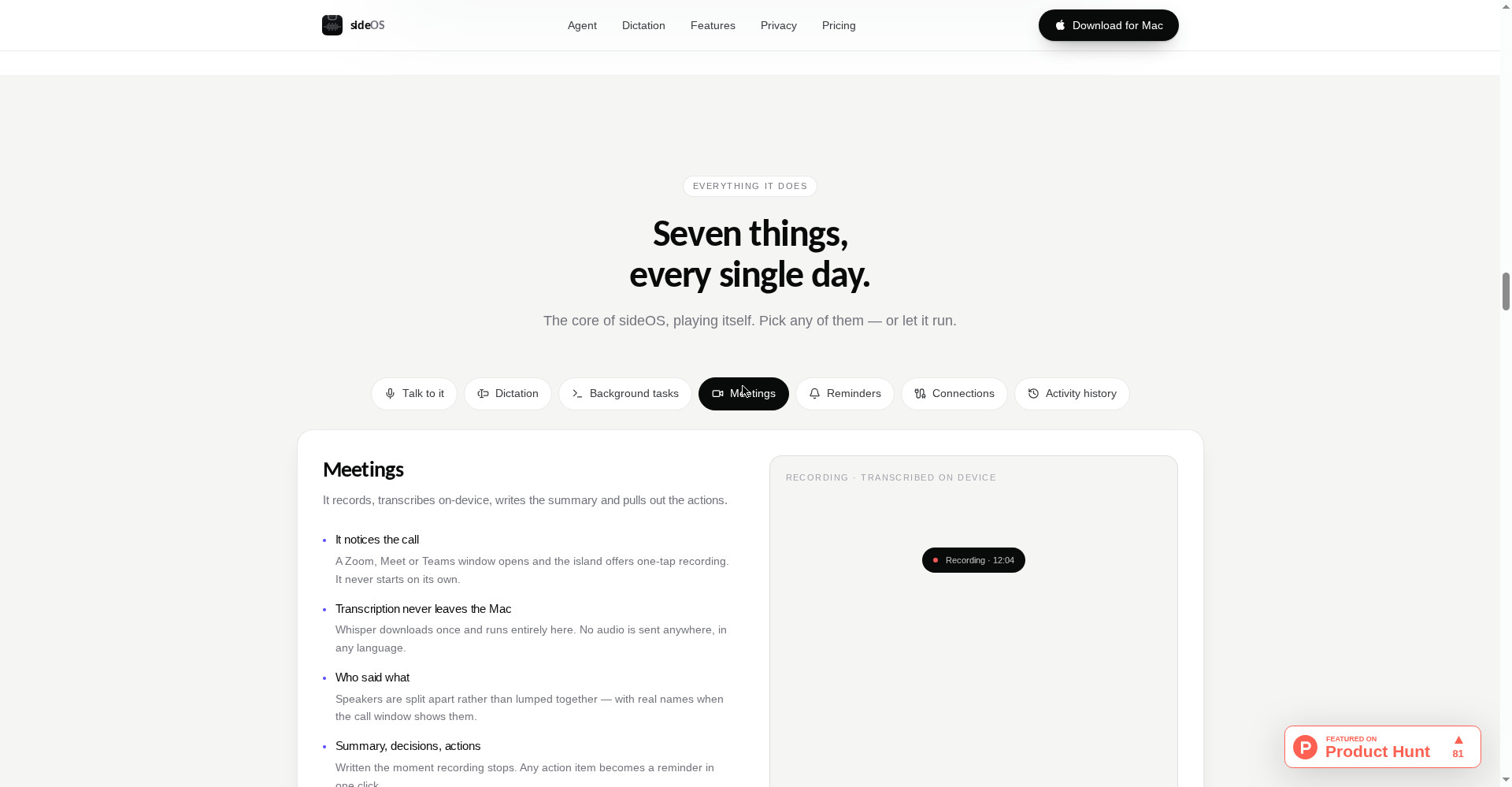
4. Meetings — recorded without a bot, transcribed on-device
When a Zoom, Meet or Teams window opens, sideOS offers one-tap recording — it never starts on its own. Afterwards, Whisper runs entirely on your Mac: no audio is sent anywhere, in any language. Speakers are split apart (with real names when the call window shows them), then a summary, decisions and action items are written the moment recording stops. Any action item becomes a reminder in one click. You decide how long audio lives — deleted the second it’s transcribed, or kept for a year.
5. Reminders that do the job before they ring
“Remind me to send Maya the deck at two tomorrow” — that’s it. And some reminders finish the work before they ring: ask for a morning news digest and the finished page is waiting when the reminder goes off. Reminders ring in the notch itself, and the island stays open until you deal with it — hard to miss.
6. Connect your tools — Gmail, Calendar, Notion, Slack, GitHub, any MCP server
One-click connections for Gmail, Calendar, Notion, Slack and GitHub mean “reply to that and put it on my calendar” becomes a single request. Any MCP server can be added too (configs written for Claude Desktop work). Safety is built in: tools that send, delete or change something arrive flagged and switched off — enabling them is your call. Secrets go to the Keychain; only variable names stay in the config file.
Pricing — what do you actually pay?
The honest breakdown:
- sideOS licence — $89.90 once: Lifetime, 1 Mac, every future update included, transferable to a new Mac. No subscription, no seat, no expiry.
- Model — your choice, billed by your provider: Claude, OpenAI, Gemini or Grok — a typical command runs ~2–5¢; the light model or lower thinking depth costs about a fifth.
- Local model — $0: MLX on-device models — no key, no bill, no network. Smaller models mean shorter action chains than cloud models manage.
- Dictation — included, no extra cost: macOS engines, nothing metered, nothing per word.
The catch people miss: “$89.90 once” sounds cheap, but total cost = licence + model bill. Run 50 commands a day and the monthly model bill on default models could reach ~$30–75. On a local model it’s zero, with less capability. Do that maths before you buy.
Privacy — the strongest card
- No account, no vendor server between you and the model — you talk to your provider directly.
- API key in the Keychain — never written to a file.
- Recordings, memory, history — all on the Mac.
- Activity history off by default — switch it on and only text is kept, no image ever hits the disk.
- Esc stops everything instantly, and every run is logged in a local, searchable history.
- One caveat: once a day the app sends anonymous counters with a random install id (version, runs, errors — no text, prompts, screen data, file names or IP stored). You can switch it off in Settings — and if that bothers you, you should.
Platforms
- Apple Silicon Mac, macOS 14+ (a notch is not required)
- Local models + newer speech engine need macOS 26
- Windows/Linux: no — nothing announced
Who should (and shouldn’t) use it
- Mac power users: Daily work across apps — replies, files, calendars — done by voice.
- Freelancers and creators: Dictation + meetings + background research in one place, without a subscription.
- Privacy-conscious professionals: Client data stays on the machine; no vendor server is a genuine differentiator.
- Students (on a Mac): Background research reports and automatic meeting notes — but $89.90 plus a model bill deserves thought on a student budget.
- Windows/Linux users: Not for you — at all.
- Dictation-only users: A lighter, cheaper dictation app like Openbroca is enough — you don’t need the full agent.
Comparison: Superwhisper / Wispr Flow / Raycast
- Superwhisper / Wispr Flow: Dictation specialists — speak, get clean text. sideOS adds an agent on top: screen driving, meetings, background tasks. If dictation is all you need, the specialists are cheaper and more focused; if you want “speak and it’s done”, sideOS is a different category.
- Raycast / Alfred: Keyboard-first launchers with extensions and AI. sideOS is voice-first and drives the screen directly, without depending on an extension store. Raycast has a free plan and sideOS doesn’t — but Raycast Pro is $96/year, while sideOS is $89.90 once.
- ChatGPT/Claude apps: They answer; they don’t act. sideOS acts — but it needs Accessibility, Microphone and Speech Recognition permissions that a chatbot never asks for.
🔍 People also search for
- sideOS pricing and lifetime licence details
- is sideOS really free to use
- sideOS vs superwhisper comparison
- sideOS vs wispr flow for Mac dictation
- sideOS Mac requirements and Apple Silicon support
- sideOS API key setup and BYOK explained
- sideOS alternatives for Windows users
- openbroca Mac dictation review
Final verdict
sideOS is the most honest attempt yet at “talk and it’s done” — no subscription, no vendor server, free dictation, on-device meetings — a combination nobody else offers. Reading the screen via the accessibility tree (not screenshots) isn’t just a privacy win; it keeps costs down too, and if the 2–5¢ per command claim holds, even heavy use stays affordable.
Points docked for good reason: it’s Mac-only, there is no clearly stated free trial (pay $89.90 first, find out later), and the model bill is separate — the cost most buyers will overlook. And it’s a two-day-old launch — how updates and support hold up over the long run is still unproven.
Our rating: 4.2/5. If you’re a Mac user, privacy is a first-order requirement, and you want repetitive Mac work done by voice, $89.90 once beats a subscription. Start on a local model, then try your own key on a cloud model — so you know what the bill looks like before you commit.
Note: This first-look review is based on the official site (sideos.ai) and the Product Hunt launch page (23 October 2026). We’ll add a hands-on update after testing it on a Mac ourselves.