 AI Tool
 ⚡ The 30-second verdict
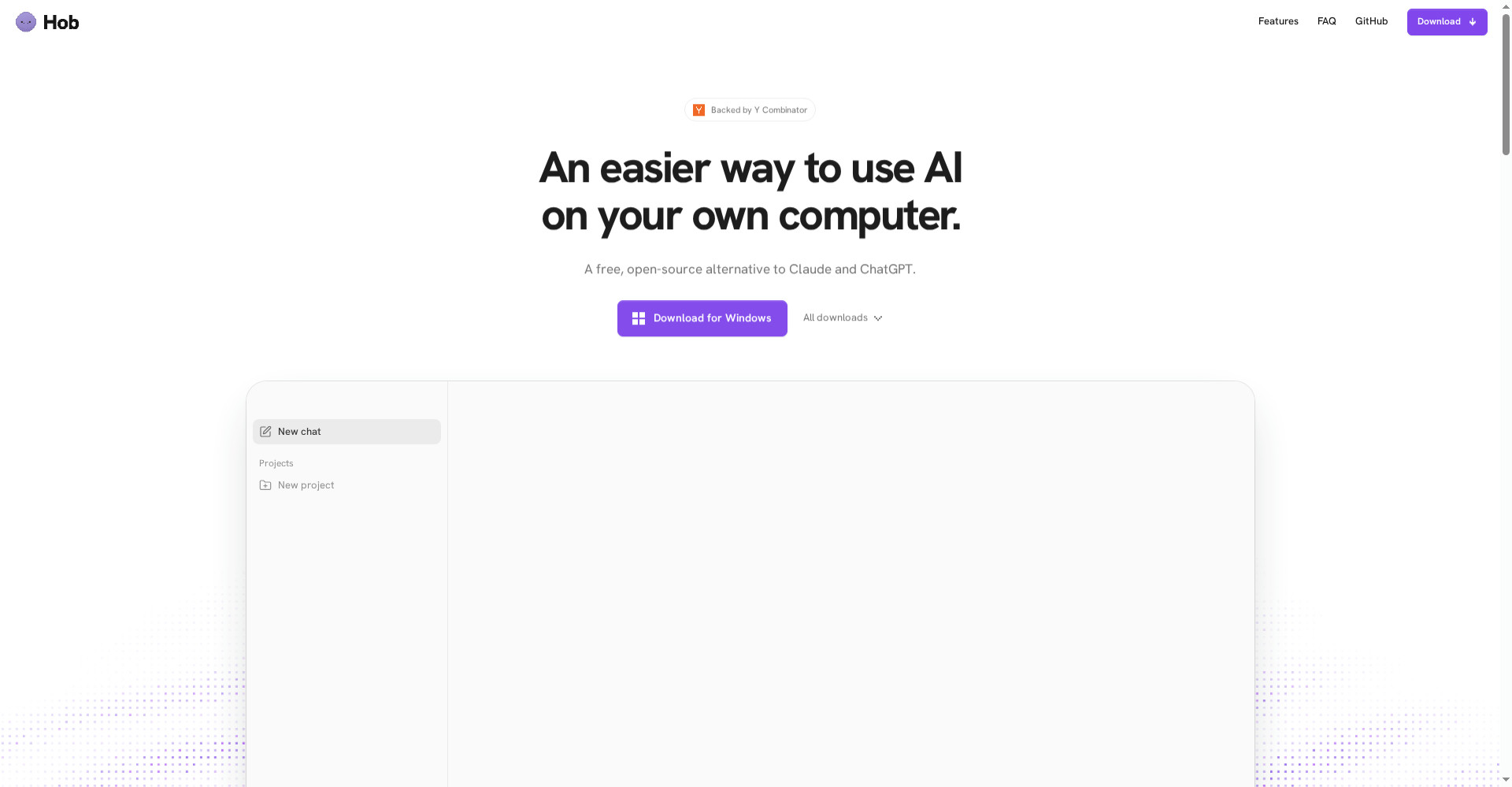
Hob is a free, open-source desktop app that works like ChatGPT and Claude, except the AI runs on your own computer. No account, no subscription, no telemetry — your chats and files never leave your machine. It picks the best open model for your hardware and sets it up itself, then reads and edits files, fills PDFs, turns spreadsheets into charts, looks at photos, and runs fully offline with web search off. Price: completely free (MIT licence). The conditions: at least 8 GB of RAM (16 GB for everyday work, 32 GB+ for the best models), and local models are weaker than frontier cloud models — the creator admits this. It launched 26 October 2026, so it is brand new. For privacy-minded students, freelancers and professionals with a decent computer, it is worth trying free today; for weak hardware or maximum model power, cloud tools remain the better choice.
What is this tool?
Every mainstream AI app sends your files to the cloud and answers from there — whether that file is your CV, a client’s spreadsheet, or personal notes. Hob takes the opposite route: the model itself downloads to your computer, and all the work happens there.
Its maker, Christian (co-founder at Frigade), explained on Product Hunt that he tried every local AI app he could find — but none did file work the way the ChatGPT and Claude apps do. Some just pasted a small text file into a chat window, some defaulted to hosted models (which defeats the privacy point entirely), and some pushed you toward a paid plan. Hob answers all three problems: real file work, fully local, fully free.
Key features that set it apart
1. Setup handled for you — no model-picking headache
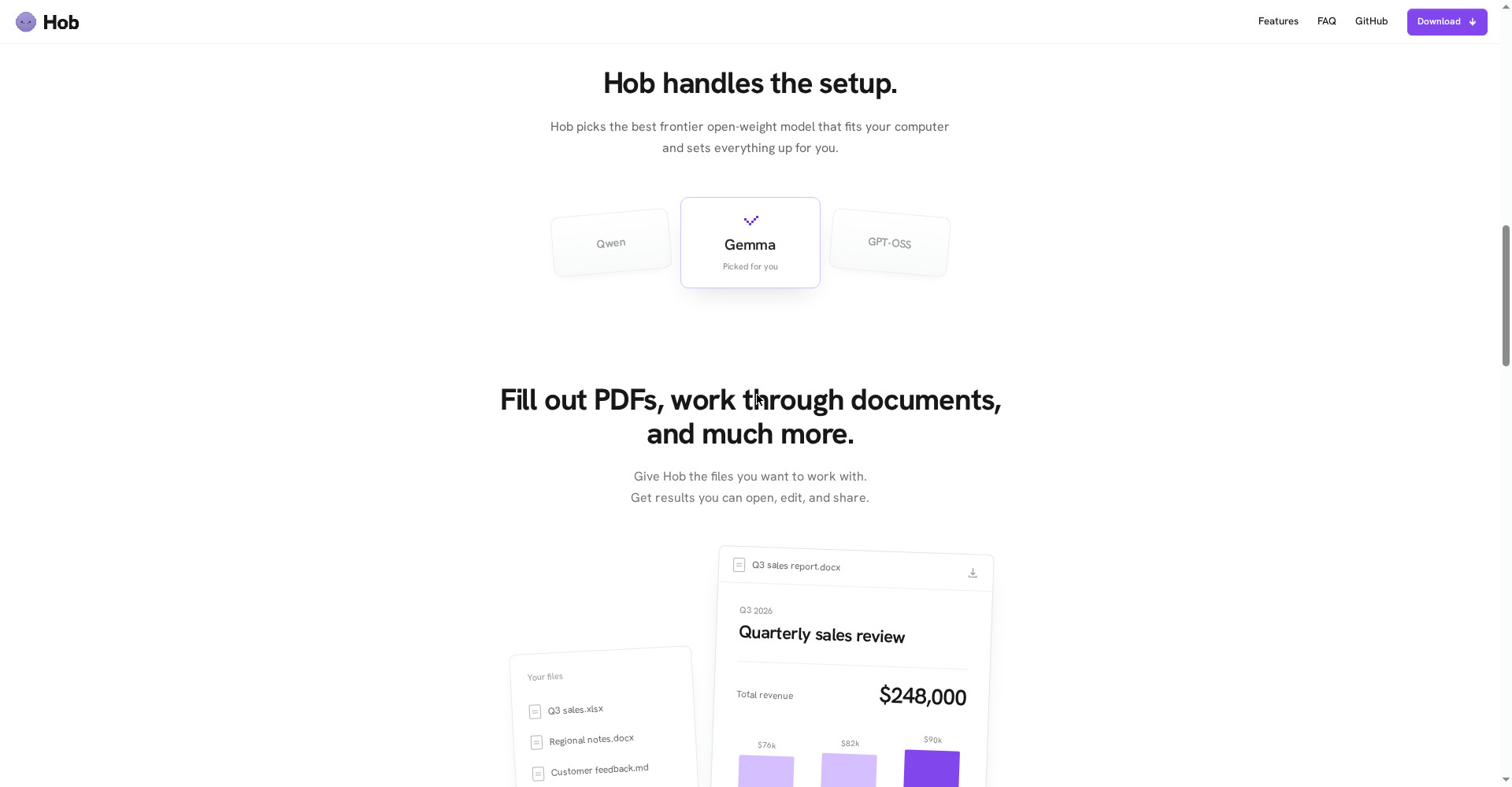
Local AI’s biggest friction is setup: which model, what size, where to download it from? Hob handles it all — it looks at your computer’s memory and picks the best frontier open-weight model that fits, then sets everything up. The site shows Qwen, Gemma and GPT-OSS cards, with one marked “Picked for you” for your hardware. No GPU jargon, no quantization decisions.
2. Real work on files — not just chat
This is Hob’s biggest difference. Give it access to folders you choose, and it can:
- Read and edit files and folders — it asks before changing anything, and changes can be undone
- Fill out PDFs and work through documents
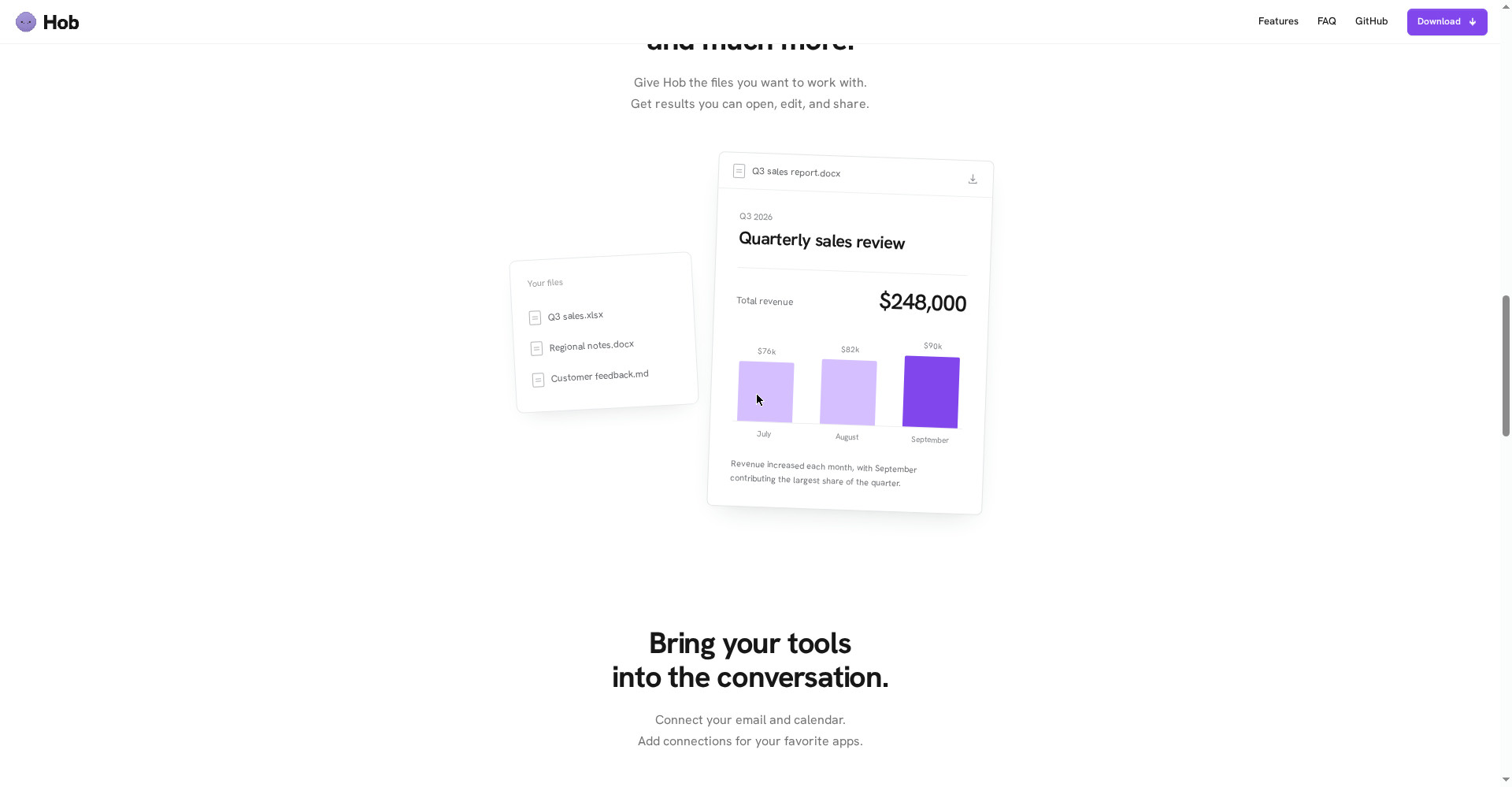
- Turn spreadsheets into charts — the site’s demo shows Q3 sales data becoming a quarterly report with a revenue chart
- Work with Word, Excel and PowerPoint files
- Look at photos and screenshots and answer questions about them
- Run code in a sandbox — so it can write and run code for calculations and data work
3. Privacy as architecture, not a feature
- The model runs on your computer — chats and files are never uploaded
- No telemetry, according to the official site
- You choose what Hob can access — only the folders you allow are shared; the rest (like Personal or Photos) stays unshared
- Fully offline with web search off — switch Web access off under Settings > Privacy, and only model downloads and updates need the internet
4. Connect your apps — MCP connectors
Mail and Calendar are built in on Mac, and you can add connectors for Notion, Linear, Figma, GitHub and other apps. So Hob works with your tools, not just your files. One honest note: connectors you add yourself send the information needed for their actions to external services, which have their own privacy policies.
5. 32 languages, including Hindi
Hob ships in 32 languages — Hindi included — and starts in your computer’s language. Write to it in any language and it answers in the same one. That matters for Indian students and freelancers: ask in Hindi, get answers in Hindi, without sending data to the cloud.
Pricing — how much is free?
There is no free-plan-versus-paid-plan game here — the whole app is free:
- Free — the whole app: No subscription, no account, no trial running out. Every feature, every model, offline mode — all free. Under the MIT licence, the code is open on GitHub, so anyone can check what the app does inside.
- When would you pay anything? Only if you connect an external service yourself — that service may have its own fees. Hob and its models cost nothing.
The honest version: “free” here is a licence, not marketing. But free does not mean zero cost — the cost is your hardware: a good experience needs 16 GB+ of RAM and 10-25 GB of disk space.
System requirements — check this first
- Platforms: Apple Silicon Mac, Windows PC, Linux (no mobile app mentioned)
- RAM: At least 8 GB; 16 GB is good for everyday tasks; 32 GB or more runs the best models
- Disk: 10-25 GB for Hob and its models; about 75 GB for the largest model
- Internet: Needed for downloads, model downloads and updates; everyday file work can run offline
- Windows note: The app is not yet signed with a Microsoft certificate, so Windows SmartScreen asks you to click “More info” then “Run anyway” — the official site says this itself
Who should use it — and who should not
- Privacy-conscious students: You want AI help with notes, assignments and research without sending data to the cloud — free, and in Hindi too.
- Freelancers and small business owners: Running AI over client spreadsheets, invoices and documents without uploading them to a server is Hob’s strongest case.
- Developers and data workers: A code sandbox, file workflows and MCP connectors make Hob a sensible local agent.
- People working with poor internet: Once the model is downloaded, everyday work runs offline — useful for travel, field work or slow connections.
- Not for weak computers: Below 8 GB of RAM, Hob will not run well — check your RAM first.
- Not for maximum model power: For hard reasoning, long research or the latest information, frontier cloud models are still ahead.
- Not for mobile-first users: There is no mobile app mentioned — this is a desktop tool.
Comparison: ChatGPT / Claude / local apps
- ChatGPT and Claude (cloud): The most powerful models, the latest information, mobile apps, deep integrations — but your data goes to their servers, and good plans need a subscription. Hob is the inverse: your data stays, cost is zero, but the model is lighter.
- Local apps like Jan, LM Studio and Open WebUI: These also run local models, but according to the maker they are mostly chat windows — they do not do ChatGPT-style file work (charts, PDF filling, folder editing), or they default to hosted models. Hob claims to close that gap.
- NoteWorthy: A notes app that keeps your data on your device — worth a look if you only need on-device AI for notes; Hob is a full desktop assistant, much broader than notes.
- PocketWebTools: A set of free on-device AI tools — good for small, single-purpose jobs; Hob is a full agent-style assistant that does multi-step work on files.
🔍 People also search for
- Hob AI app download for Mac Windows Linux
- is Hob AI really free
- Hob vs ChatGPT comparison
- Hob vs Claude desktop app
- Hob AI system requirements 8GB RAM
- Hob offline AI assistant
- Hob AI review 2026
- Hob app for students and freelancers
- noteworthy on-device AI notes app review
- pocketwebtools free on-device AI tools review
Final verdict
Hob is built on an honest idea — AI should run on your computer, your data should stay yours, and that should not cost a subscription. Completely free, MIT open source, no account, no telemetry, setup handled for you, and real work on files — no big tool offers that combination right now, and Frigade’s Y Combinator backing gives the idea weight.
We docked more than half a point because: local models are weaker than frontier models (the creator admits it), 8 GB of RAM and 10-25 GB of disk are required, it is only 3 days old (launched 26 October 2026), Windows shows a SmartScreen warning, and there is no mobile app. One early independent test also showed a spreadsheet question was answered correctly only when Hob wrote and ran code — so verifying its answers yourself is still necessary.
Our rating: 4.2/5. If you have a computer with 16 GB of RAM or more and can trade a little model power for privacy — download it free today from hob.chat, try it on one folder, and run one PDF or spreadsheet job through it. Only then decide whether it earns a place in your daily workflow. If your computer is weaker, stick with cloud tools or upgrade RAM first.
Note: This first-look review is based on the official site (hob.chat), its GitHub repository (FrigadeHQ/hob), the Product Hunt launch page (26 October 2026) and launch coverage. We will add a hands-on update after testing it on our own computer.