AI Tool
⚡ 30-second me faisla
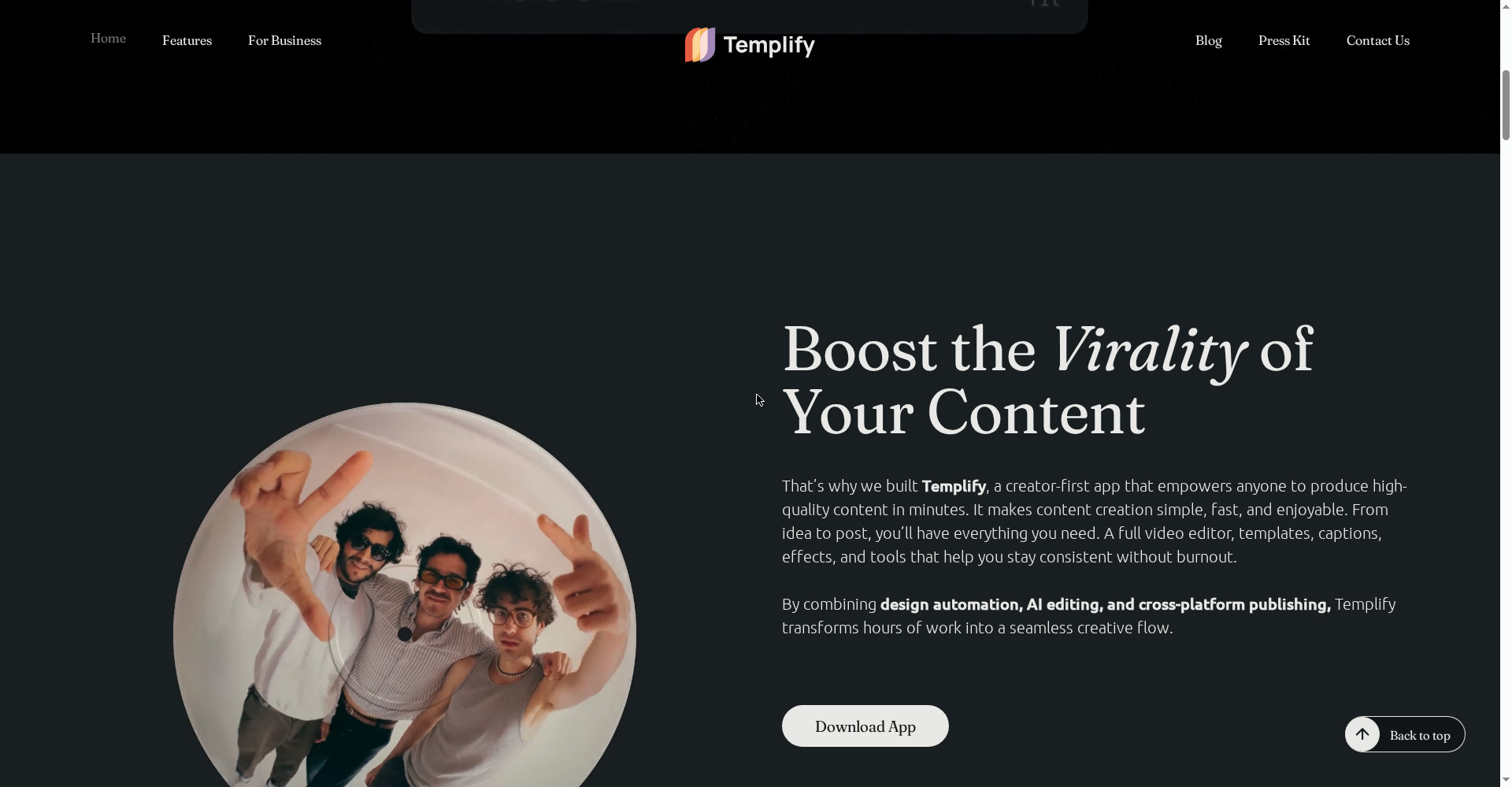
Templify AI ek all-in-one video, photo aur carousel editor hai jo iPhone par Reels, TikToks, YouTube Shorts aur Instagram carousels banata hai — bina timeline ke. 1,000+ designer templates, one-tap BeatSync, auto captions, background remover aur AI Studio ek hi app me. Product Hunt par 13 November 2026 ko launch hua, #1 Product of the Day (340 upvotes, 94 comments). Free version asli hai — selected templates, filters aur music bina paise ke; Pro $12.99/month ya $39.99/year se shuru. Lekin dhyaan rakho: Android par nahi chalega, best templates Pro ke peeche hain, aur AI features credits par chalte hain. Creators, small businesses aur personal brands jo roz Reels aur carousels post karte hain aur editing seekhne me ghante nahi lagana chahte, unke liye ye try karne layak hai — pehle free version se 2-3 Reels banao, phir decide karo.
Ye tool kya hai?
Reels banana aaj har creator ki roz ki zaroorat hai — lekin CapCut jaisi timeline editors seekhne me waqt lagta hai, aur har baar shunya se edit karna boring ho jata hai. Templify is problem ko template-first approach se solve karta hai.
Kaam aasan hai: template chuno, apne clips aur photos daalo, aur app khud edit kar deta hai — clips beat par sync hote hain, captions lag jate hain, transitions aur effects template ke hisaab se lag jate hain. Tumhe timeline kholni hi nahi padti.
Aur ye sirf video tak nahi hai — photo editor, carousel builder aur Effects Shop bhi isi app me hain. Instagram carousels jo aaj kal reach ke liye itne kaam ke hain, unke liye Templify ke scrapbook-style templates khaas taur par banaye gaye hain.
Aasaan bhasha me: Templify tumhare phone ko ek mini content studio bana deta hai — template chuno, clips daalo, Reel tayyar.
Khaas features (jo ise alag banate hain)
1. No timeline — template chuno, Reel tayyar
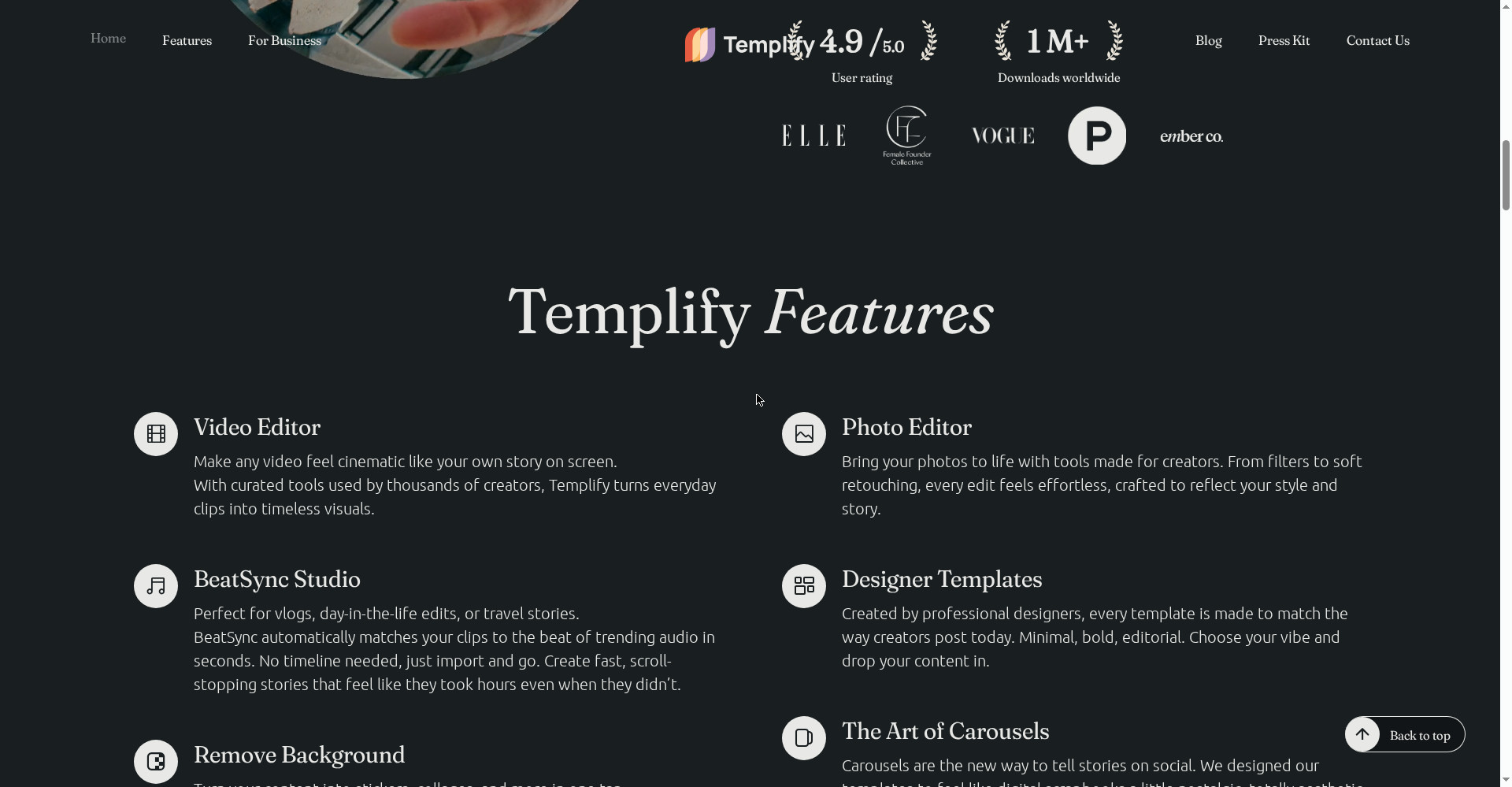
Ye Templify ka hero feature hai. Timeline seekhne ki zaroorat hi nahi — professional designers ke banaye templates me apne clips daalo, app khud cuts, transitions aur pacing sambhal leta hai. Pehli baar creators ke liye ye sabse badi jeet hai: pehli video 3 minute me ban jati hai.
2. BeatSync — ek tap me clips beat par
Reels me music ke beat par cut lagana sabse mushkil aur boring kaam hai. BeatSync ek tap me tumhare saare clips ko trending audio ke beat par arrange kar deta hai — manual beat-marking ki zaroorat nahi. Homepage ke hisaab se ye “perfect for vlogs, day-in-the-life edits, or travel stories” hai.
3. 1,000+ designer templates — har hafte naye
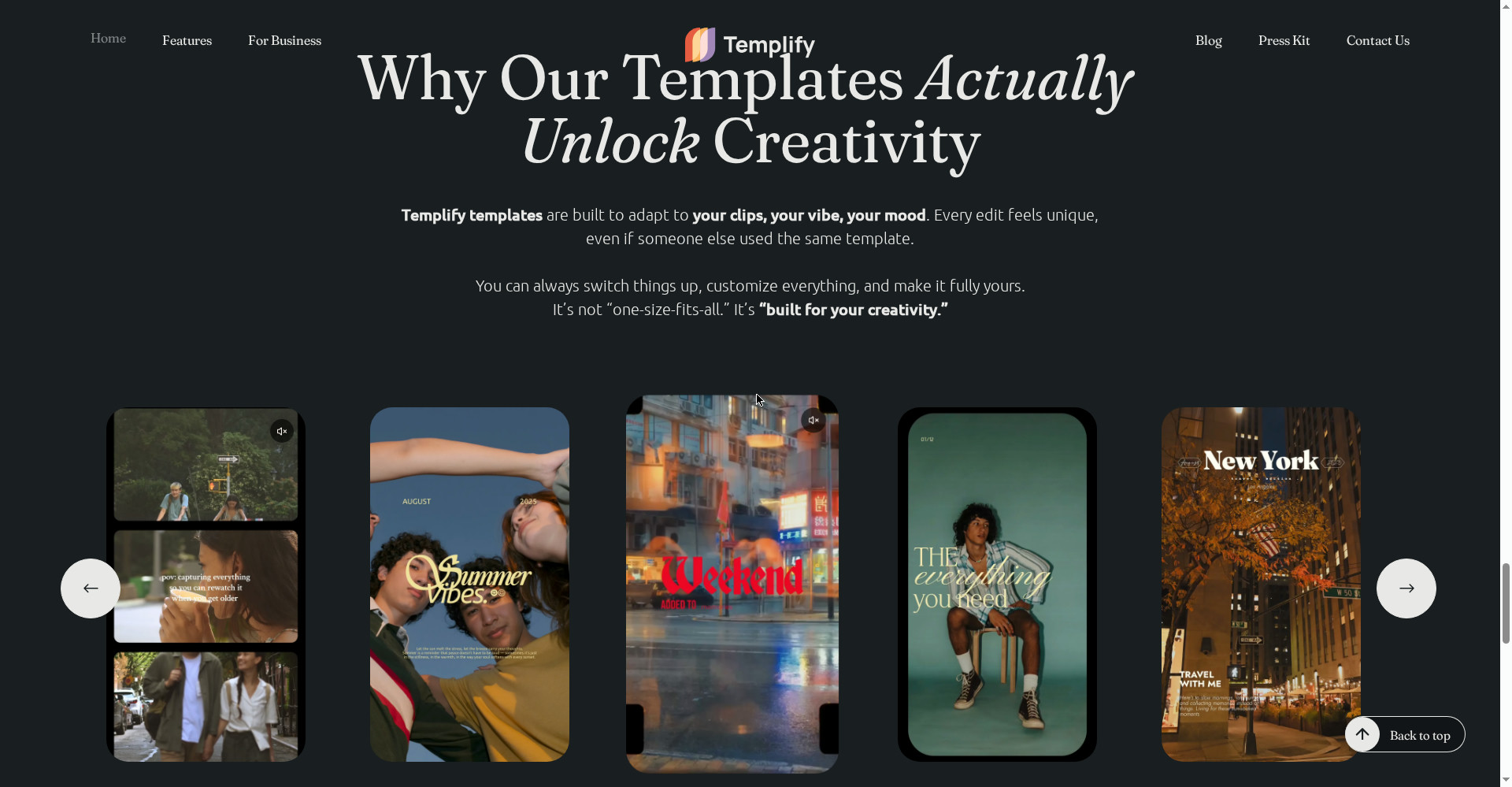
Minimal, bold, editorial — templates professional designers ne banaye hain, isliye har edit unique lagta hai chahe kisi aur ne wahi template use kiya ho. Har hafte naye templates aur effects drop hote hain, isliye feed purani nahi padti. Product Hunt launch page 1,200+ designer templates ki baat karta hai.
4. Connected carousel builder — Instagram carousels, scrapbook style
Carousels aaj storytelling ka naya tareeka hain, aur Templify ne inke liye digital scrapbook style templates banaye hain — photo dumps, trip recaps, tutorials, portfolio highlights, educational posts. Ek hi flow me kayi slides banti hain, aur har slide ka look connected rehta hai.
5. Auto captions — multilingual, poora style control
Reels par captions ke bina reach nahi milti — zyada log bina sound ke dekhte hain. Templify auto captions multilingual support aur full style control ke saath deta hai. Caption ka font, colour aur animation tumhare control me.
6. AI Studio — AI video, image, expand, skin enhancement
AI Studio ke andar AI video generation, AI image generation, AI templates, Image Expand aur skin enhancement milte hain. Scratch se content banao ya existing photo ko aage badhao — ye sab ek jagah. Dhyaan rakho: AI features credits par chalte hain.
7. URL to Content — link paste karo, post tayyar
Ye chhota lekin kaam ka feature hai: koi bhi link paste karo, Templify uske visuals nikaal kar ready-to-post carousel, Reel ya Story bana deta hai. Blog post ya product page ko social content me badalne ke liye tez rasta.
8. Effects Shop + background remover — ek tap me look badlo
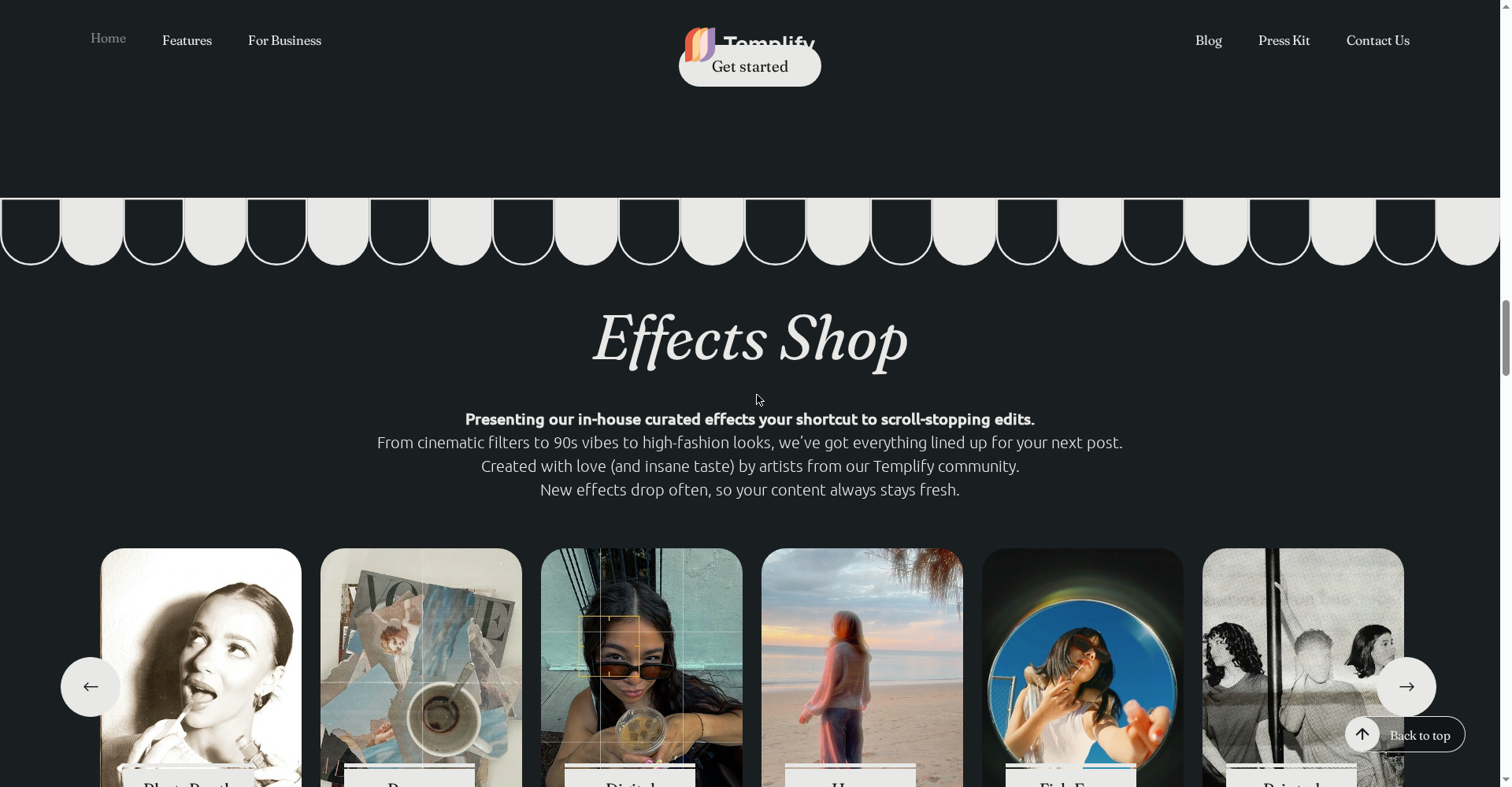
Effects Shop me curated effects hain — PhotoBooth, Paper, Digital, Haze, Fish Eye, Printed, Film, VHS — aur one-tap background remover photos ko stickers aur collages me badal deta hai. 50+ curated presets analog aur editorial vibes ke liye hain.
Pricing — free me kitna milega?
- Free ($0): Selected free templates, free filters, trendy music library, adjustment tools, selected free fonts aur animations. Iske alawa 3-day Pro trial alag se milta hai.
- Pro Weekly ($4.99/week): 1,000+ templates, 100+ filters, trendy music library, advanced text editor tools, naye templates har hafte, auto-sync files to song.
- Pro Monthly ($12.99/month): Weekly wale saare features, mahine ke hisaab se.
- Pro Annual ($39.99/year, ~$3.33/month): Wahi saare features — regular use ke liye sabse sasta Pro rasta.
- AI Credits (250 credits — $4.99): AI Studio ke AI generation features ke liye alag se credits (App Store in-app purchase listing).
Imaandaar baat: Free plan asli hai lekin limited hai — best templates aur 100+ filters Pro ke peeche hain. Annual plan $39.99/year par sabse samajhdar deal hai agar tum roz Reels banate ho. Lekin prices region aur offers ke hisaab se badalti hain — App Store par Pro ke alag-alag prices ($3.99 se $69.99 tak) list hain, isliye subscribe karne se pehle app ke andar aaj ki price zaroor check kar lena.
Platforms
- iPhone: iOS 17.0 ya usse upar chahiye (App Store listing)
- iPad: iPadOS 17.0 ya usse upar, Designed for iPad
- Android: Nahi hai — official site/App Store par Android version clearly mentioned nahi
- Web/Desktop: Nahi — sab kuch phone par hi
- App size: 394.3 MB, version 2.5.40 (30 October 2026)
- Company: Templify Media, Inc. — Founder & CEO Yana Abazher
Kaun use kare, kaun na kare?
- Instagram/TikTok creators: Roz Reels, Stories aur carousels post karte ho to template-first workflow ghante bachata hai.
- Small businesses / personal brands: Bina editor hire kiye professional-looking content — product, vlog ya day-in-the-life edits.
- Beginners: Pehli baar video edit kar rahe ho — timeline seekhne ki zaroorat nahi, pehli video minutes me.
- Students: Free version se seekho, 3-day Pro trial se poora app test karo.
- Freelancers / social media managers: Clients ke liye tez content — URL to Content se blog/product page seedha post me.
- Na kare: Jinke paas Android phone hai (app hi nahi hai), jinhe frame-by-frame timeline control chahiye (CapCut dekho), ya jo desktop par edit karna chahte hain.
Comparison: CapCut / InShot / Canva / ClipsPal
- CapCut: Full timeline editor — keyframes, advanced effects, deep control. Detail me edit karna hai to CapCut; jaldi se consistent Reels chahiye to Templify. CapCut ByteDance ka hai (January 2025 me US App Stores se kuch din ke liye hata tha); Templify ka koi ByteDance connection nahi.
- InShot: Simple edits aur quick social posts ke liye — free + $11.99/month (Templify ke apne blog comparison ke hisaab se). Templify ke mukable me isme templates aur BeatSync jaisa creator workflow kam hai.
- Canva: Templates aur video editor dono Free aur Pro par — lekin Canva design-first hai, Templify mobile video-first. Canva Android aur web par bhi hai, Templify sirf iPhone/iPad.
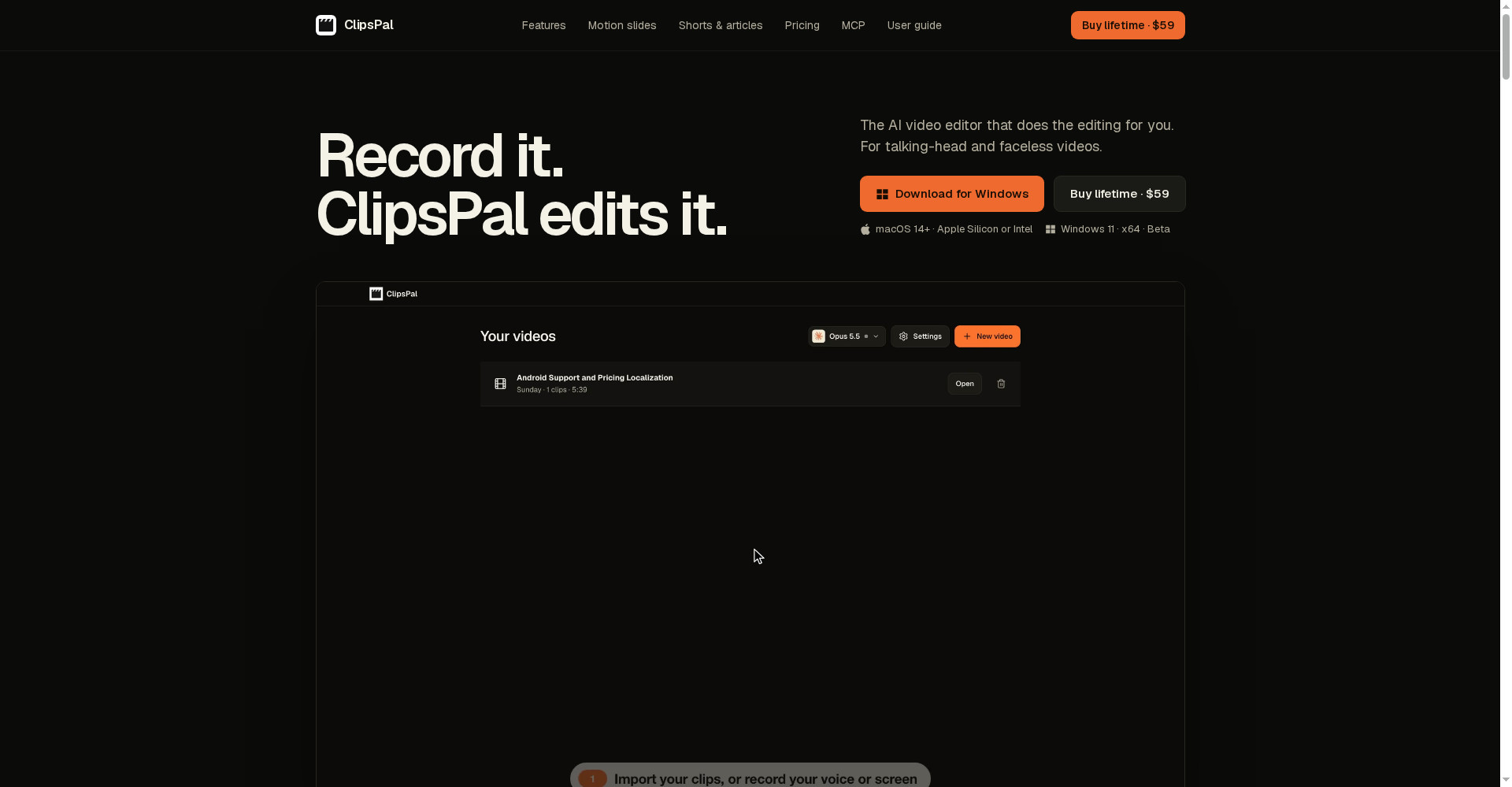
- ClipsPal: Talking-head videos ki one-click editing — $59 one-time, no subscription. Wo editing tool hai, generation/templates nahi; Templify Reels aur carousels ka template studio hai. Dono saath bhi chal sakte hain.
- Templify: Template-first, no timeline, BeatSync + carousels + AI Studio — iPhone creators ke liye sabse tez rasta, lekin Android nahi aur best cheezein Pro ke peeche.
🔍 Log Ye Bhi Search Karte Hain
- templify ai
- templify app
- templify ai free
- templify ai download
- templify ai pricing
- templify pro price
- templify vs capcut
- templify vs canva
- templify for android
- templify app review
- templify templates
- templify ai login
- ai video editor for iphone
- capcut alternative iphone
- instagram reel maker app
- clipspal review
- videco review
- woven video review
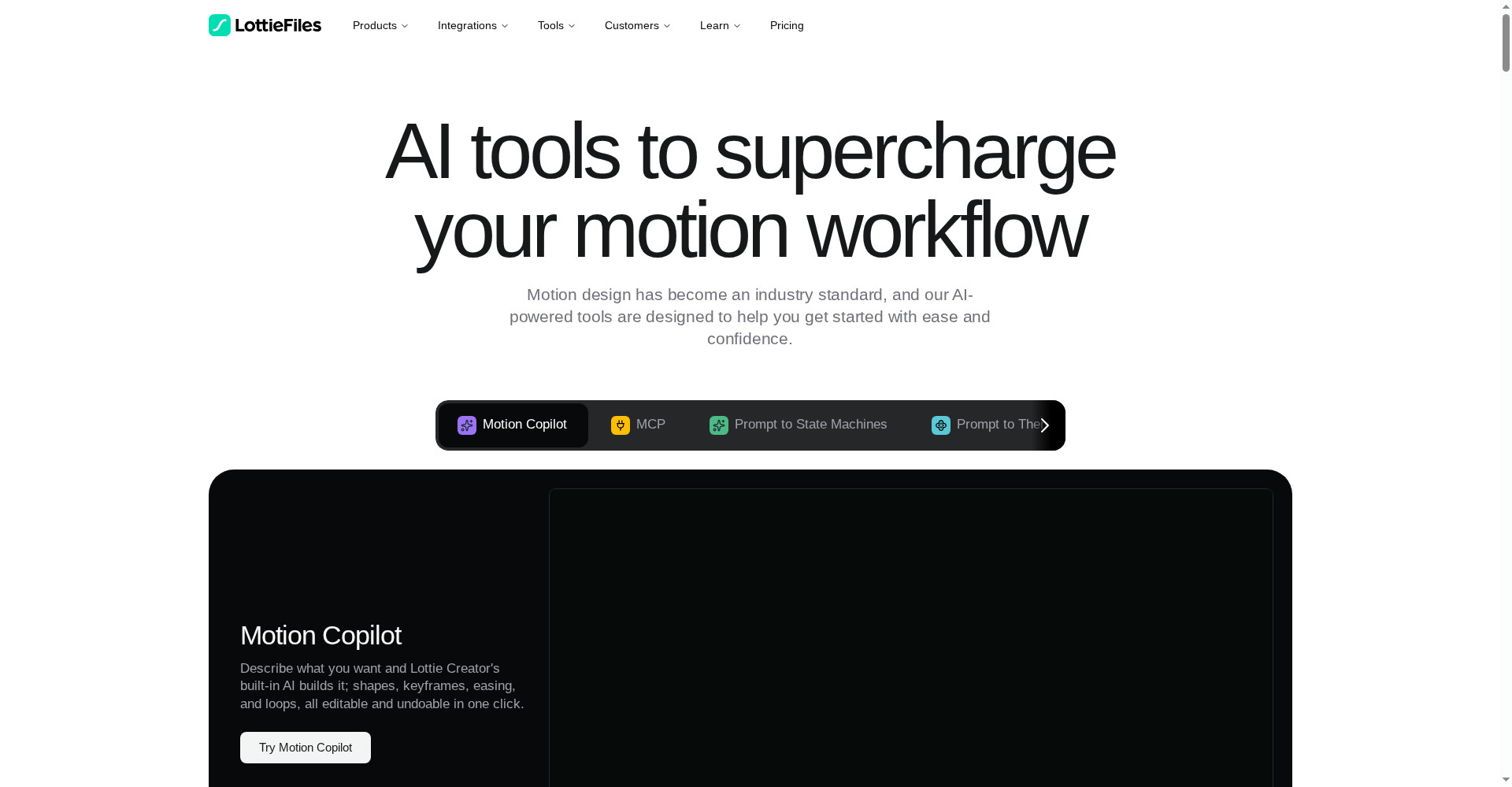
- lottie ai review
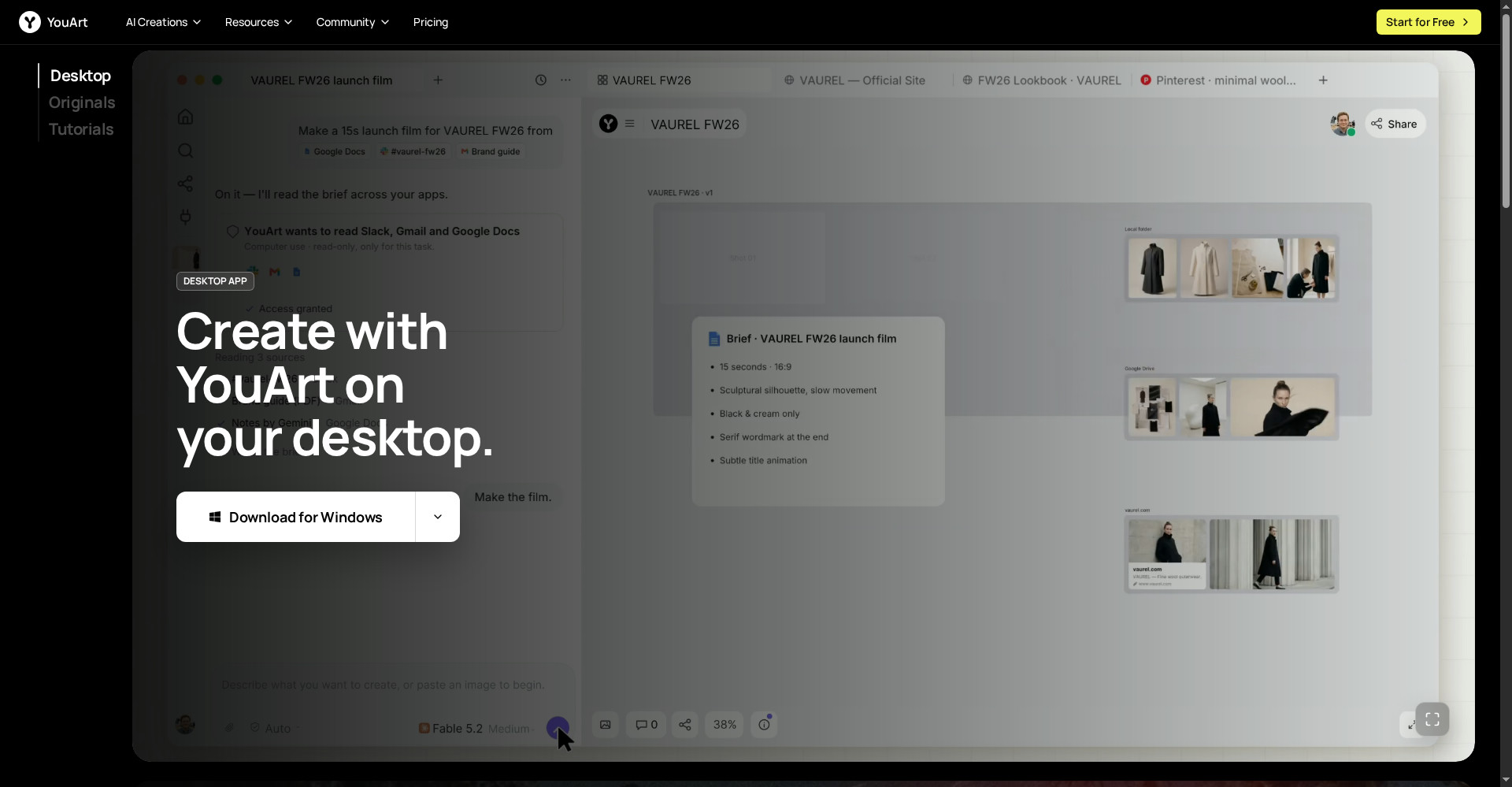
- youart review
Final verdict
Templify AI ek genuinely useful idea hai — bina timeline ke, template-first editing jo pehli baar creators ke liye banayi gayi hai. 1,000+ templates, BeatSync, auto captions, connected carousels aur AI Studio ek hi app me, free version ke saath — ye combination iPhone creators ke liye kaam ka hai. Isliye thoda kata: Android par nahi chalega, best templates Pro ke peeche hain, AI credits alag se kharch hote hain, aur timeline control nahi milta.
Humari rating: 4/5. Agar tum iPhone par Reels aur carousels banate ho aur editing seekhne me ghante nahi lagana chahte — to templify.ai se app download karo aur free version se 2-3 Reels banao. BeatSync aur carousel builder ko pehle test karo — ye do features decide karenge ki ye tumhare kaam ka hai ya nahi — uske baad hi Annual Pro lo. Jinke paas Android hai, wo CapCut ya InShot dekhein; jinko deep timeline editing chahiye, wo CapCut dekhein.
Note: Ye first-look review official site (templify.ai), App Store listing aur uski Product Hunt launch post (13 November 2026) par based hai. Hum ise khud use karke hands-on update jald jodenge.