AI Tool
⚡ The 30-second verdict
Templify AI is an all-in-one video, photo and carousel editor that makes Reels, TikToks, YouTube Shorts and Instagram carousels on iPhone — with no timeline to learn. 1,000+ designer templates, one-tap BeatSync, auto captions, a background remover and an AI Studio in one app. It launched on Product Hunt on 13 November 2026 as #1 Product of the Day (340 upvotes, 94 comments). The free version is real — selected templates, filters and music at no cost; Pro starts at $12.99/month or $39.99/year. But note the catches: it does not run on Android, the best templates sit behind Pro, and AI features run on credits. For creators, small businesses and personal brands who post Reels and carousels every day and do not want to spend hours learning to edit, this is worth trying — make 2–3 Reels on the free version first, then decide.
What is it?
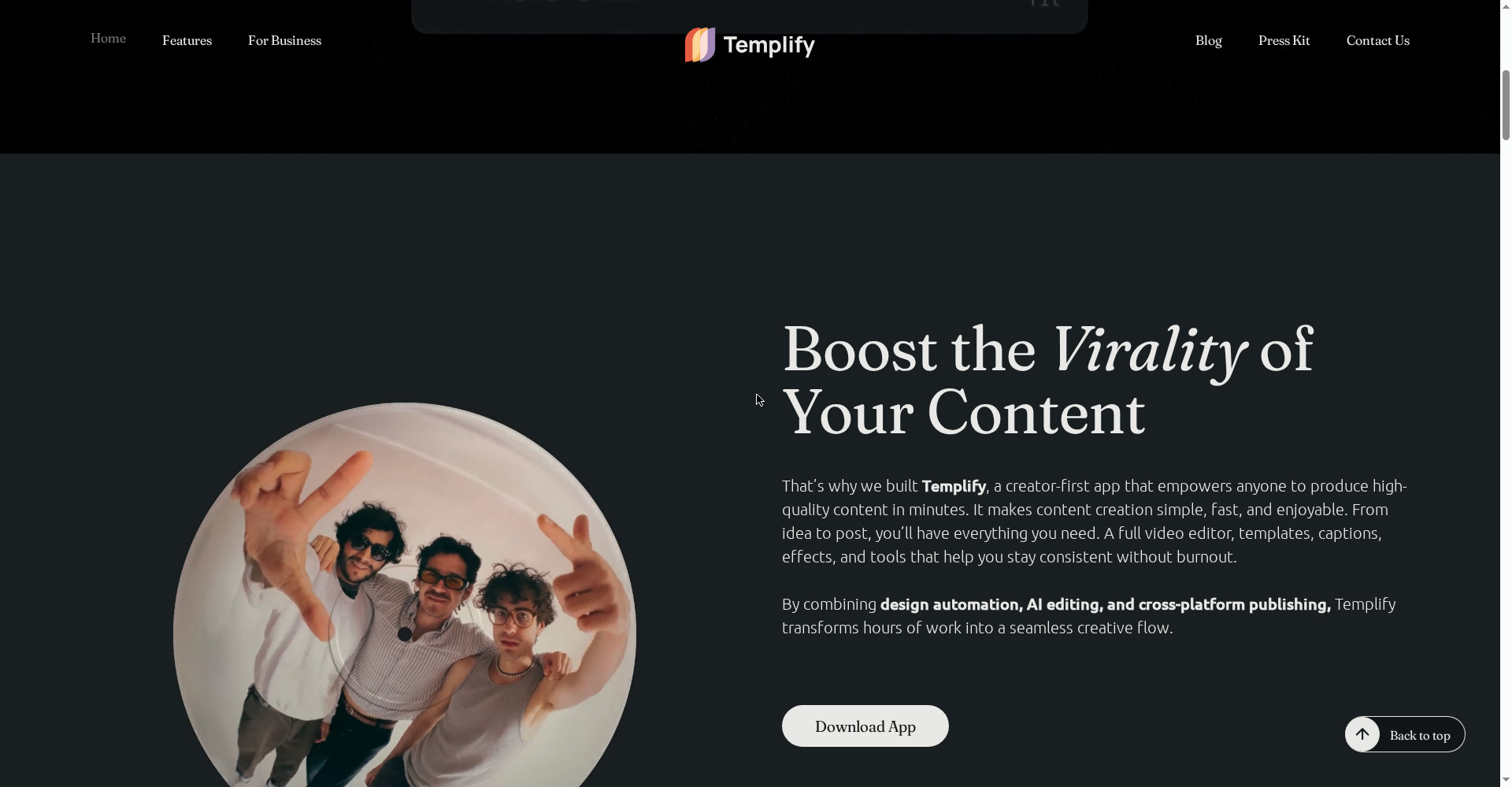
Making Reels is now a daily job for every creator — but timeline editors like CapCut take time to learn, and editing from zero every time gets tedious. Templify answers that with a template-first approach.
It works simply: pick a template, drop in your clips and photos, and the app edits for you — clips land on the beat, captions go on, transitions and effects follow the template. You never have to open a timeline.
And it does not stop at video — a photo editor, carousel builder and Effects Shop live in the same app. Its scrapbook-style templates are built specifically for Instagram carousels, which matter so much for reach right now.
In short: Templify turns your phone into a mini content studio — pick a template, drop in clips, Reel ready.
Key features (what makes it different)
1. No timeline — pick a template, Reel ready
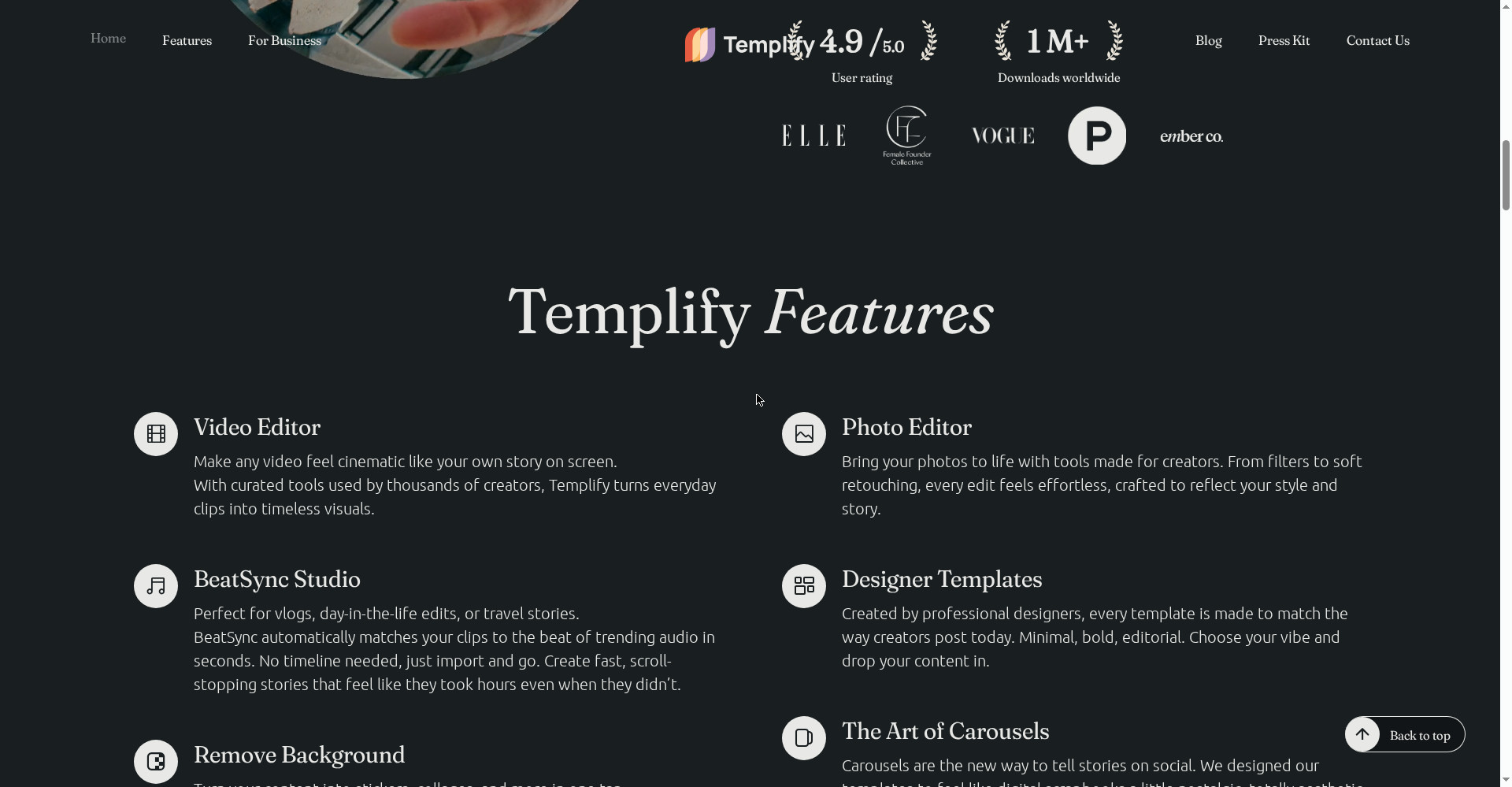
This is Templify’s hero feature. There is no timeline to learn — templates made by professional designers take your clips and handle the cuts, transitions and pacing themselves. The biggest win for first-time creators: your first video is done in 3 minutes.
2. BeatSync — clips on the beat in one tap
Cutting clips to the beat of the music is the most tedious part of Reels. BeatSync arranges all your clips to the trending audio’s beat in one tap — no manual beat-marking. The homepage calls it “perfect for vlogs, day-in-the-life edits, or travel stories”.
3. 1,000+ designer templates — new ones every week
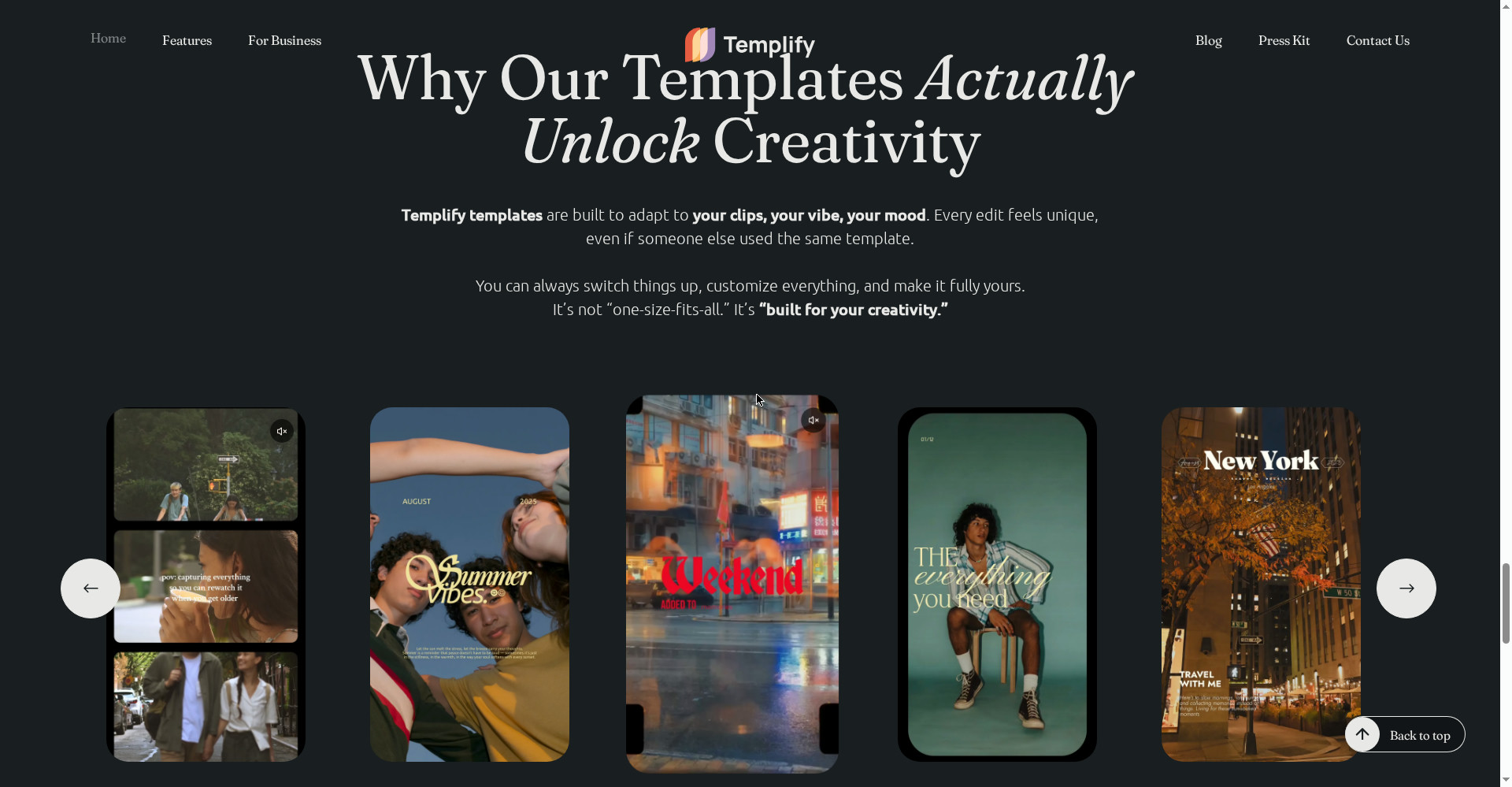
Minimal, bold, editorial — the templates are made by professional designers, so every edit feels unique even if someone else used the same template. New templates and effects drop every week, so your feed never goes stale. The Product Hunt launch page talks about 1,200+ designer templates.
4. Connected carousel builder — Instagram carousels, scrapbook style
Carousels are the new way to tell stories, and Templify built digital scrapbook-style templates for them — photo dumps, trip recaps, tutorials, portfolio highlights, educational posts. Several slides come together in one flow, and every slide keeps a connected look.
5. Auto captions — multilingual, full style control
Reels without captions lose reach — most people watch with the sound off. Templify gives auto captions with multilingual support and full style control. Font, colour and animation are all in your hands.
6. AI Studio — AI video, image, expand, skin enhancement
Inside AI Studio you get AI video generation, AI image generation, AI templates, Image Expand and skin enhancement. Create content from scratch or extend an existing photo — all in one place. Remember: AI features run on credits.
7. URL to Content — paste a link, post ready
A small but useful feature: paste any link and Templify pulls its visuals into a ready-to-post carousel, Reel or Story. A fast way to turn a blog post or product page into social content.
8. Effects Shop and background remover — change the look in one tap
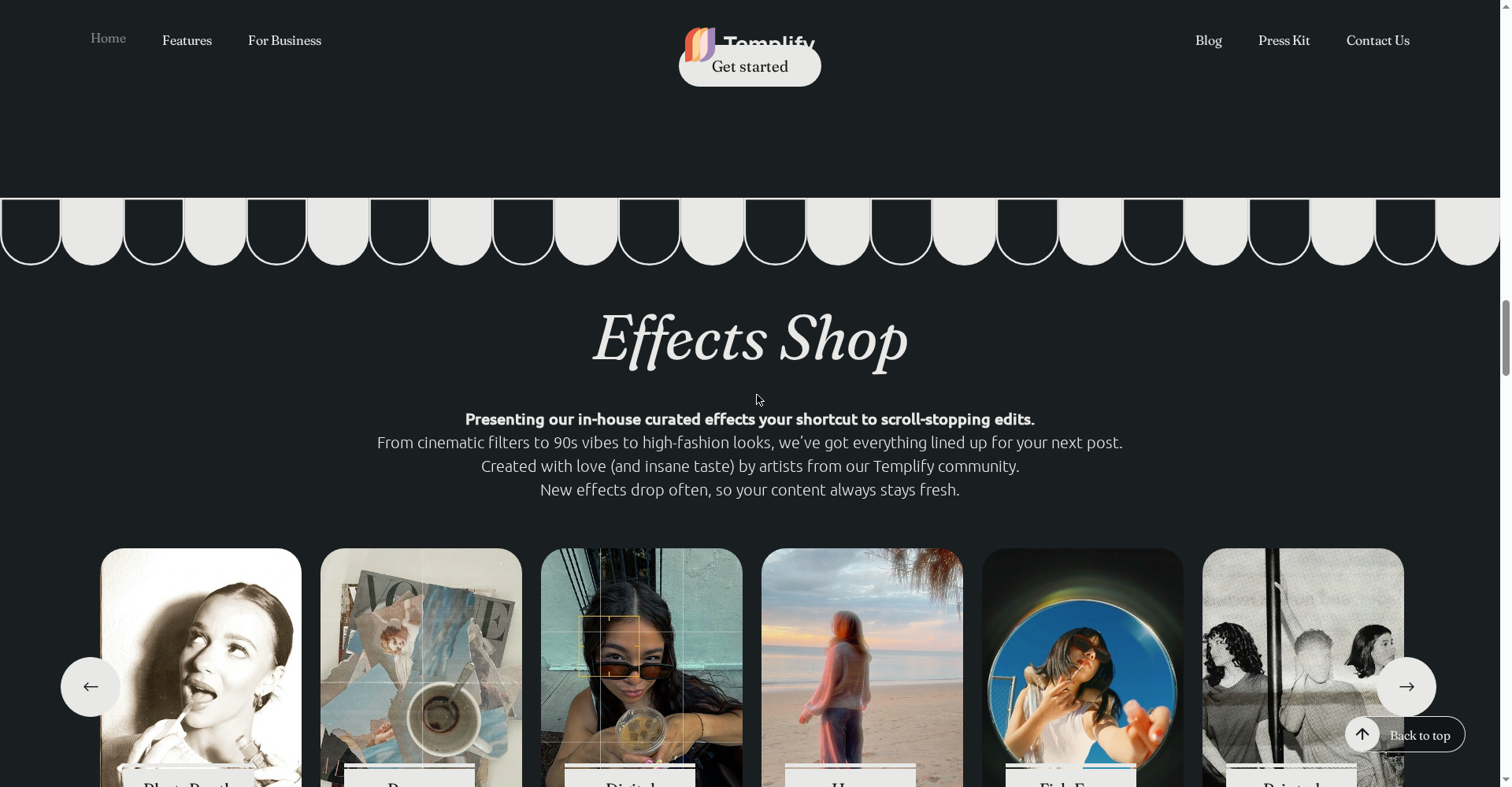
The Effects Shop holds curated effects — PhotoBooth, Paper, Digital, Haze, Fish Eye, Printed, Film, VHS — and the one-tap background remover turns photos into stickers and collages. 50+ curated presets cover analog and editorial vibes.
Pricing — how much is free?
- Free ($0): Selected free templates, free filters, a trendy music library, adjustment tools, selected free fonts and animations. A 3-day Pro trial is also available separately.
- Pro Weekly ($4.99/week): 1,000+ templates, 100+ filters, trendy music library, advanced text editor tools, new templates every week, auto-sync files to song.
- Pro Monthly ($12.99/month): All the Weekly features, billed monthly.
- Pro Annual ($39.99/year, ~$3.33/month): The same features — the cheapest Pro route for regular use.
- AI Credits (250 credits — $4.99): Separate credits for AI Studio generation features (App Store in-app purchase listing).
The honest math: the free plan is real but limited — the best templates and 100+ filters sit behind Pro. The Annual plan at $39.99/year is the most sensible deal if you make Reels every day. But prices vary by region and offers — the App Store lists Pro prices from $3.99 to $69.99, so check today’s price inside the app before subscribing.
Platforms
- iPhone: iOS 17.0 or later (App Store listing)
- iPad: iPadOS 17.0 or later, Designed for iPad
- Android: Not available — no Android version is clearly mentioned on the official site or App Store
- Web/Desktop: No — everything happens on the phone
- App size: 394.3 MB, version 2.5.40 (30 October 2026)
- Company: Templify Media, Inc. — Founder & CEO Yana Abazher
Who should use it, and who should not?
- Instagram/TikTok creators: If you post Reels, Stories and carousels daily, the template-first workflow saves hours.
- Small businesses / personal brands: Professional-looking content without hiring an editor — product, vlog or day-in-the-life edits.
- Beginners: Editing video for the first time — no timeline to learn, your first video in minutes.
- Students: Learn on the free version, test the whole app with the 3-day Pro trial.
- Freelancers / social media managers: Fast content for clients — URL to Content turns a blog or product page straight into a post.
- Do not use it if: You are on Android (there is no app), you want frame-by-frame timeline control (look at CapCut), or you want to edit on desktop.
Comparison: CapCut / InShot / Canva / ClipsPal
- CapCut: A full timeline editor — keyframes, advanced effects, deep control. Want to edit in detail? CapCut. Want fast, consistent Reels? Templify. CapCut is ByteDance’s (it was briefly removed from US App Stores in January 2025); Templify has no ByteDance connection.
- InShot: For simple edits and quick social posts — free plus $11.99/month (per Templify’s own blog comparison). Against Templify it offers less of the template and BeatSync creator workflow.
- Canva: Templates and a video editor on both Free and Pro — but Canva is design-first, Templify is mobile video-first. Canva is also on Android and web; Templify is iPhone/iPad only.
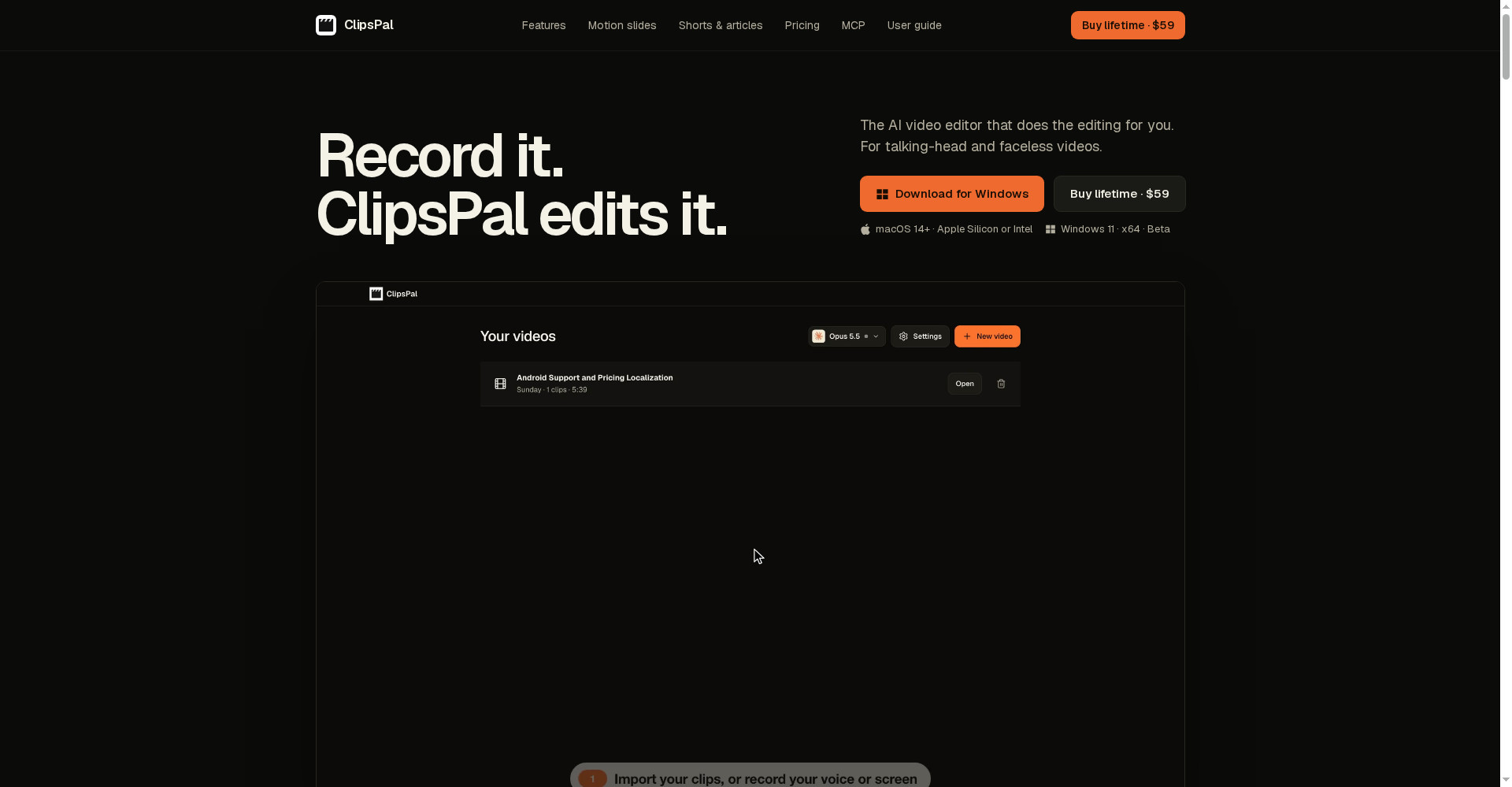
- ClipsPal: One-click editing for talking-head videos — $59 once, no subscription. That is an editing tool, not a template studio; Templify is a template studio for Reels and carousels. They can work together.
- Templify: Template-first, no timeline, BeatSync plus carousels plus AI Studio — the fastest route for iPhone creators, but no Android, and the best bits sit behind Pro.
🔍 People also search for
- templify ai
- templify app
- templify ai free
- templify ai download
- templify ai pricing
- templify pro price
- templify vs capcut
- templify vs canva
- templify for android
- templify app review
- templify templates
- templify ai login
- ai video editor for iphone
- capcut alternative iphone
- instagram reel maker app
- clipspal review
- videco review
- woven video review
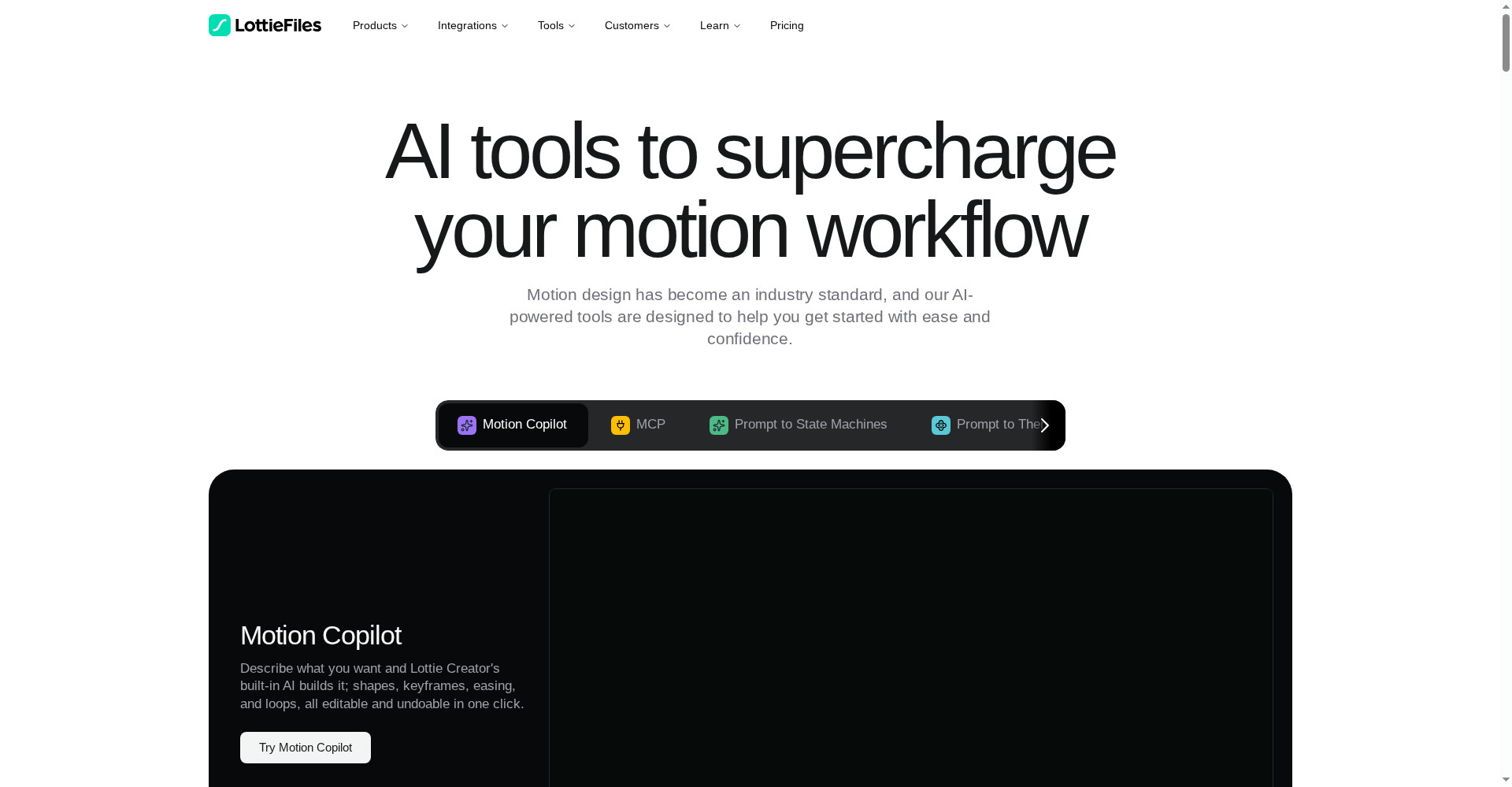
- lottie ai review
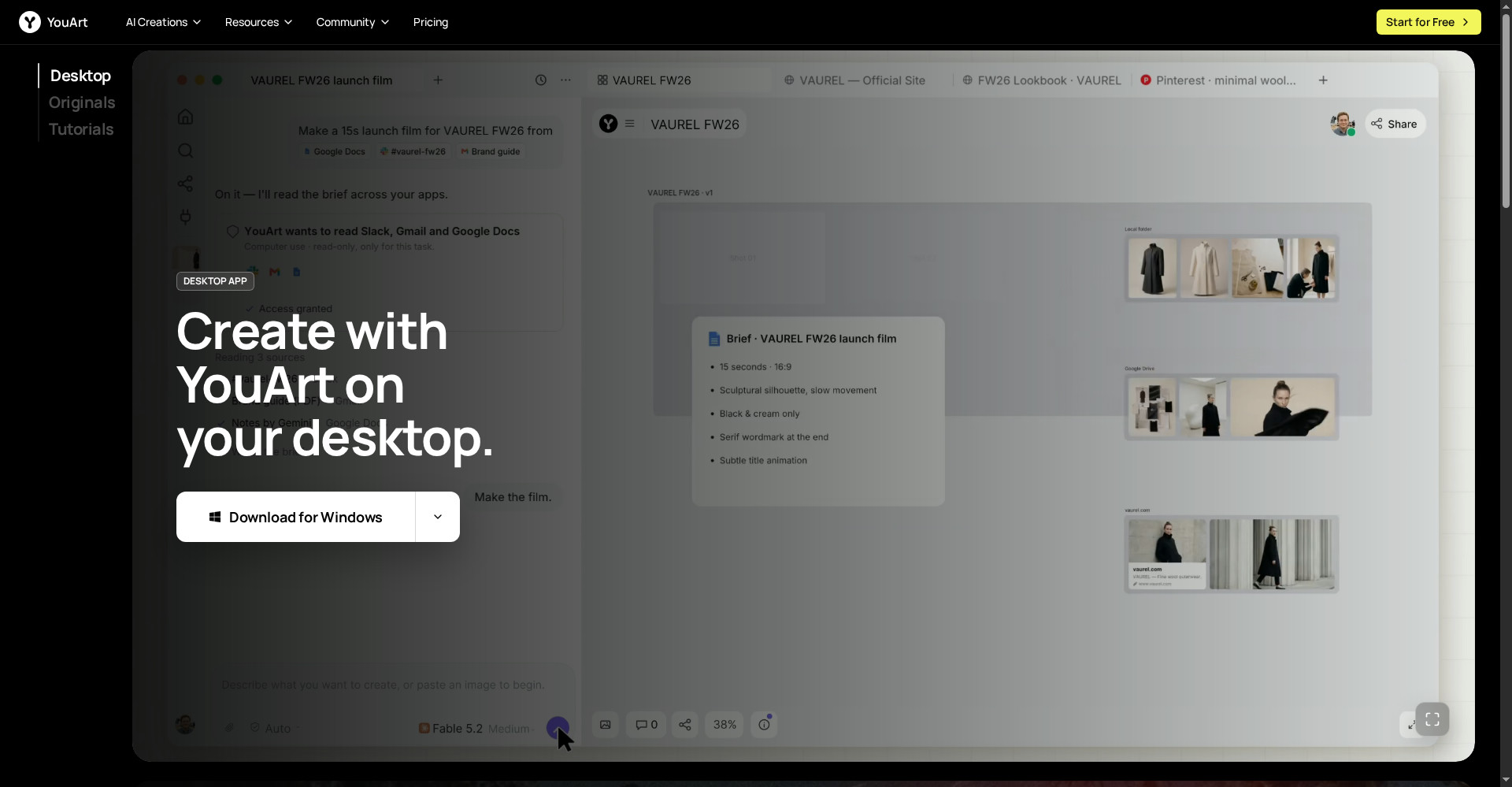
- youart review
Final verdict
Templify AI is a genuinely useful idea — template-first editing without a timeline, built for first-time creators. 1,000+ templates, BeatSync, auto captions, connected carousels and an AI Studio in one app, with a free version — that combination works for iPhone creators. The honest cuts: it does not run on Android, the best templates sit behind Pro, AI credits cost extra, and there is no timeline control.
Our rating: 4/5. If you make Reels and carousels on iPhone and do not want to spend hours learning to edit — download the app from templify.ai and make 2–3 Reels on the free version. Test BeatSync and the carousel builder first — those two features will decide whether it fits your work — and only then take Annual Pro. If you are on Android, look at CapCut or InShot; if you need deep timeline editing, look at CapCut.
Note: This first-look review is based on the official site (templify.ai), the App Store listing and its Product Hunt launch post (13 November 2026). We will add a hands-on update after using it ourselves.