AI Tool
⚡ The 30-second verdict
YouArt is an AI creative studio — type an idea into chat, and its agent builds a complete video workflow: script, images, video clips, voiceover, edit — with 20+ AI models (Sora 2, Veo 3.1, Nano Banana, Seedance, Kling, Midjourney) under one membership. Its new Desktop App (launched on Product Hunt on 12 November 2026, #2 Product of the Day) operates After Effects, CapCut and Blender on your own computer — from launch film to rough cut. Free trial credits (125) get you started; paid plans start at $9.99/month. But note the catches: video burns credits fast, free outputs may carry a watermark, and the Desktop App is only a day old. For creators, marketers and product teams who want the whole pipeline from idea to finished video in one place, this is worth trying — make one small video on the free credits first, then decide.
What is it?
You have a product, a feature launch, or a video idea — and turning it into a video usually takes 4–5 tools, an editor, and several hours. YouArt tries to compress that whole process into a single chat.
It works simply: you write a prompt — “make a 15-second launch film, black and cream theme, slow movement” — and the agent builds the workflow itself: which model for which shot, where the images come from, what the voiceover says. You can see and change every step in the node-based editor — the agent is not a black box.
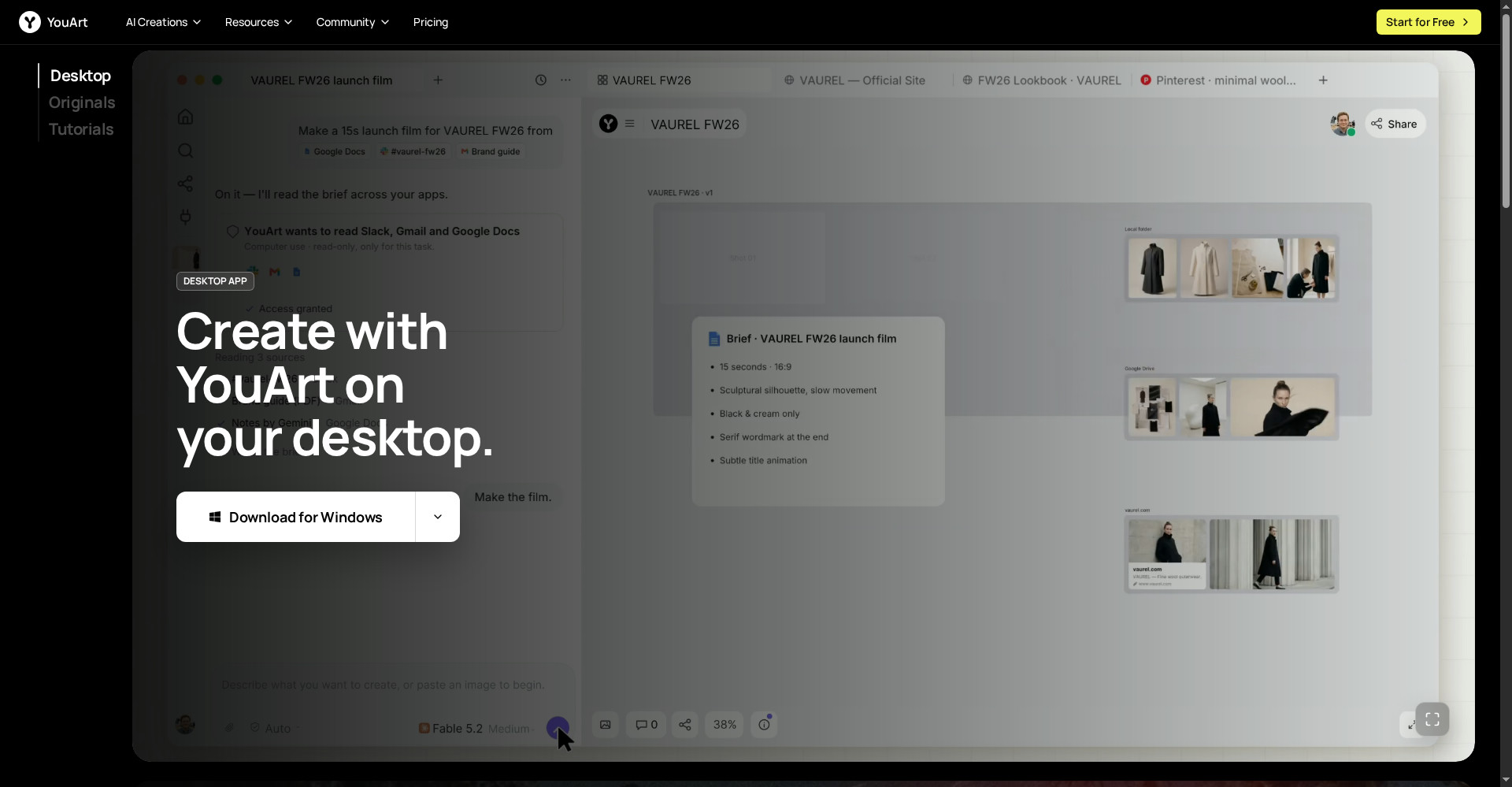
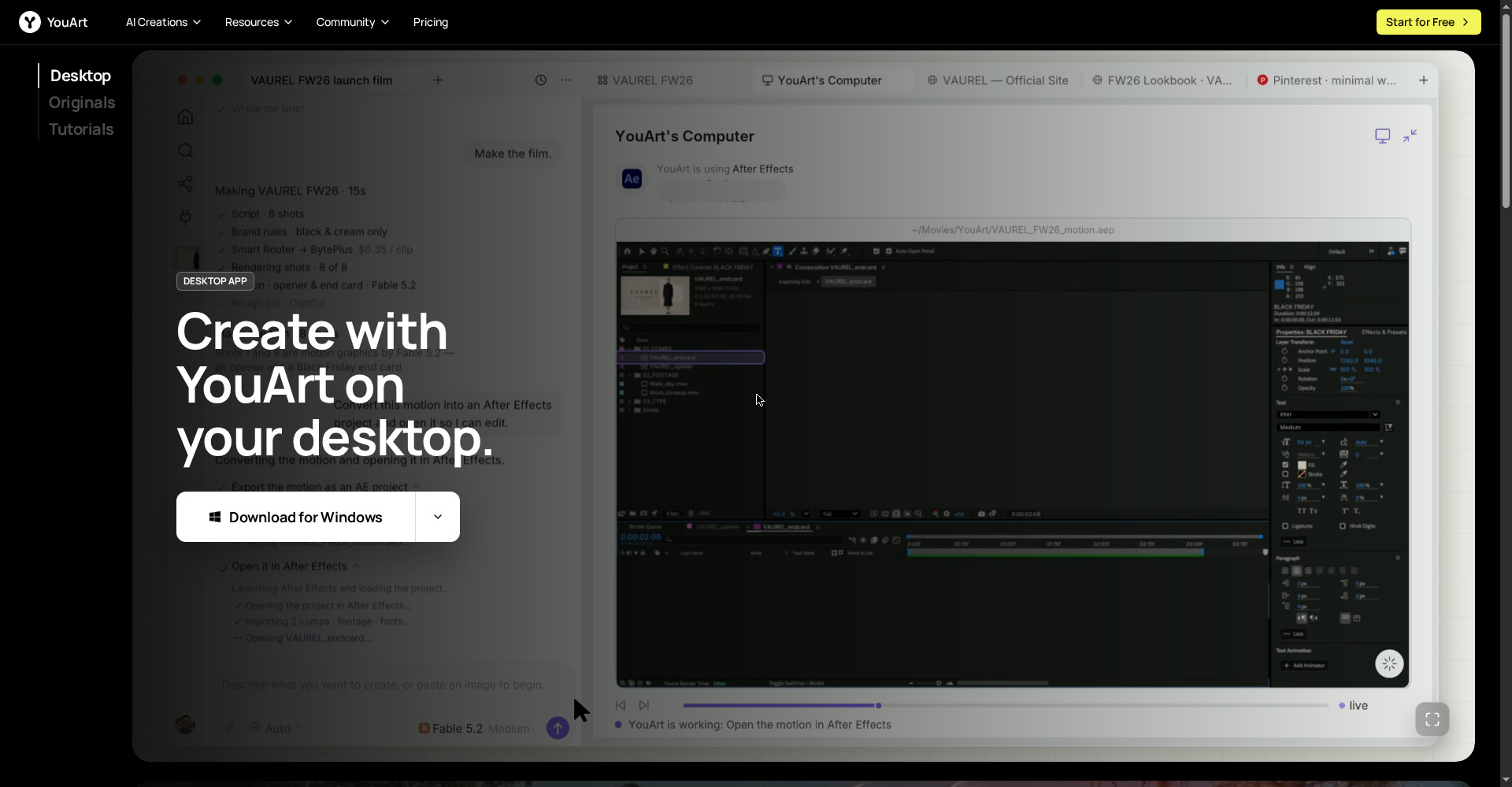
And the new Desktop App takes it one step further: it reads context from your local files, Slack, Gmail and GitHub, and operates your real editing tools directly. In the homepage demo it makes a fashion brand’s 15-second launch film — reading the brief, rendering the shots, converting the motion into an After Effects project and opening it there.
In short: YouArt is the full pipeline from idea to video — starting in chat, ending in a finished video — and the Desktop App carries that pipeline into your real editing tools.
Key features (what makes it different)
1. Chat-to-workflow agent — write it, the workflow builds itself
This is YouArt’s hero feature. No need to connect nodes or design a pipeline — the agent turns your description into a complete multi-step workflow: prompt → image → video → voiceover → edit. Then refine it with follow-up chat — “make this shot a little slower” — and the agent updates the workflow.
2. 20+ AI models, one membership
No need for separate subscriptions to separate tools. One YouArt membership gives you Sora 2, Veo 3.1, Nano Banana, Seedance 2.0 and 2.5, Wan 3.0, Kling 4.0, Vidu Q4, Grok Imagine 2, GPT Image 2.5, MiniMax H3, Midjourney v8.2, LTX-2.5 and more. The right model for every shot — inside one project.
3. Desktop App — drives After Effects, CapCut and Blender itself
This is the biggest news from 12 November 2026. The Desktop App uses computer use to operate your real editing tools: it opens motion graphics in After Effects, cuts the rough cut in CapCut, and can drive Blender too. In the demo, “YouArt’s Computer” loads the After Effects project itself and exports “the motion as an AE project” — so the final file lands in your hands, editable.
4. Smart routing and your own API keys — cheapest provider, your call
In the Desktop App you bring your own API keys, and smart routing sends every shot to the cheapest provider. In the homepage demo the Smart Router picked BytePlus at $0.35/clip. That puts cost in your control — no lock-in to a single provider.
5. Text-to-video and image-to-video
Start from text, or from a reference image — a product photo, a character, brand colours — and the video keeps that look. The official site puts it well: prompts explain the action, images anchor the design. Together they make a more specific brief.
6. Free Mode — selected image models at zero credits
To try it without spending, Nano Banana and Nano Banana Pro run in Free Mode at zero credits — just in a slower queue. That is a genuine free trial for images; the 125 trial credits cover video.
7. Ready-made workflows — launch, tutorial, product, UGC
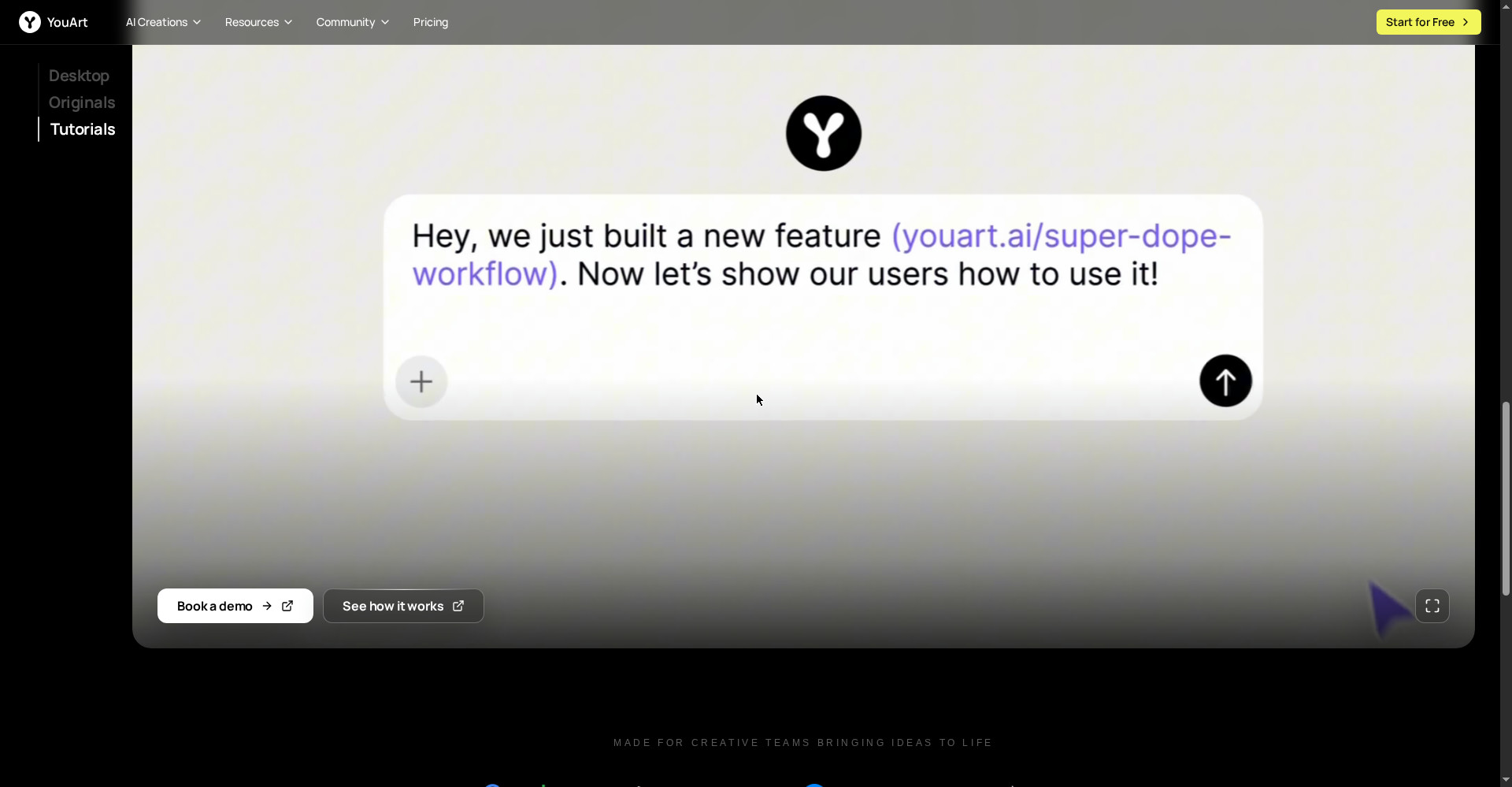
No need to start from zero every time. YouArt ships ready workflows: feature launch video (release notes and UI screenshots turned into a cinematic announcement), product video, AI tutorial videos, UGC ad video, logo animation, e-commerce workflows and a Twitter video tool. The feature launch workflow is especially useful for product teams — screenshots get animated and ElevenLabs v3 generates the voiceover.
8. Node editor and templates — trust the agent, keep control
The agent builds the workflow, but you can inspect, change or remove every step in the visual node editor. Free templates make learning easy too — open a professional workflow, see how it works, then build your own. That is different from tools where you type a prompt and take whatever comes back.
Pricing — how much is free?
- Free ($0): 125 one-time trial credits; selected image models (Nano Banana, Nano Banana Pro) in Free Mode at zero credits (slower queue); workflow editor and creative agent access. Free outputs may include a small watermark.
- Basic ($9.99/month, $7.99/month on yearly billing): 1,000 monthly credits; all models; no watermark; immediate generation.
- Pro ($29.99/month): 4,000 monthly credits; all models; no watermark; full support.
- Max ($49.99/month): 8,000 monthly credits; all models; no watermark; team use.
The honest math: the free plan is real but small — video generation spends credits fast, so 125 credits cover only a few test clips. The Basic plan at $9.99/month gives 1,000 credits — enough for a small campaign or several short videos, but work out the credit math before long or high-resolution videos. Prices can change — re-check the official pricing page before signing up.
Platforms
- Web: Browser-based studio — no install needed
- Desktop App: The homepage shows a Download for Windows button; there is no clear mention of a Mac version on the official site
- Models: Seedance 2.0/2.5, Wan 3.0, Kling 4.0, Vidu Q4, Grok Imagine 2, GPT Image 2.5, MiniMax H3/H3 Max, Midjourney v8.2, LTX-2.5, Sora 2, Veo 3.1, Nano Banana, Seedream
- Integrations: Slack, Gmail, Google Docs, GitHub (for Desktop App context); an MCP Server is also listed
- Company: Formative Intelligence Inc., founded 2025, Y Combinator-listed
Who should use it, and who should not?
- Creators / YouTubers: Short videos, series, channel content — get from idea to video fast, then polish with your own editing.
- Marketers / product teams: Feature launch videos, product announcements, campaign concepts — straight from release notes and screenshots to video.
- Freelancers / agencies: Launch films, UGC ads and logo animations for clients — 20+ models under one membership.
- E-commerce sellers: Product videos and e-commerce workflows — motion video from a product photo.
- Students / beginners: Learn AI video generation on the free credits and Free Mode without spending.
- Do not use it if: You want the best quality from one single model and do not care about workflow automation (look at Runway or Kling directly), you are on a Mac and want the Desktop App (check availability first), or you want to make long cinematic films — YouArt is built for short-form and launch content.
Comparison: Runway / Kling / Pollo AI / ClipsPal
- Runway: A dedicated AI video platform focused on generation quality and control. Want single-model depth? Runway. Want the whole pipeline (script to edit) in one place? YouArt.
- Kling: A strong video model (Kling 4.0 is also available inside YouArt) — but Kling alone is a model, while YouArt adds 20+ models and agent workflows around it.
- Pollo AI: A multi-model video generator, close to YouArt — but YouArt’s agent workflows and its Desktop App (which drives real editors) go further. Per YouArt’s own blog, its Basic plan is $9.99/month against Pollo.
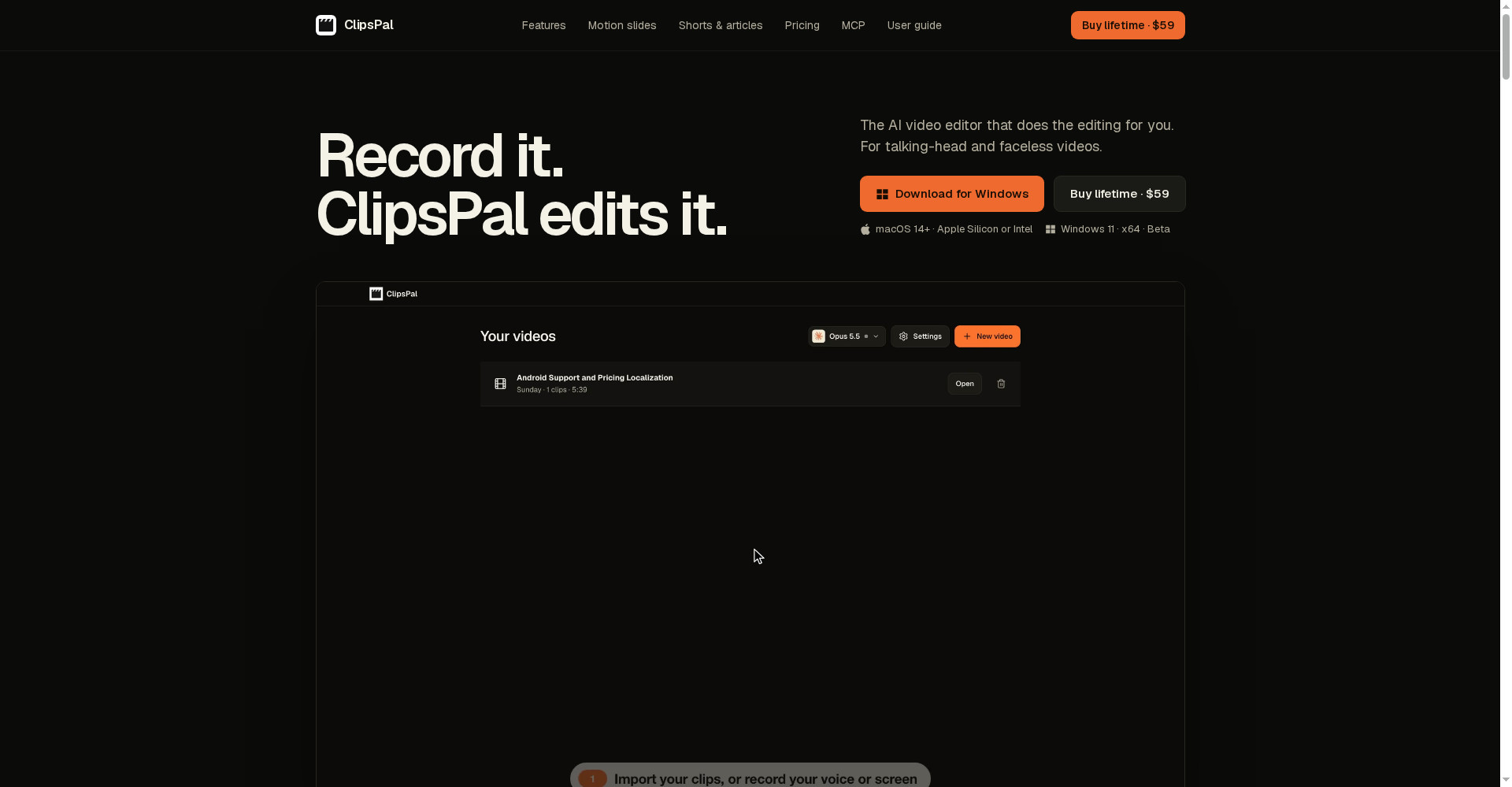
- ClipsPal: One-click editing for talking-head videos — $59 once, no subscription. That is an editing tool, not a generator; YouArt is a generation and workflow tool. They can work together.
- YouArt: Chat-to-workflow plus 20+ models plus a Desktop App that drives After Effects and CapCut — idea to finished video in one place, but credit-based, and the Desktop App is brand new.
🔍 People also search for
- youart ai
- youart ai free
- youart ai video generator
- youart ai download
- youart ai pricing
- youart ai login
- youart ai review
- youart vs runway
- youart vs kling
- youart ai alternatives
- youart desktop app
- youart ai credits
- ai video generator free
- text to video ai free
- sora 2 alternative
- clipspal review
- videco review
- woven video review
- lottie ai review
Final verdict
YouArt is a genuinely useful idea — a full video workflow from a chat message, 20+ models in one place, and now a Desktop App that drives your real editing tools. Free entry, no-watermark paid plans, and cost control through smart routing — that combination does not exist in any other AI video studio today. The honest cuts: credits run out fast, free outputs may carry a watermark, and the Desktop App is one day old.
Our rating: 4/5. If you are a creator, marketer or freelancer who wants the pipeline from idea to finished video in one place — go to youart.ai and make one small video on the free credits. Try a feature launch or product clip first — see whether the agent’s workflow fits your work — and only then take the Basic plan. If you want only one model’s best quality, look at Runway; if you need talking-head editing, try ClipsPal.
Note: This first-look review is based on the official site (youart.ai) and its Product Hunt launch post (12 November 2026). We will add a hands-on update after using it ourselves.