 AI Tool
⚡ The 30-second verdict
Flamigo is an AI presentation maker (flamigo.ai) that turns your rough notes, a document or a single idea into a fully designed slide deck — review the outline, pick a theme, and the slides are ready. The free plan includes 2,000,000 Credits (about 20 slides) with no card and no monthly subscription — and credits never expire. PPTX download with editable text sits in the paid packs (from $2). For students and freelancers who present occasionally and do not want a monthly bill, this is worth trying — build one real presentation on the free credits first, then decide whether you need the $2 pack.
What is it?
Making a presentation is always two jobs — thinking up the content and designing it. You usually have the content (notes, a document, or an idea in your head), but design eats hours: which layout, which colours, where the text goes. Flamigo tries to remove that second job: you supply the notes, it handles the design.
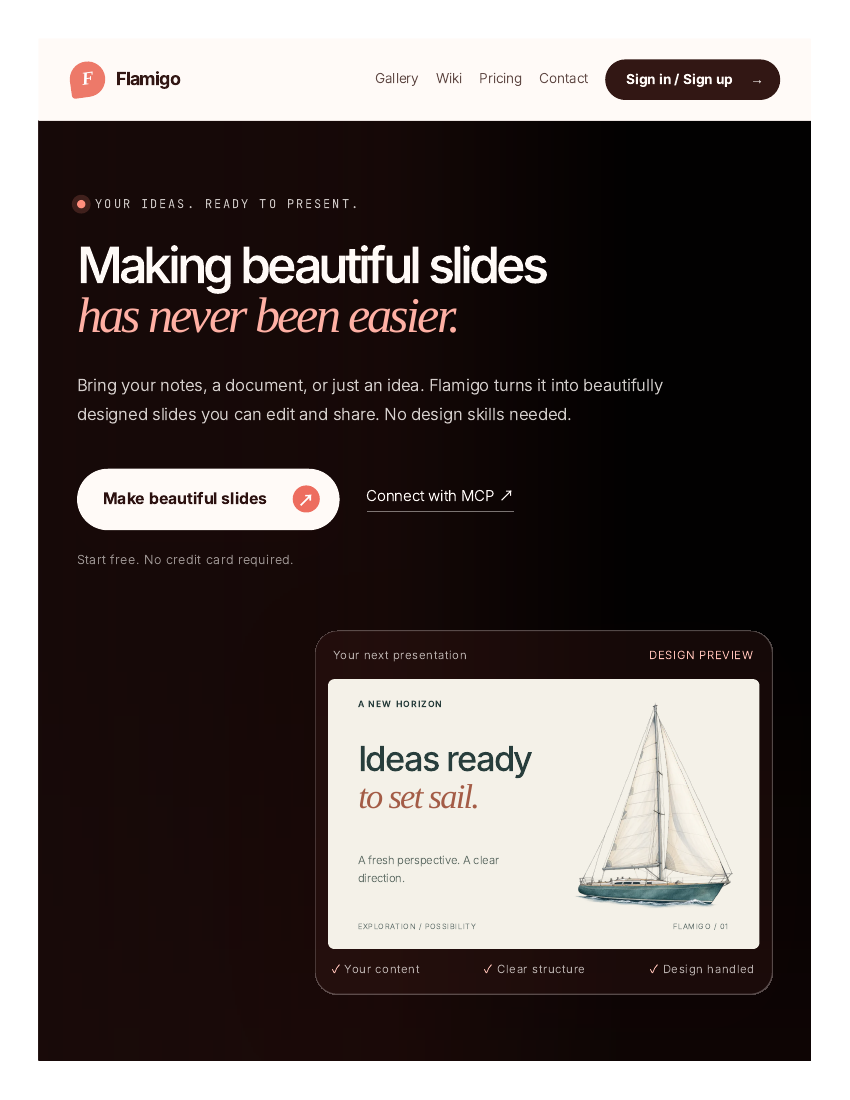
The official site puts it plainly: “Making beautiful slides has never been easier.” The flow is simple — paste your notes, upload a document, or describe an idea, review the outline, pick a theme, and Flamigo builds your slides.
And it is not one-click magic — each slide comes with several design options: compare them, keep the one that makes your point clearest, then fine-tune the layout in the editor. The AI designs, but the final call stays with you.
In short: Flamigo turns scattered notes into a deck you can actually present — without opening PowerPoint or hunting for templates.
Key features (what makes it different)
1. Notes to a full deck — outline first, slides second
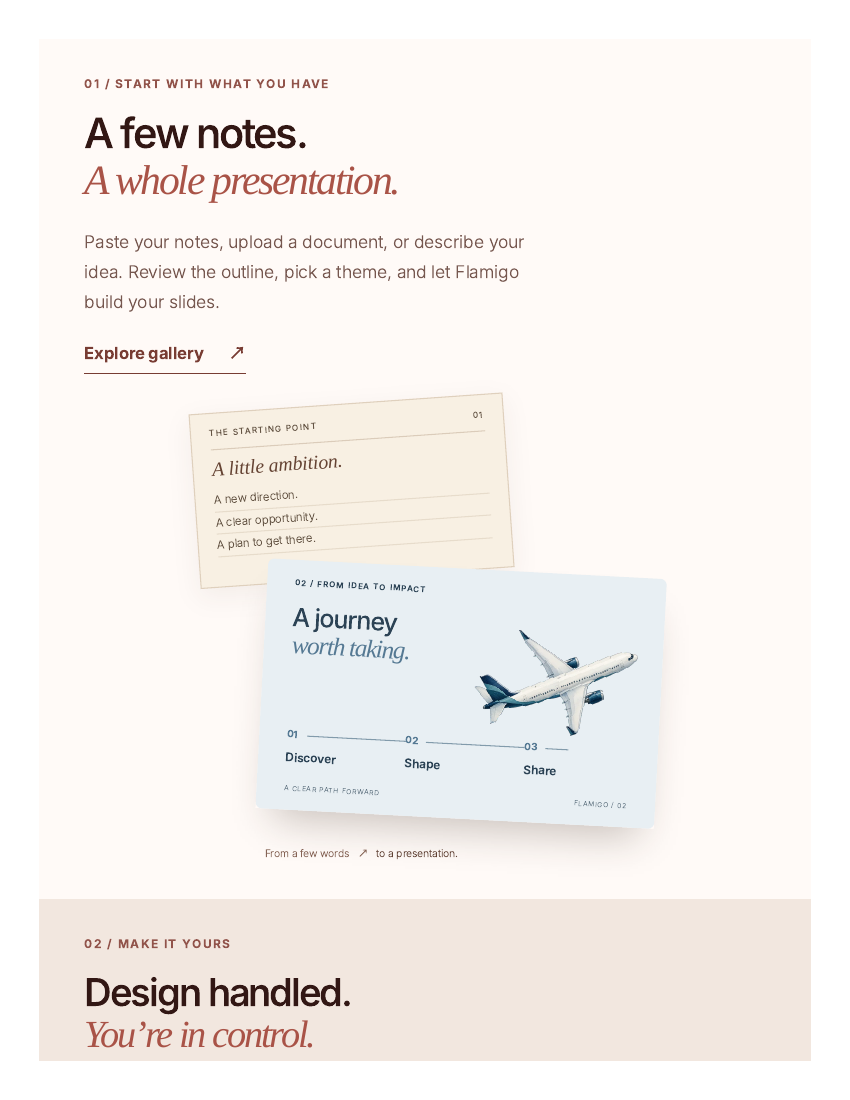
This is Flamigo’s core flow. Paste your rough notes and Flamigo builds an outline first; you review it, pick a theme, and the slides follow. Reviewing the outline matters: if the structure is wrong, you fix it before any slide is built, instead of rebuilding every slide afterwards. The site shows the example: notes such as “A little ambition. A new direction. A clear opportunity.” become a designed slide titled “A journey worth taking”.
2. Several designs per slide — compare, then choose
What if a slide’s content is right but the layout feels off? Flamigo shows several design options for each slide — compare them, pick the one that makes your point clearest, and carry on. The maker says on Product Hunt that this is what sets it apart from tools like Claude Design — choosing between designs for the same slide.
3. Full control in the editor — design handled, you are in charge
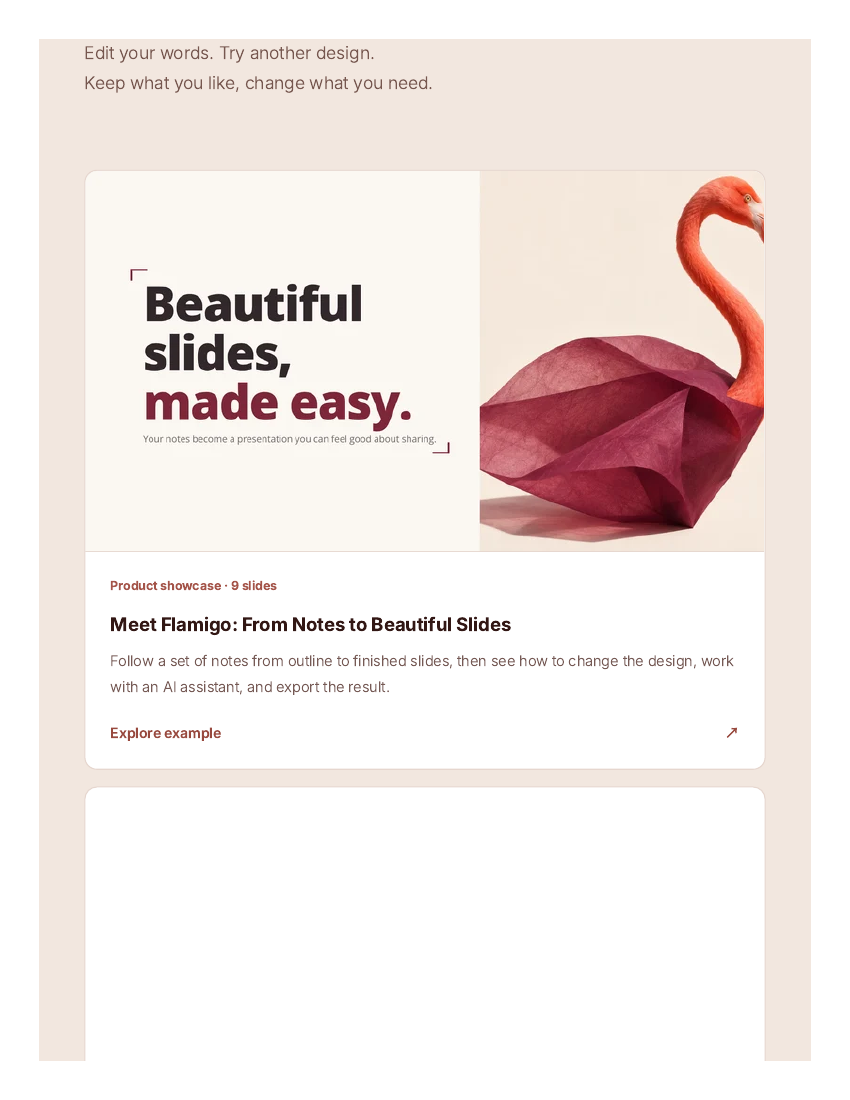
Edit your words, try another design, keep what you like and change what you need. A deck the AI built can still be reshaped to your taste — text, layout, theme. This is not a “generate and forget” tool; the finished deck follows your decisions.
4. MCP — build slides from your AI assistant
Flamigo connects over MCP (Model Context Protocol) — link it to your AI assistant (ChatGPT, Claude and others), then build and edit slides by chatting. For example: “Turn these notes into an elegant pitch deck.” It is listed in the official MCP Registry (since 8 November 2026), so you can get a deck from your assistant without opening the Flamigo site at all.
5. A gallery — look before you sign up
The site has a gallery of complete presentations made with Flamigo — six decks including “Why Cities Need More Green Spaces”, “The Future of Remote Work”, “How to Build a Personal Brand” and “The Rise of Electric Vehicles”, plus a 9-slide product showcase, “Meet Flamigo: From Notes to Beautiful Slides”. See what the output looks like before you sign up — that is the most honest demo there is.
Pricing — how much is free?
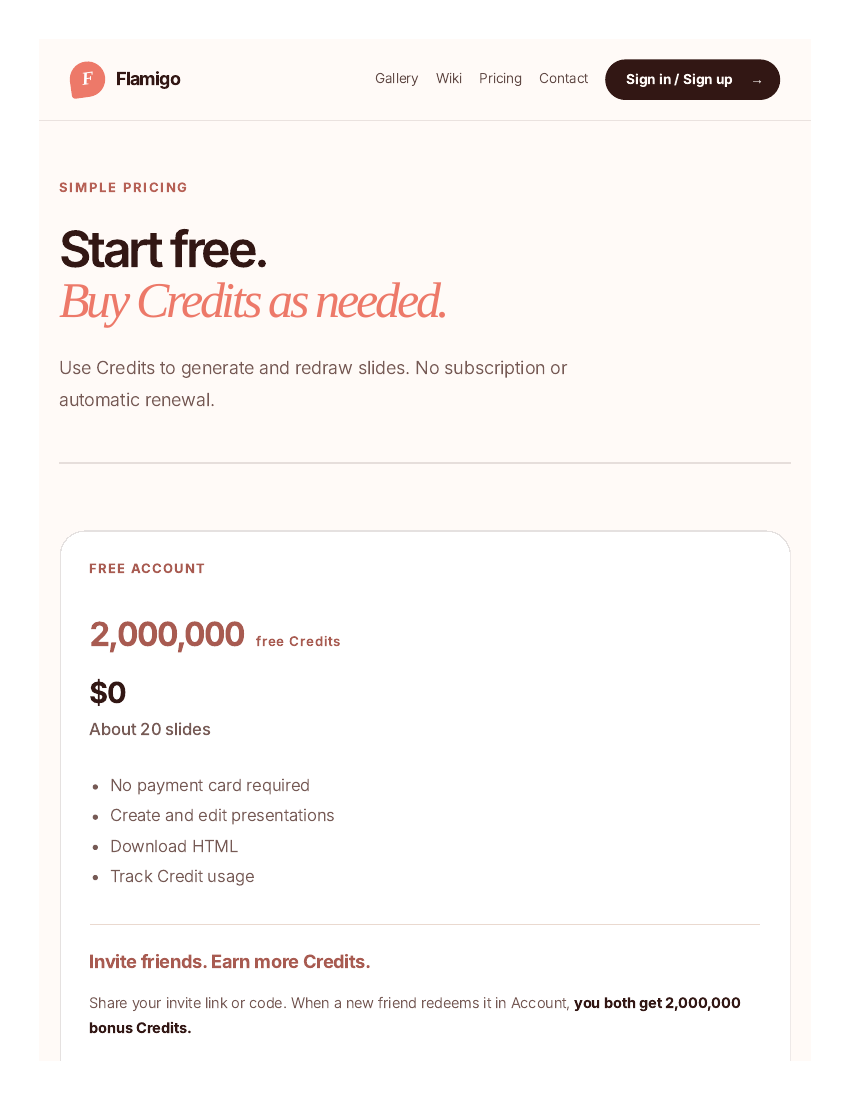
- Free ($0): 2,000,000 Credits — about 20 slides. No card needed. Create and edit presentations, download as HTML, and track credit usage.
- Pro — 2,000,000 Credits ($2, one-time): Everything free offers, plus PPTX download with editable text. Credits never expire, no auto-renewal.
- Pro — 8,000,000 Credits ($5, one-time): 60% more Credits per dollar than the $2 pack, with PPTX download.
- Pro — 20,000,000 Credits ($10, one-time, best value): 100% more Credits per dollar than the $2 pack (double value), with PPTX download.
- Invite rewards: Invite friends — when a friend redeems your code, you both get 2,000,000 bonus Credits. Up to 5 friends means 10,000,000 extra Credits. When a friend buys, you also earn 20% of their purchased Credits.
The honest math: the free credits cover one complete short presentation — that is real work, not a trial. But credit use is not fixed — the official site itself says longer or more complex decks use more credits, so a deck’s real cost is not known in advance. The $10 pack is the best value, but test the free credits first — buy a pack only if you like the output. Payments go through Dodo Payments.
Platforms
- Web app: flamigo.ai — runs in the browser, nothing to download
- MCP: Connects to AI assistants (ChatGPT, Claude and others) — listed in the official MCP Registry (8 November 2026)
- Mobile app: No mobile app is mentioned on the official site
- Export: HTML for free; PPTX with editable text on Pro packs
- Company: No company name is clearly stated on the official site — this looks like a new indie tool
- Launch: Launched on Product Hunt on 9 November 2026
Who should use it, and who should not?
- Students: Turn class notes into slides — the free credits cover a whole deck, with zero monthly cost.
- Freelancers: Client pitches and proposal decks — a $2 pack is enough if you present occasionally, with no subscription.
- Creators: Slides for videos or workshops — check the gallery for a style, then build your own deck.
- Professionals: Quick decks for meetings or team updates — review the outline first to fix the structure early.
- Do not use it if: You build decks daily and need team features (shared workspaces, analytics, custom domains) — mature tools such as Gamma fit better. Or if you need PPTX for free — Flamigo’s PPTX export is paid; free only gives HTML.
Comparison: Gamma / SlidesAI / Canva
- Gamma: The best-known AI presentation tool — a full deck from a prompt or document, with web-native publishing and analytics. Its free tier gives only 400 credits (one-time, never refills); Plus is $9/seat/month and Pro $18/seat/month (annual billing). Better than Flamigo if you build decks daily or need team features; Flamigo is better if you present occasionally and do not want a monthly bill.
- SlidesAI: Works inside Google Slides and PowerPoint — editable slides from notes or a document. Its free Basic plan allows 12 presentations a year; Pro is $10/month (annual billing). Better than Flamigo if you want to stay inside Google Slides; Flamigo is better if you want a standalone web tool with no subscription.
- Canva: The king of templates and manual design — it has AI features too, but building a deck is more manual. The free plan is generous; Pro is $120/year. Better than Flamigo if you want full control over design; Flamigo is better if you want a finished deck straight from your notes without designing.
🔍 People also search for
- flamigo ai
- flamigo ai free
- flamigo ai pricing
- flamigo ai slides
- flamigo vs gamma
- flamigo ai review
- flamigo ai login
- flamigo ai alternatives
- ai presentation maker free
- free ai slides maker
- ai slides maker for students
- gamma ai free
- slidesai pricing
- best ai presentation maker
- ai presentation maker no subscription
- tesseract review
- videco review
- stitch review
- turnstone review
- magpie review
Final verdict
Flamigo is a simple, honest idea — hand over your notes, get slides back, with no monthly bill. About 20 slides free, credits that never expire, one-time top-ups from $2, and MCP support for working with your AI assistant — that combination works for people who present occasionally. The honest cuts: the tool is very new (launched 9 November 2026), every deck after the free credits is paid, credit use is not fixed, and PPTX export sits behind a paywall.
Our rating: 4/5. If you are a student or freelancer who does not want a monthly subscription for presentations — create a free account at flamigo.ai and build one real deck from your notes. Check the output on the free credits, browse the gallery decks, then decide whether the $2 or $10 pack is worth it. If you build decks daily or need team features, look at Gamma; if you want to work inside Google Slides, try SlidesAI.
Note: This first-look review is based on the official site (flamigo.ai), its pricing page and the Product Hunt launch post (9 November 2026). We will add a hands-on update after using it ourselves.


